Exit
  • Global community
    • Language:
      • Deutsch
      • English
      • Español
      • Français
      • Português
  • 日本語コミュニティ
  • 한국 커뮤니티
0

adobe premiere pro need help setting up sequence rendering
New Here ,
Mar 14, 2019 Mar 14, 2019

prew.png

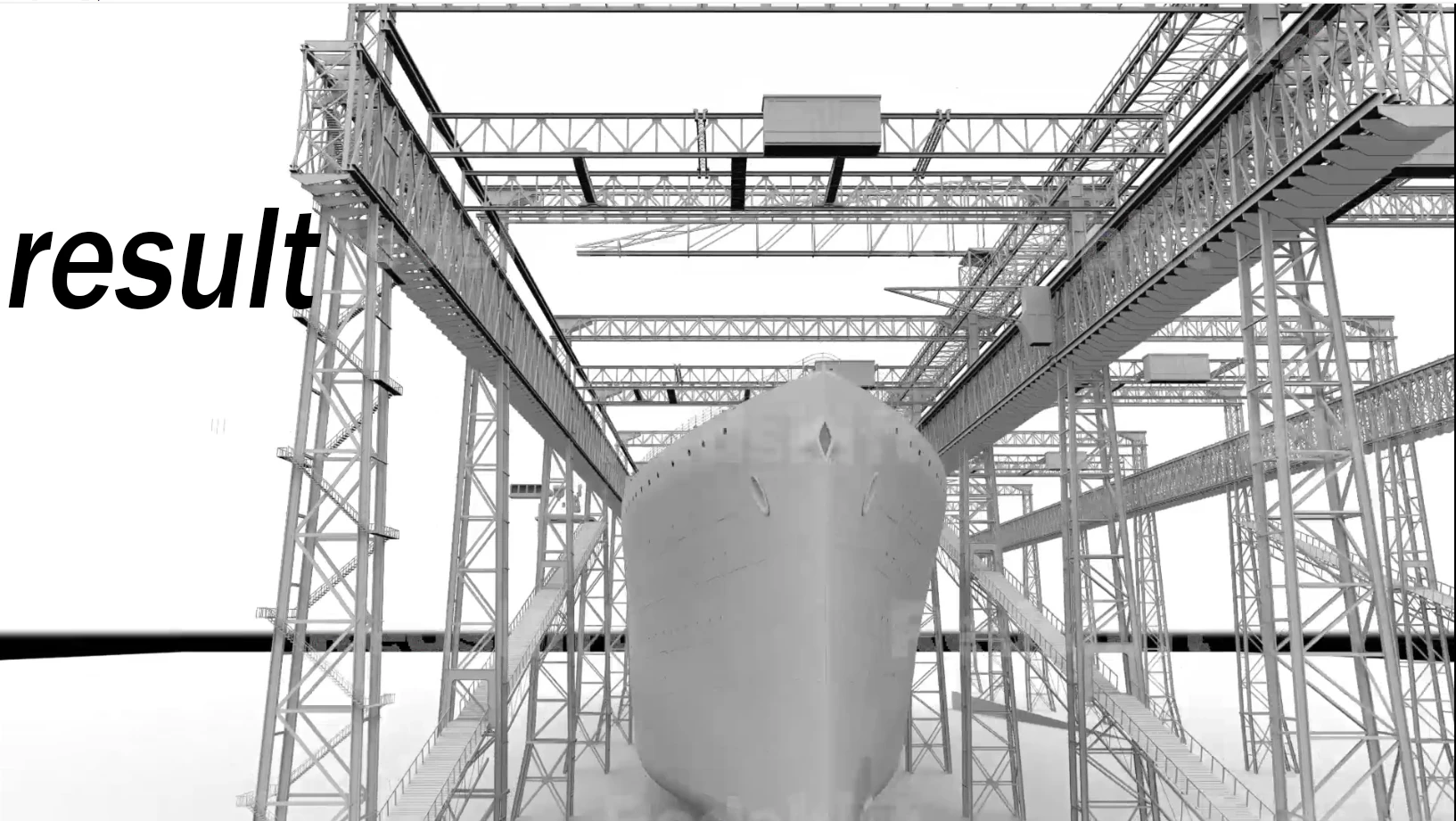
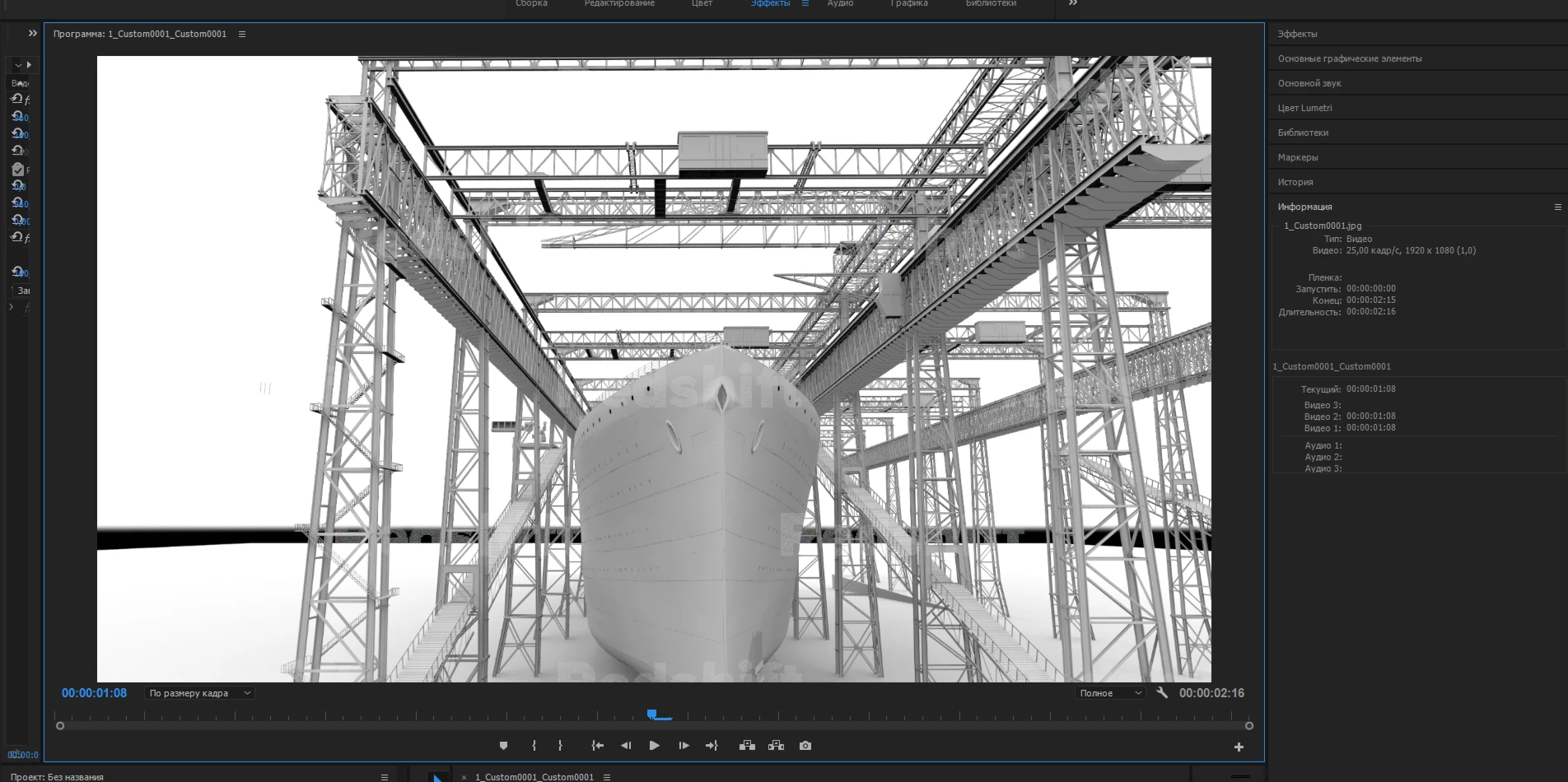
res1.jpgHi,I am new to this program and have encountered a problem, when rendering sequences made in 3dsmax, the video turns out to be fuzzy and blurry, how to solve this problem. In the video preview window, the normal and the output is fuzzy.I tried a lot of settings,but to no avail.Sorry for my english)

260
Translate
Report
Community guidelines
Be kind and respectful, give credit to the original source of content, and search for duplicates before posting. Learn more
community guidelines
Adobe Employee ,
Mar 14, 2019 Mar 14, 2019

Hi rjr75511321,

Sorry to hear you are facing issue with video rendering quality. Have you tested the exported file's video quality in Premiere Pro by importing the file back into Premiere Pro?

Please share screenshots of the export settings.

Thanks,

Vidya

Translate
Report
Community guidelines
Be kind and respectful, give credit to the original source of content, and search for duplicates before posting. Learn more
community guidelines
New Here ,
Mar 14, 2019 Mar 14, 2019

Hi this is my export settingssit.jpg

Translate
Report
Community guidelines
Be kind and respectful, give credit to the original source of content, and search for duplicates before posting. Learn more
community guidelines
Community Expert ,
Mar 14, 2019 Mar 14, 2019
LATEST

Uncheck Max Render if you have a dedicated videocard.

Try Match Source Adaptive High Bitrate.

Also set the preview on the left to Fit.

See how that goes.

Translate
Report
Community guidelines
Be kind and respectful, give credit to the original source of content, and search for duplicates before posting. Learn more
community guidelines