
Answered
Adobe Premiere Pro - Video File can't be displayed properly
When I import video files in premiere pro, they get covered with a kind of filter. The files are defenetly not damaged, because I can watch them outside of premiere without any problems.
It is looking like this(the video datas, do not have any filters or effects):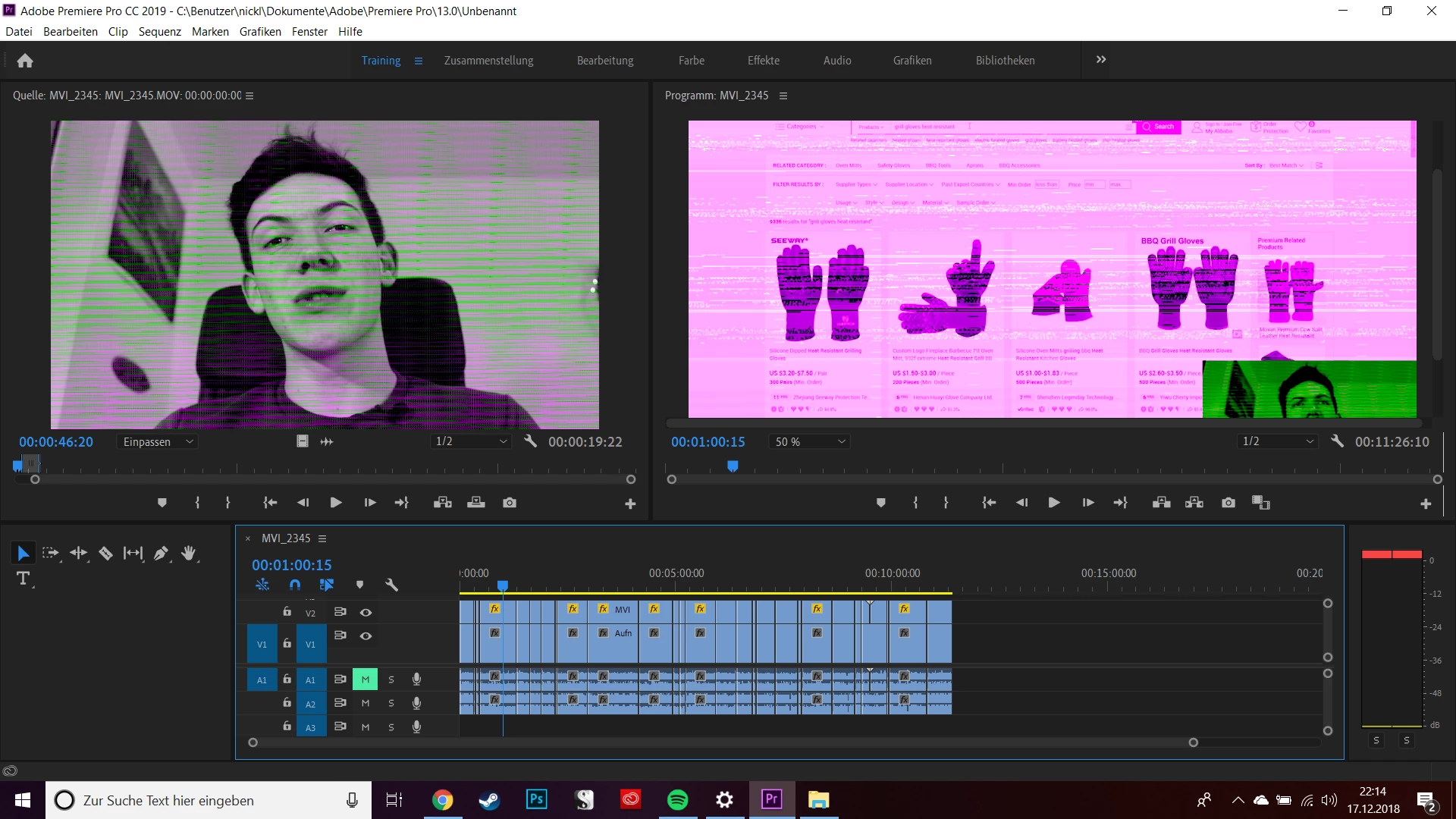
Do you have any idea, what I can do to fix it? Audio is working by the way.
Best regards,
Nicklas
 AdChoices