
Copy link to clipboard
Copied
I'm working with an After Effects composition imported into Premiere. I'm running the 2023 version of both applications since the 2024 versions have been a mess. As you can see in the attached screenshot, the composition displays correctly when I first add it to the timeline.
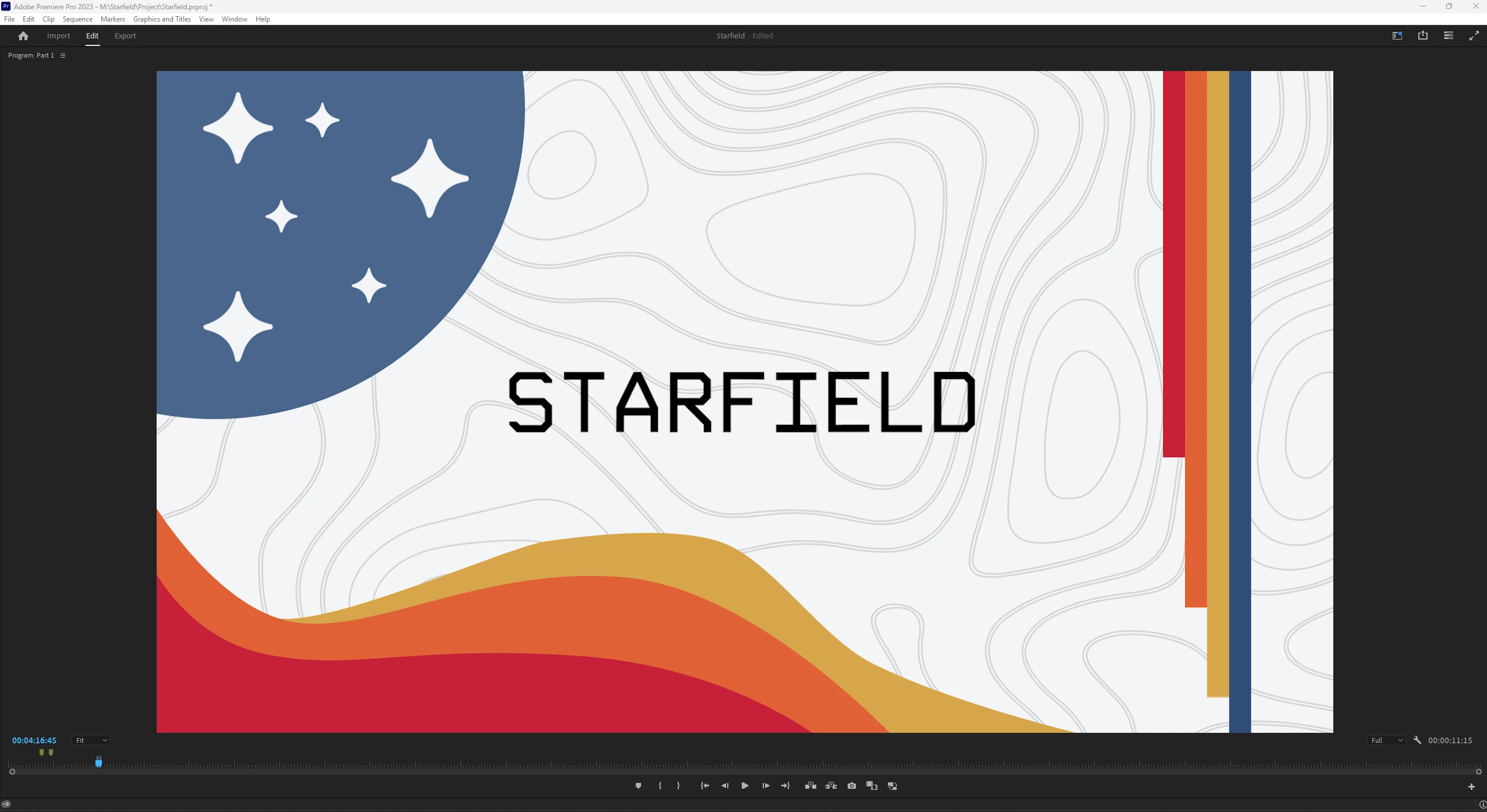
However, after I render the composition, it appears much darker for some reason.
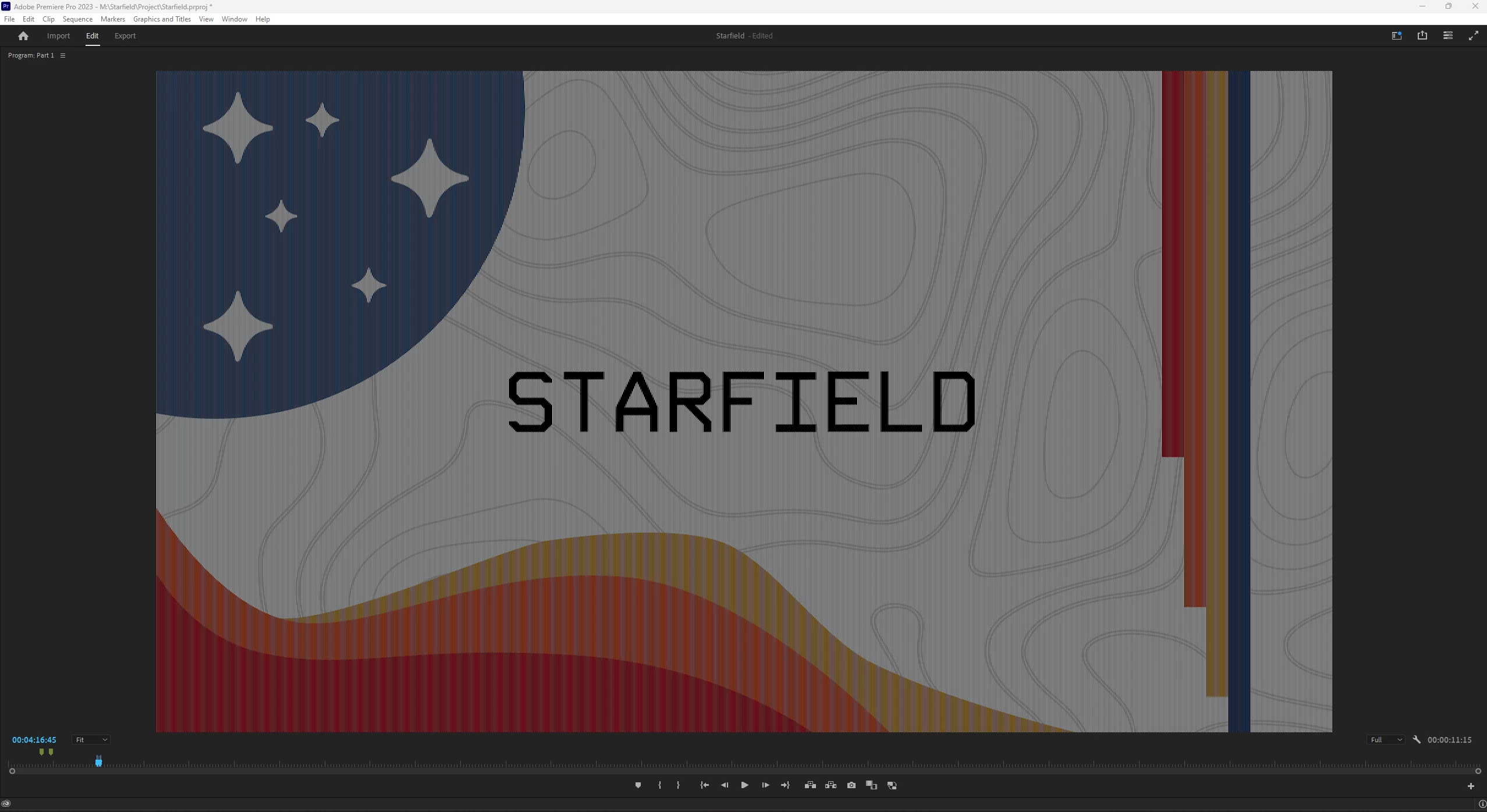
I'm not sure what's causing this, any ideas or solutions?
In case anyone stumbles upon this post, I figured it out. In the sequence settings, I had the preview file format set to "Quicktime" instead of "I-Frame Only MPEG." Once I switched it, the problem disappeared.
Copy link to clipboard
Copied
Forgot to mention I amk running this on Windows 11, all up to date.
Copy link to clipboard
Copied
Copy link to clipboard
Copied
Unfortunately this did not help me as the composition was made in After Effects, not pulled from premiere, and I am using 2023 versions of both applications.
Copy link to clipboard
Copied
In case anyone stumbles upon this post, I figured it out. In the sequence settings, I had the preview file format set to "Quicktime" instead of "I-Frame Only MPEG." Once I switched it, the problem disappeared.
Get ready! An upgraded Adobe Community experience is coming in January.
Learn more