Participant
June 24, 2022
Answered

After Effects composition glitch on premiere pro
  • June 24, 2022
  • 4 replies
  • 882 views

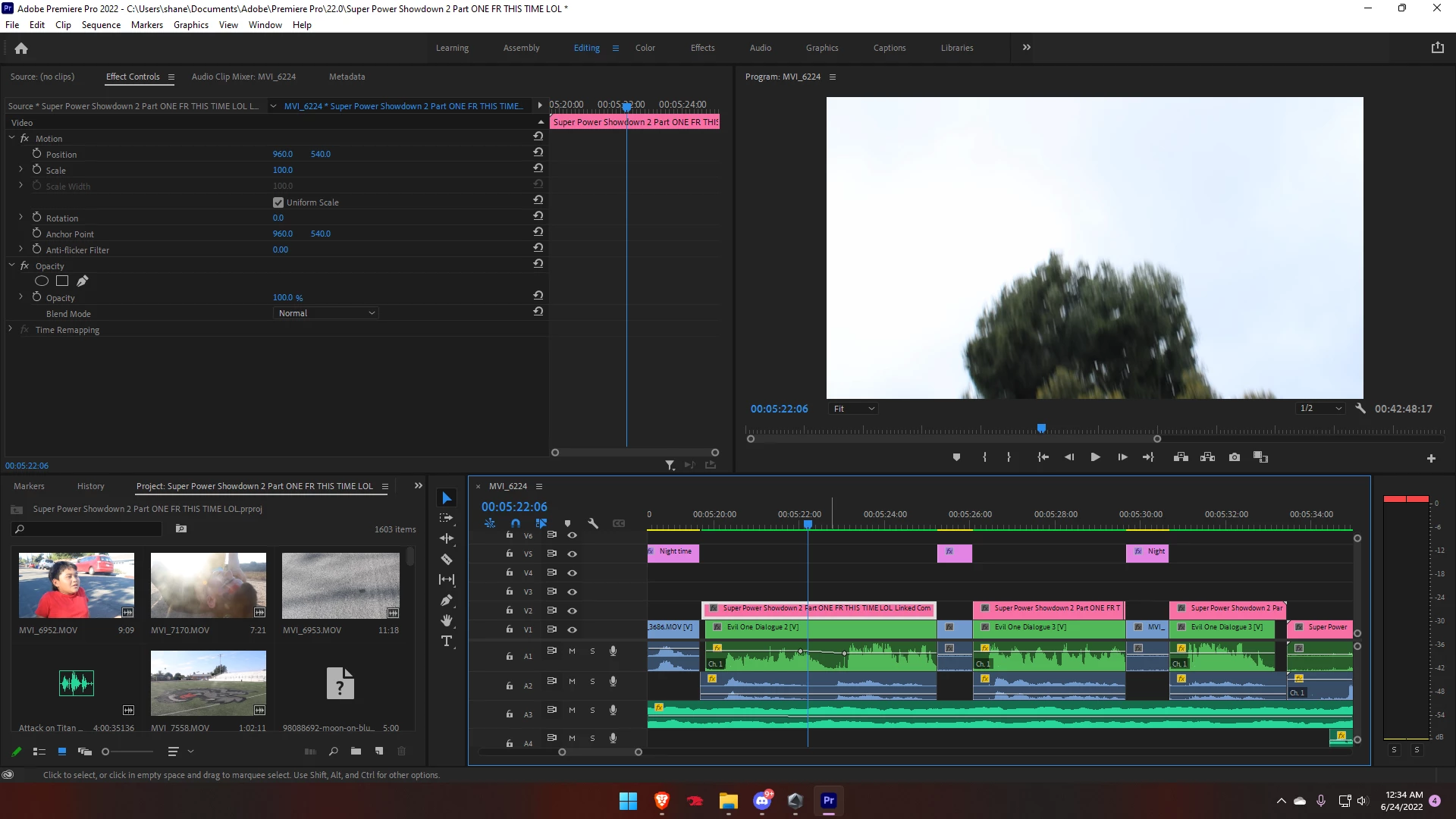
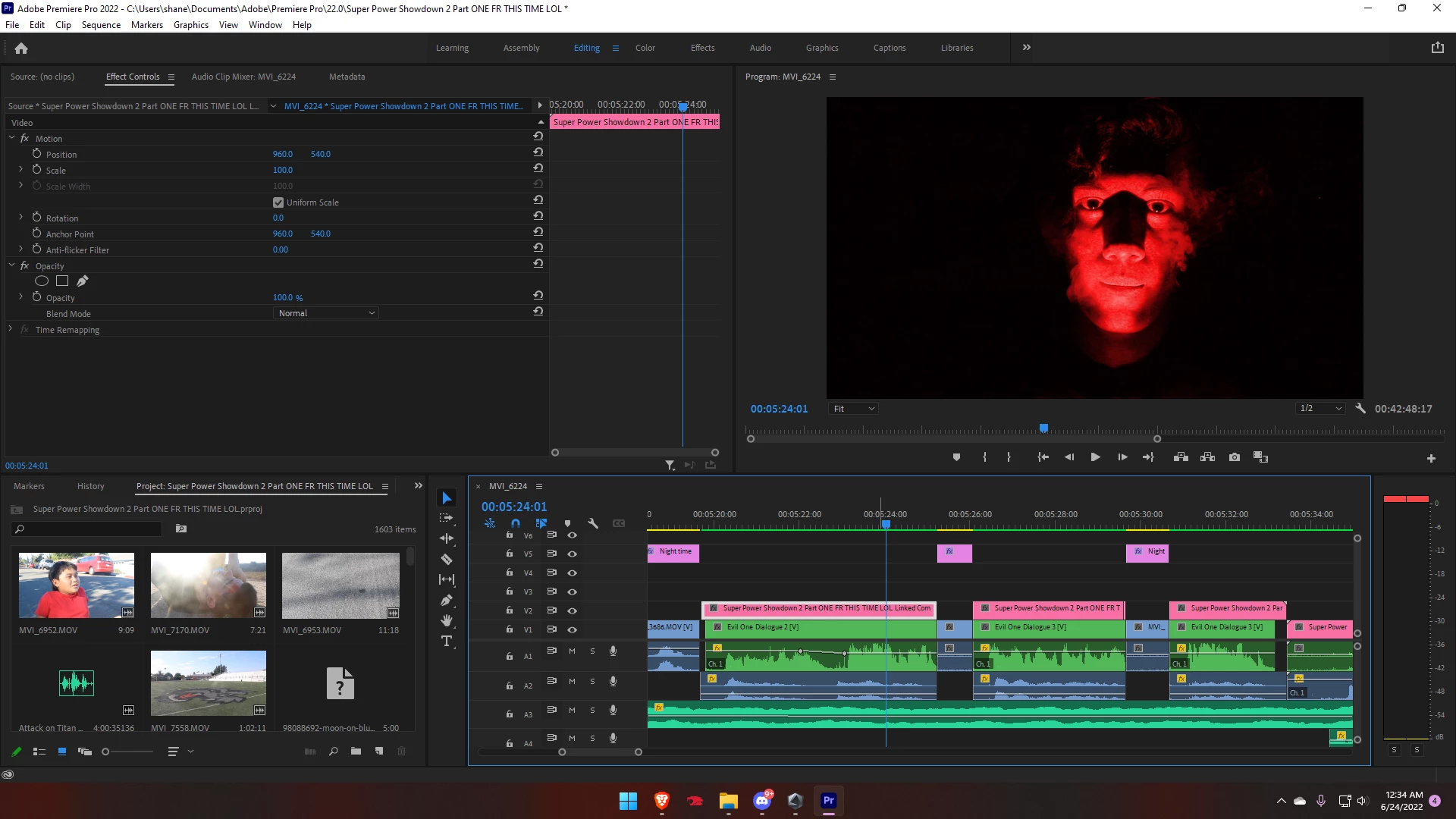
So here's my issue. The first image is supposed to be what you see for this entire clip. However, for some reason, this tree which isn't even in my AE file for that composition is appearing on top of the intended footage. I have no idea how to fix it. Please help. The tree is actually from a clip way furthur down the line in the video, so I have no idea how it ended up here.

This topic has been closed for replies.
Correct answer Shanes1124996604qb4f

Ok good news! I found out that it was an issue only happening in After Effects, so when I went to uninstall it and reinstall it, I saw that I had the option to update the app, so I did. Boom now the bug isn't there anymore. Thank you all! I appreciate all the help!

4 replies

Shanes1124996604qb4fAuthorCorrect answer
Participant
June 26, 2022

Ok good news! I found out that it was an issue only happening in After Effects, so when I went to uninstall it and reinstall it, I saw that I had the option to update the app, so I did. Boom now the bug isn't there anymore. Thank you all! I appreciate all the help!

Richard van den Boogaard
Community Expert
Community Expert
June 25, 2022

Please try this: does disabling (right-click enable) on the video portions of the underlying clips and re-rendering make a difference?

Community Expert
June 25, 2022

check renderers from project settings in both premiere pro and after effects,

should be the same (either software only or GPU accelerated.

and follow what Ann said as well, delete media cache and render files from premiere pro.


Ann Bens
Community Expert
Community Expert
June 24, 2022

Delete all media cache and preview files: see how that goes