
All creative cloud apps crashing randomly! Please help.
I wasn't sure which community thread to post this as it applies to every app I use, however as I use PremierPro most frequently I thought this thread made sense.
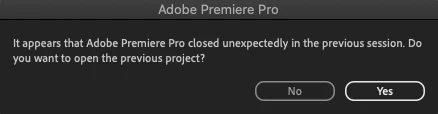
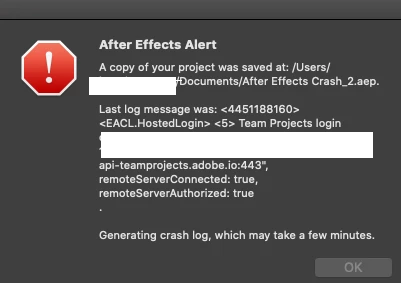
An issue exists where my CreativeCloud apps crash or close. It's random but it happens together at the same time, for instance if I'm running AE and PP one will never crash, they both will at the same time. I'm always able to recover my project on PP, AE not always and I've attached a screenshot of the messages I receive. With PP the message I receive is the standard crash message.
The system I am running is as follows:
macOS Catalina 10.15.7
2.6 GHz 6-Core Intel Core i7
16 GB 2667 MHz DDR4
AMD Radeon Pro 5300M 4 GB
Intel UHD Graphics 630 1536 MB
All the apps are up to date with the latest version as of today's date, so PP and AE are 15.0.
The other apps crash also and this includes InDesign, Illustrator and Photshop. These 3 don't promt the crash or allow me to recover, they literally just shut down, no warning nothing. It's not a ram issue either because I will run these apps individually with nothing else running and at idle, so not doing any work and they still crash.
I have recently uninstalled everything including the creative cloud app to try and fix as well as remove all apps within the applications and it still continues to crash.
Can anyone help? Or do I just need to find other editing and software to use? 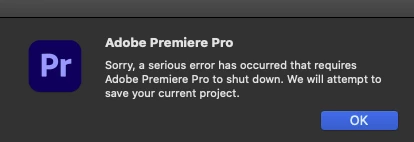


 AdChoices