
March 18, 2024
Answered

All my export presets are removed after installed update

  • March 18, 2024
  • 3 replies
  • 716 views

One just opened a Premier Pro and all my export presets just disappear 🤬on 2 of my computers.

I worked hard to create these profiles and now I need to do it again.

This is happening the second time already.
This topic has been closed for replies.
Correct answer bbb_999

That makes sense. 

We don't auto-magically copy your old presets into the new location,  because presets are not guaranteed to be forward-compatible, and may refer to output configurations no longer present in the newer version.

3 replies

bbb_999
Community Manager
bbb_999Community ManagerCorrect answer
Community Manager
March 22, 2024

That makes sense. 

We don't auto-magically copy your old presets into the new location,  because presets are not guaranteed to be forward-compatible, and may refer to output configurations no longer present in the newer version.

March 21, 2024

Hey Bruce

You are correct the presets are there but

What actually happened is my Premier Pro was updated from 22 to 24 and when I opened my brand new 24 I couldn't find my presets because the installation of 24 created a new folder in /Users/<username>/Documents/Adobe/Adobe Media Encoder/24.0/Presets.

It already created new presents and wasted a lot of my time on it. As a user, I expect to see all my presents in the encoder when the upgrade happens, since the update happens automatically I am not aware of a new version when I open it.

Bruce Bullis
Legend
March 19, 2024

Are you sure the presets are actually gone

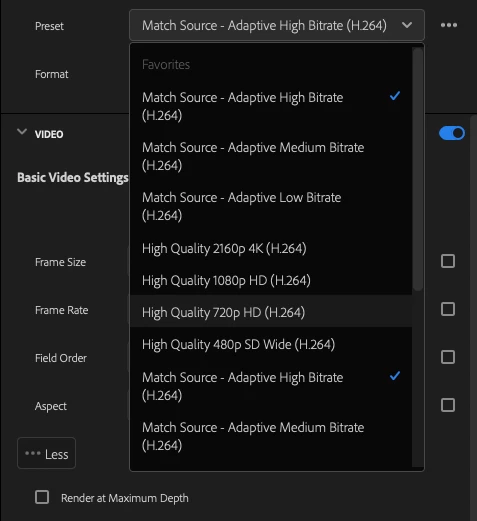
The Export mode displays an abbreviated list of presets; unless you used the OS to delete your custom presets, they'll still be available under that popup's "More presets" option. 

On MacOS, you can find your custom presets in:

/Users/<username>/Documents/Adobe/Adobe Media Encoder/24.0/Presets