
Anchor point for Basic 3d tilt effect is STUCK in middle. HELP!!
Hey all,
After scouring the internet and these forums for help, I found nothing. Nobody seems to be having this issue.
I want to have some text tilt from top to bottom, as if it was hanging horizontally from a hinge and was dropped. I know that the tilt effect in Basic 3D should be the best option.
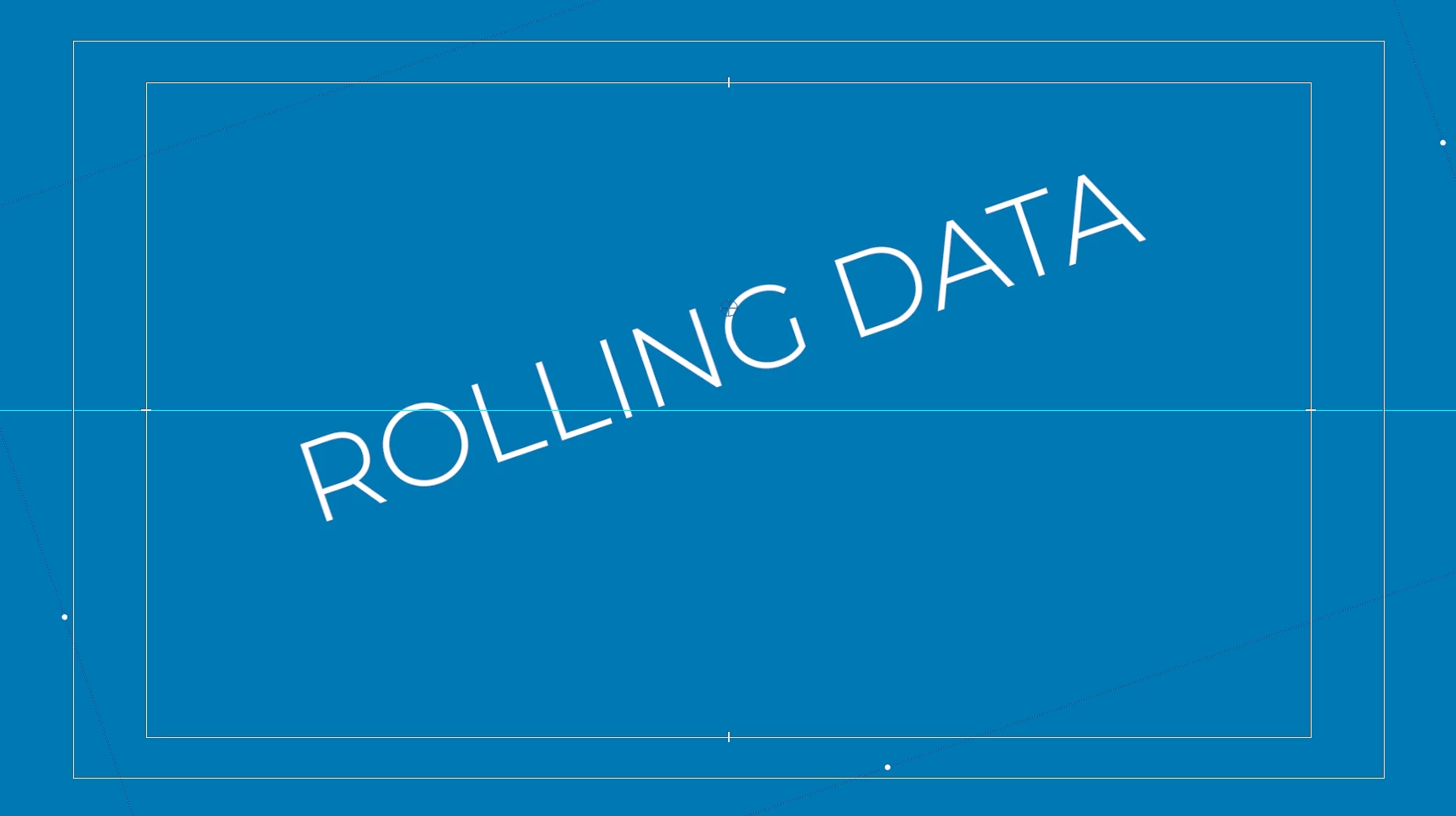
I adjusted the anchor point to be right above the text, and it works fine for basic rotation:
However, then I try to apply the tilt effect, Premiere seems to believe the anchor point is dead center, and I can't change it no matter what I do:
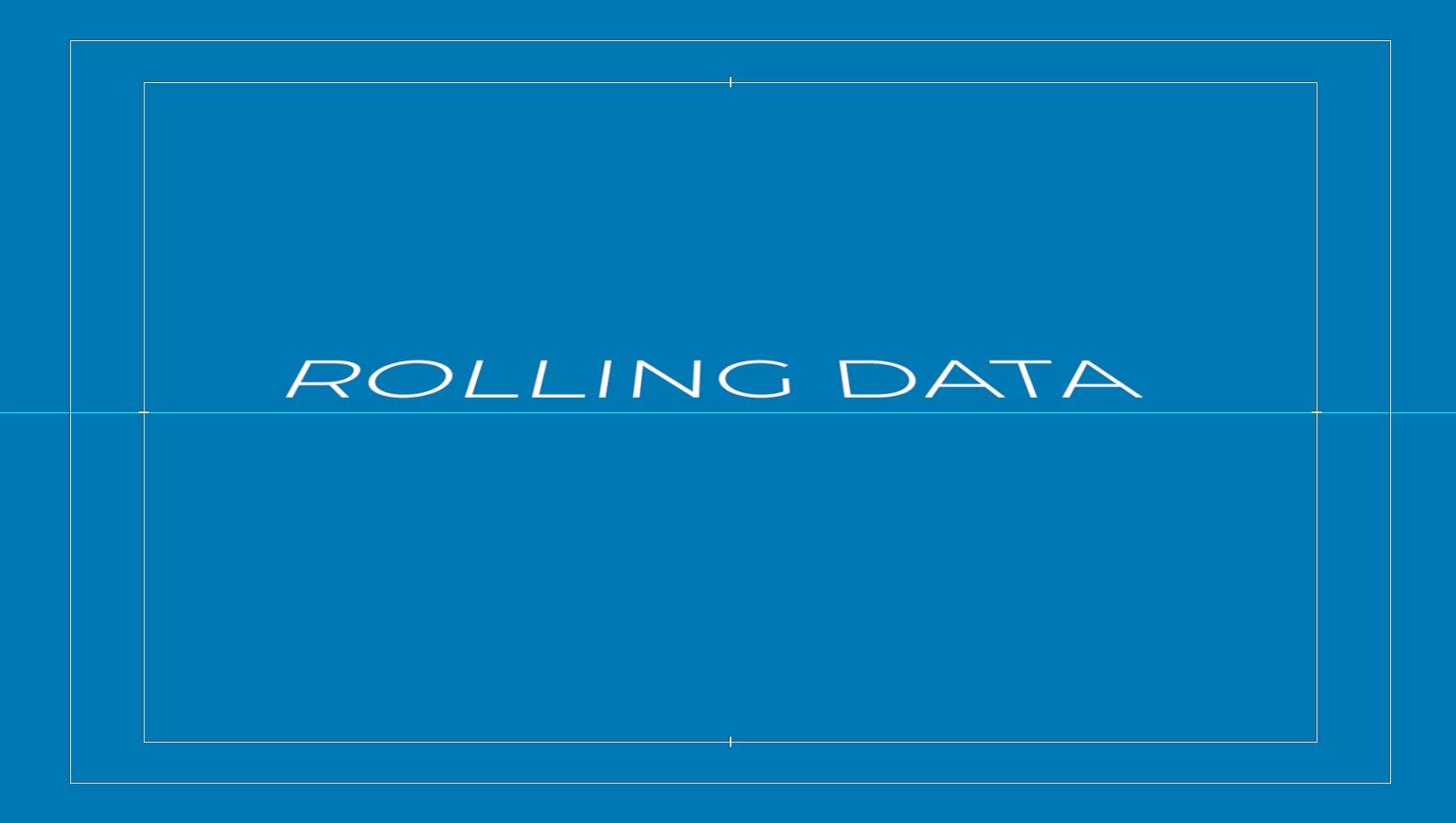
What the heck is going on here? This makes no sense. Clearly the anchor point is in the correct place - it just seems like it has a different anchor point for tilt which I cannot change or move.
Any help would be greatly appreciated!!
 AdChoices