
Anti-Aliasing for swipe transition
Hey Adobe-Community!
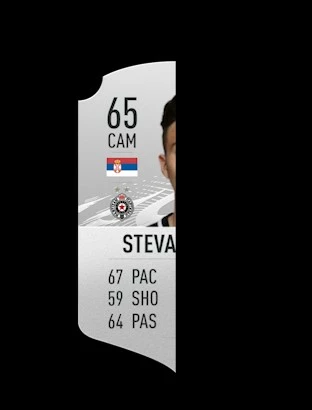
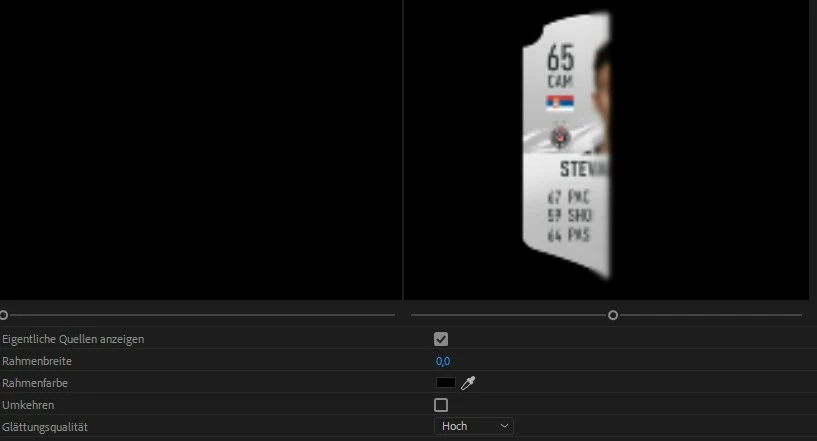
I have a problem which I can't find the answer to and I have watched so many videos but still can't do it. So my question is, I got a background and on the background I got an image which I want to uncover itself with a swipe effect from self to right. The problem is, there is always a hard line with no blur, but I want the line smother in the actual video. I tried it with the Anti-Aliasing Quality in the effect settings of the picture (png), which does work but only in the effect settings screen not actually in the video itself. Can someone help me with that? The 2 Pictures attached show how it looks in the video (Actual Video) and the other one shows how I would like it, the edges are more blur and not that hard cut (Effect Settings Screen).
 AdChoices