
Question
Applied 1:1 Aspect Ratio to Video. Instagram wont allow me to upload exported Video.
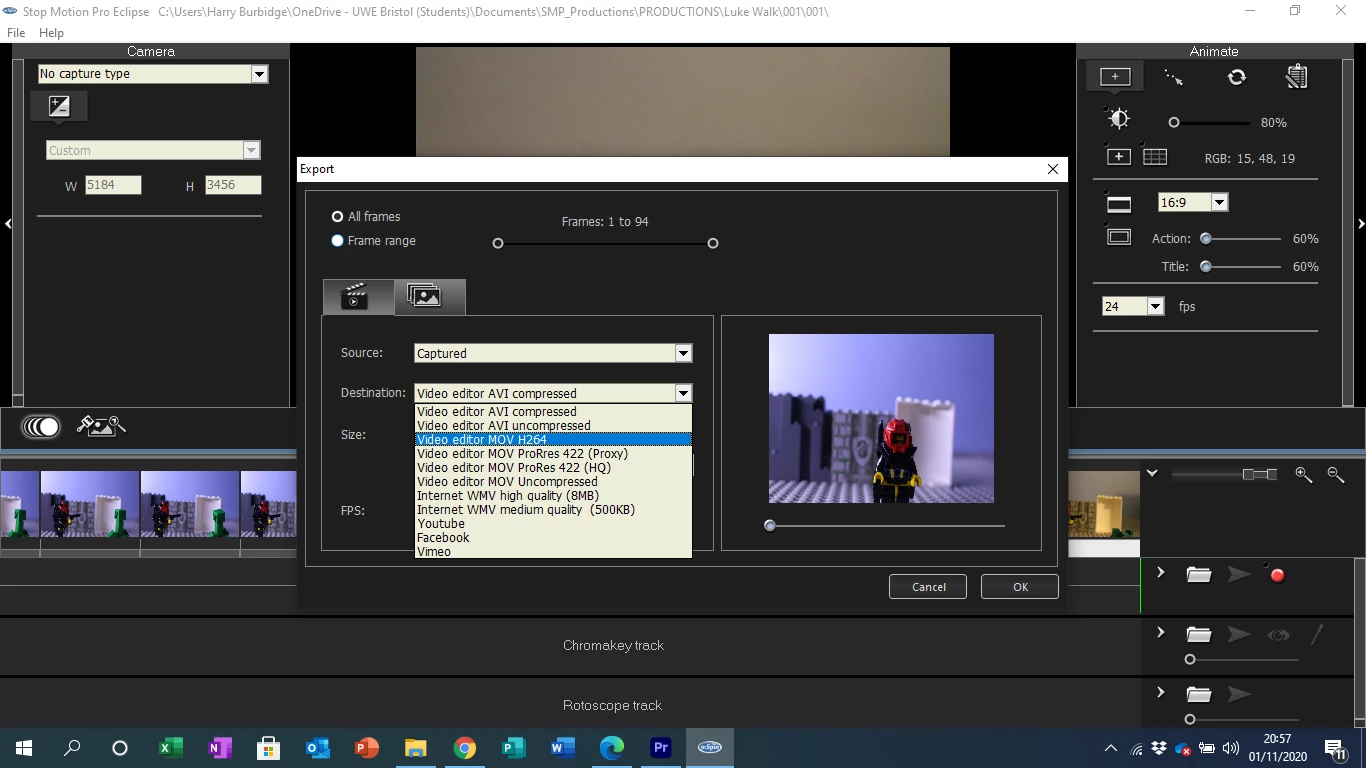
Original Video is from Stop Motion Pro with the following Export features. I used AVI uncompressed:
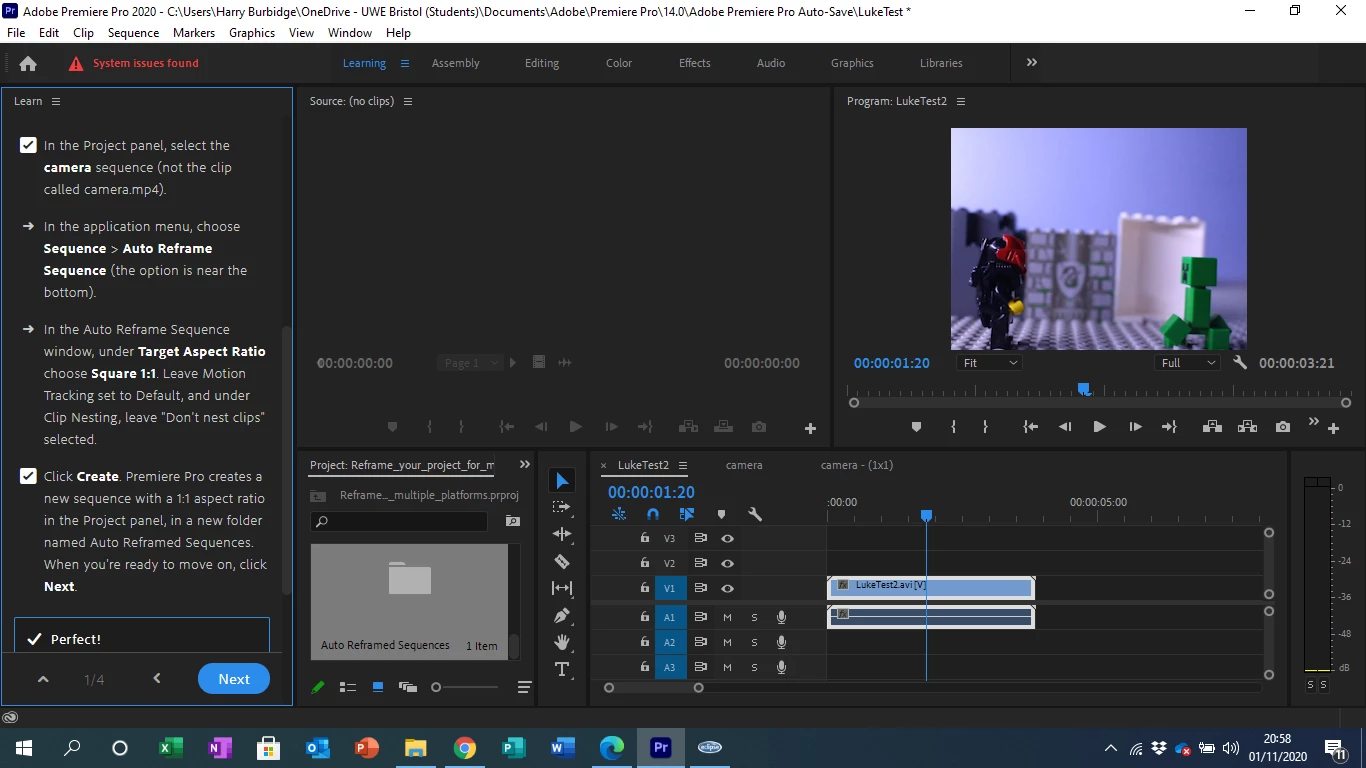
When I put the exported File into Premiere Pro I applied the 1:1 Aspect Ratio as recomened via the in app tutorial for uploading to Instagram.
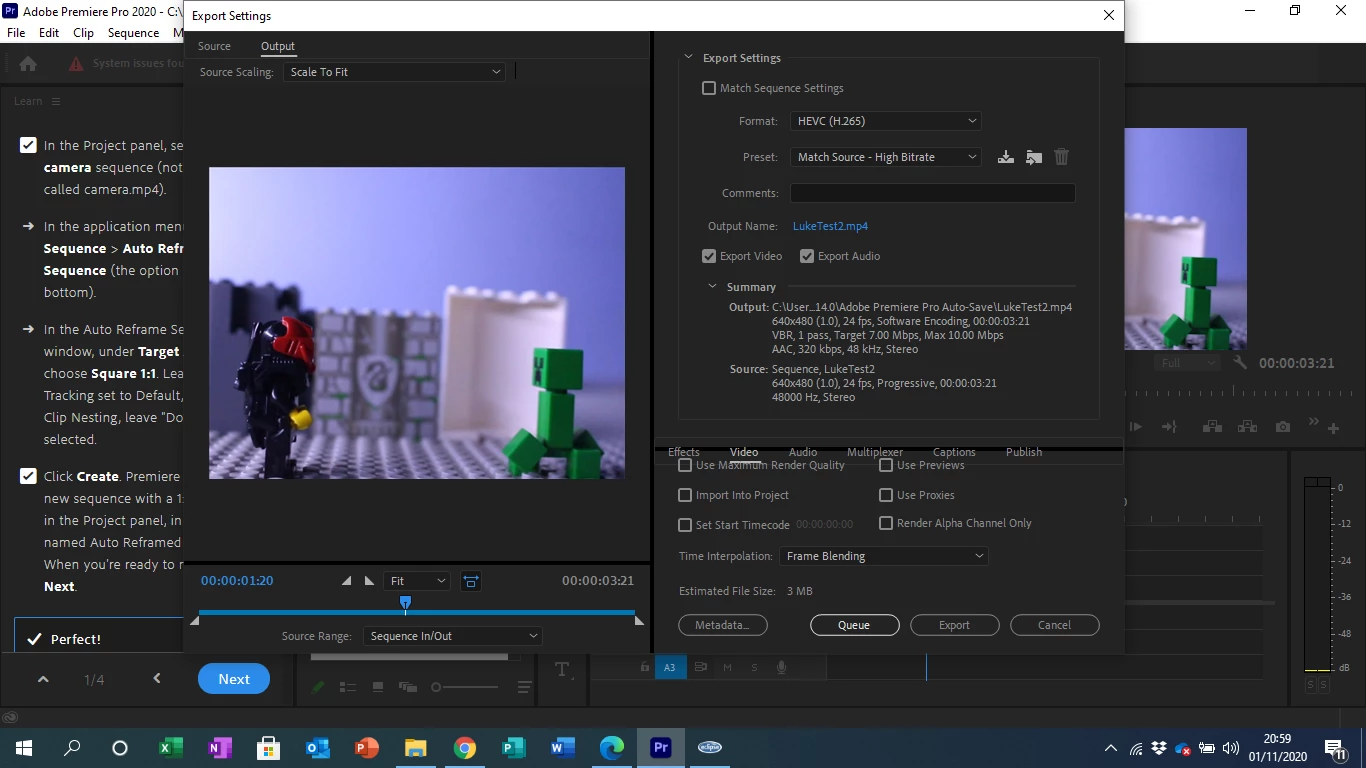
Here is a screen shot of the export:
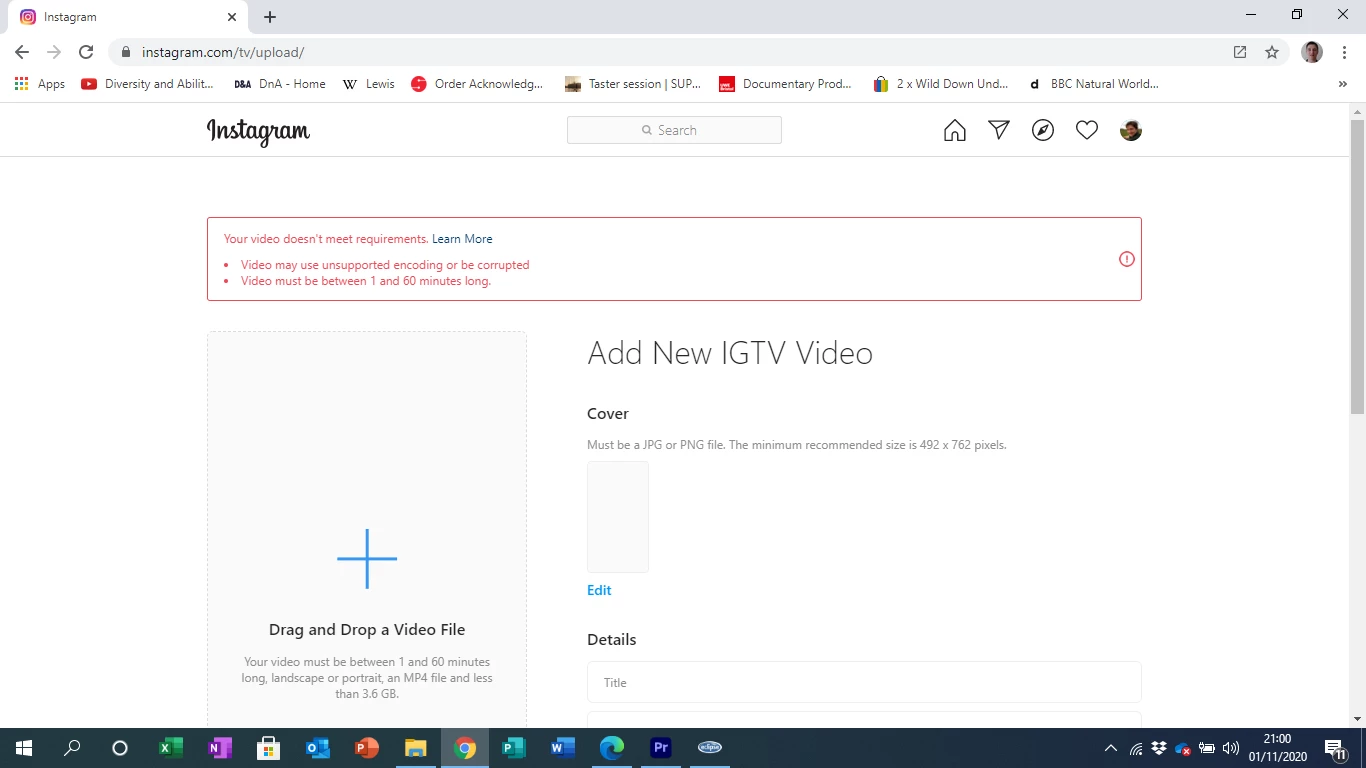
And here is Instagrams response:
Should have I exported the sequence in a different format in stopmotion pro, before importing into premiere pro or should have I changed the export settings when exporting in Premiere Pro?
If you are able to help with this inquiry I would be extremely grateful if possible please.
Many thanks
Harry
 AdChoices