rickyj89135955
Known Participant
March 19, 2025
Question

Artitfacts, Green Screen, Lagging Video from VHS capture

  • March 19, 2025
  • 1 reply
  • 340 views

I've been converting vhs tapes to digital and have noticed there always seems to be a slight lag.  I found that rendering the footage before exporting really helped with the video playback as an mp4 file.


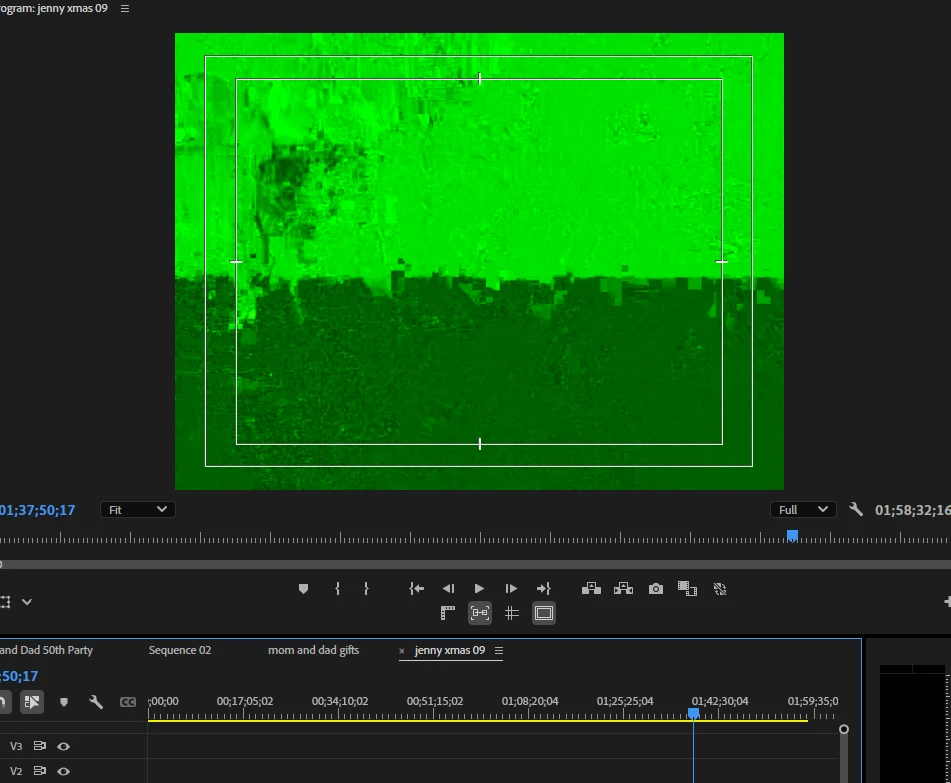
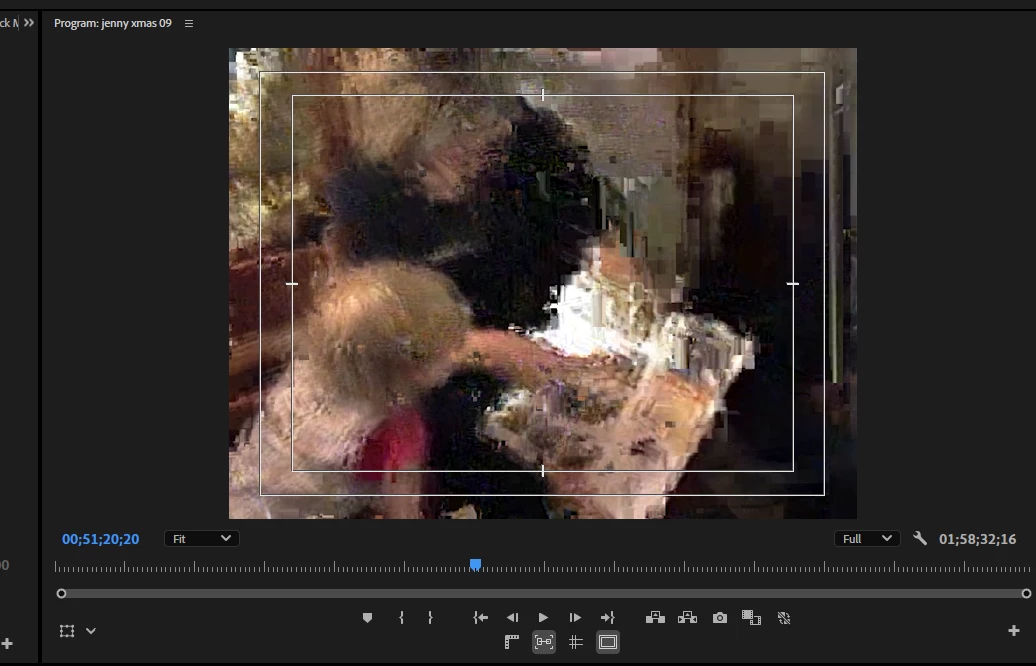
Right now I have three clips combined on one timeline and no matter how I export it the lag and artifacting is horrible.  Even scrubbing through the footage just creates more problems.  Even rendering before exporting hasn't helped the footage.


I have the latest drivers for my gpu and have tried to turn off cuda acceleration but still haven't gotten anywhere with having the footage playback smooth and normal.

Screenshots of timeline
1 reply

JonesVid
Community Expert
Community Expert
March 19, 2025

I think for the community to give you some directions on this we will need a bit more info.

- what were you using for the analogue to digital conversion ?

- what was the codec you captured them in ?. But rate etc.

- if you playback those digital video files on another device - is the video quality ok? Any sign of video / audio lag on the generic captures?

- what codec are you exporting in ?

- is playing on the premiere timeline clean?

- what version of premiere are you using ?

plus any other useful info you think might help you sort this problem by the community

rickyj89135955
Known Participant
March 19, 2025

On the timeline if I pause and move the playhead it will mess up for a few seconds before playing normal again.  I'm exporting it to mp4 and and using a generic av convertor off of amazon.  

John T Smith
Community Expert
Community Expert
March 19, 2025

>generic av convertor


Making what kind of file?

Exactly what is INSIDE the video you are editing?
Report back with the codec details of your file, use the program below
Free program to get file information for PC/Mac http://mediaarea.net/en/MediaInfo/Download
- a MediaInfo tutorial https://youtu.be/Ivy9ckSX1M0
- when you analyze your file in MediaInfo and post a screen shot in the forum, do so in TREE view
- post your information IN your message, not as an attachment that someone would have to download


Does your video use a Variable Frame Rate? See https://community.adobe.com/t5/Premiere-Pro/Variable-frame-rate-video-with-Premiere-Pro/td-p/4601935
If yes, use https://handbrake.fr/ open source transcoder/converter to convert to Constant Frame Rate
Handbrake tutorial https://www.youtube.com/watch?v=xlvxgVREX-Y&t=34s