Ezad
Inspiring
July 24, 2023
Answered

Aspect Ratio Adjusts to 4x3

  • July 24, 2023
  • 1 reply
  • 1359 views

Hello

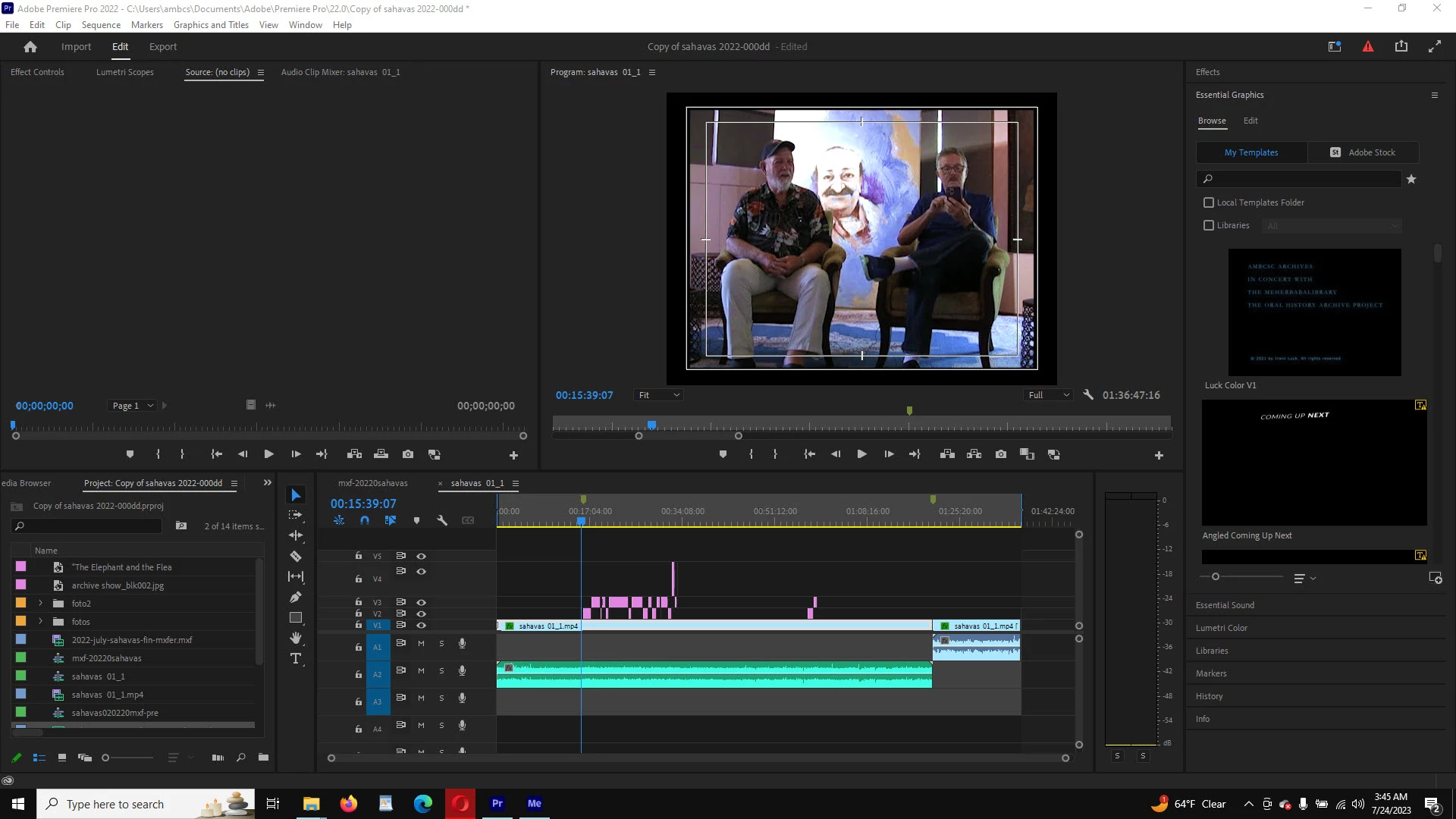
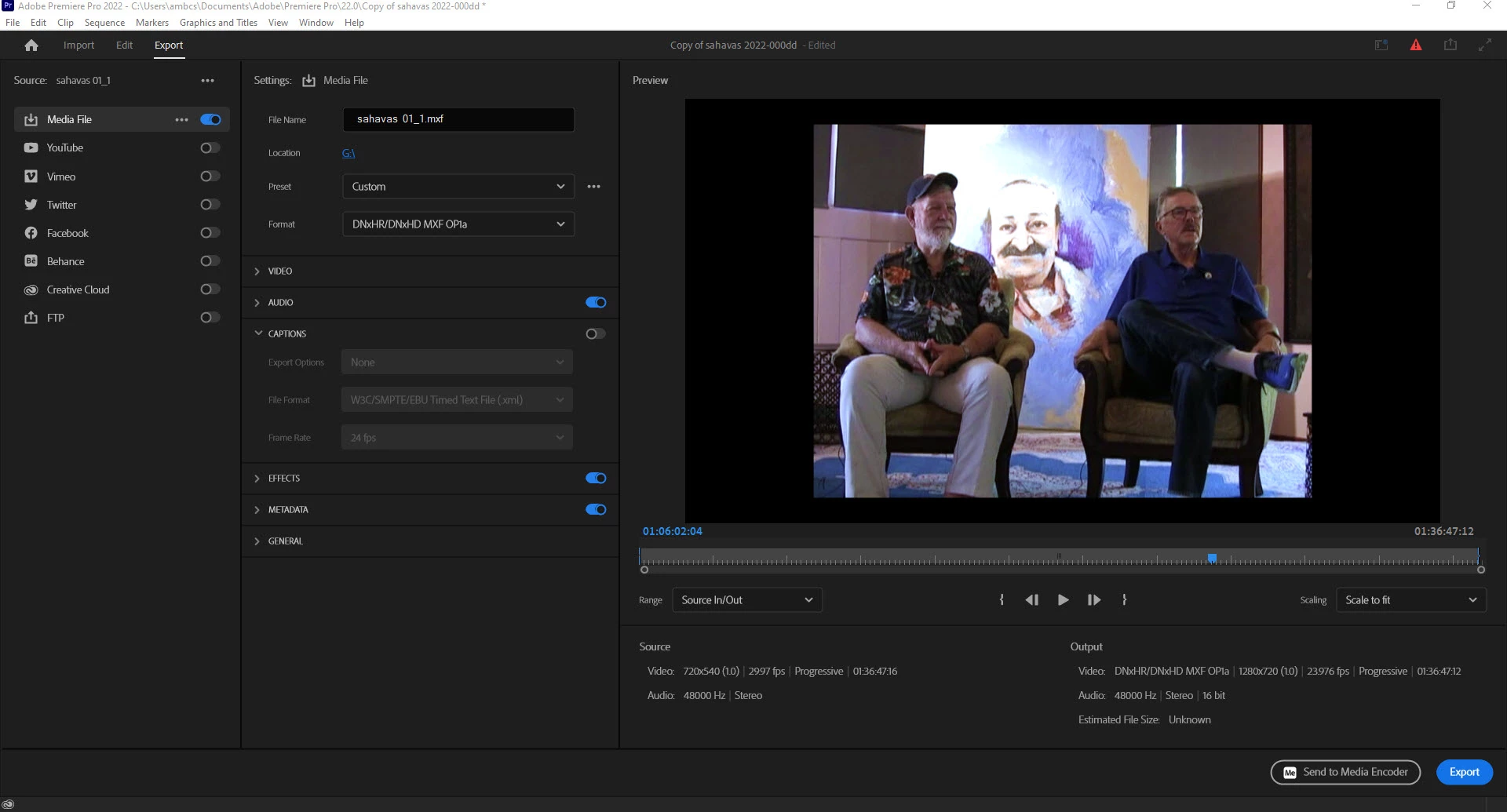
This is a screen shot showing the PP edit window. The film fills the screen left to right thus appearing to be 16x9 however when I do an export the film converts to 4x3? How do we keep the video as it appears within the editing environment? The intent of the export is to prevent this video from looking like a anolog box.

Thanks for any advice!!

File Path: L:\2022 sahavas\sahavas 01_1.mp4
Type: MPEG Movie
File Size: 2.78 GB
Image Size: 720 x 540
Frame Rate: 29.97
Source Audio Format: 48000 Hz - Compressed - Stereo
Project Audio Format: 48000 Hz - 32 bit floating point - Stereo
Total Duration: 01:36:38:09
Pixel Aspect Ratio: 1.0
Alpha: None
Color Space: Rec. 709
Color Space Override: Off
Input LUT: None

Created with: Adobe Photoshop 23.2 (20220118.orig.521 930aa48) (Windows)
Project: C:\Users\ambcs\AppData\Local\Temp\johnkent2022.prproj
Video Codec Type: MP4/MOV H.264 4:2:0
This topic has been closed for replies.
Correct answer Ann Bens

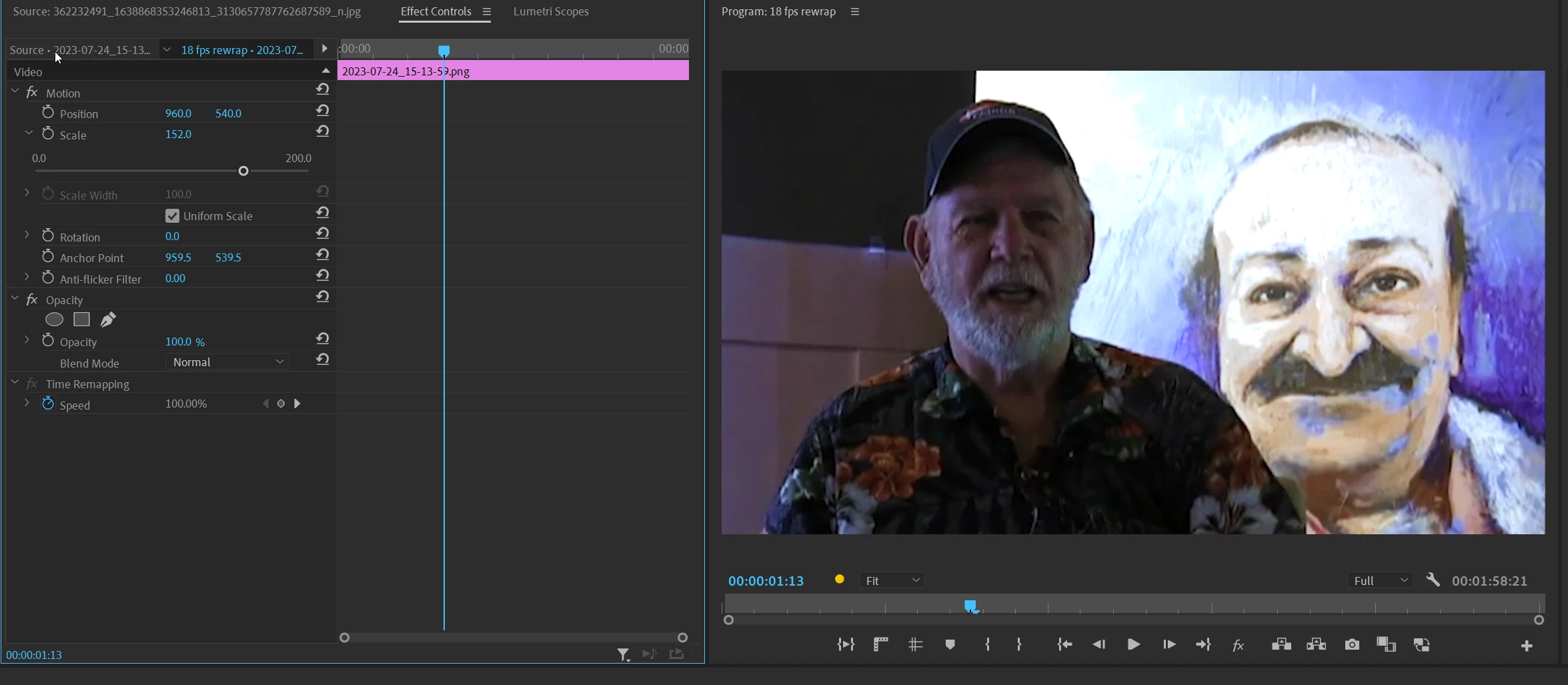
if you want this 4x3 file in widescreen without the black bars you need to set this up in the sequence setting.

Which means you need to scale the footage to about 152% to make it fit.

You will loose the top and bottom.


If you export your timeline to 720x540 (same as sequence) you will get a 4x3 frame with no bars except for the narrow black border as shown in your screenshot. (image does not fit the frame).

1 reply

Ann Bens
Community Expert
Community Expert
July 24, 2023

Your original clip is 4x3 and you are exporting 16x9. That is what i see.

Post screenshot original clip in MediaInfo in treeview.

Also show the clip as shown below.


Ezad
EzadAuthor
Inspiring
July 24, 2023

If the original is 4x3 and the export suggests 16x9 it is the the final video as in this link that it shows

a 4x3 video. I am attempting to export into 16x9 so that the YouTube upload is 16x9. 

Here is the final results of the export....I have a 4x3 box.


https://youtu.be/qV0ulRlsHNc

Ann Bens
Community Expert
Community Expert
July 24, 2023

What you are seeing is correct. (if the clip is really 4x3: you did not post a screenshot of the properties).

You can also export in 4x3 and YT will add the vertical black bars instead of Premiere.