

Question
Assets in Library greyed out in Premiere Pro
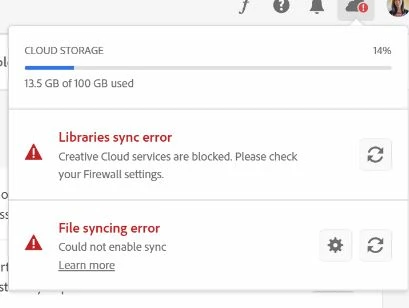
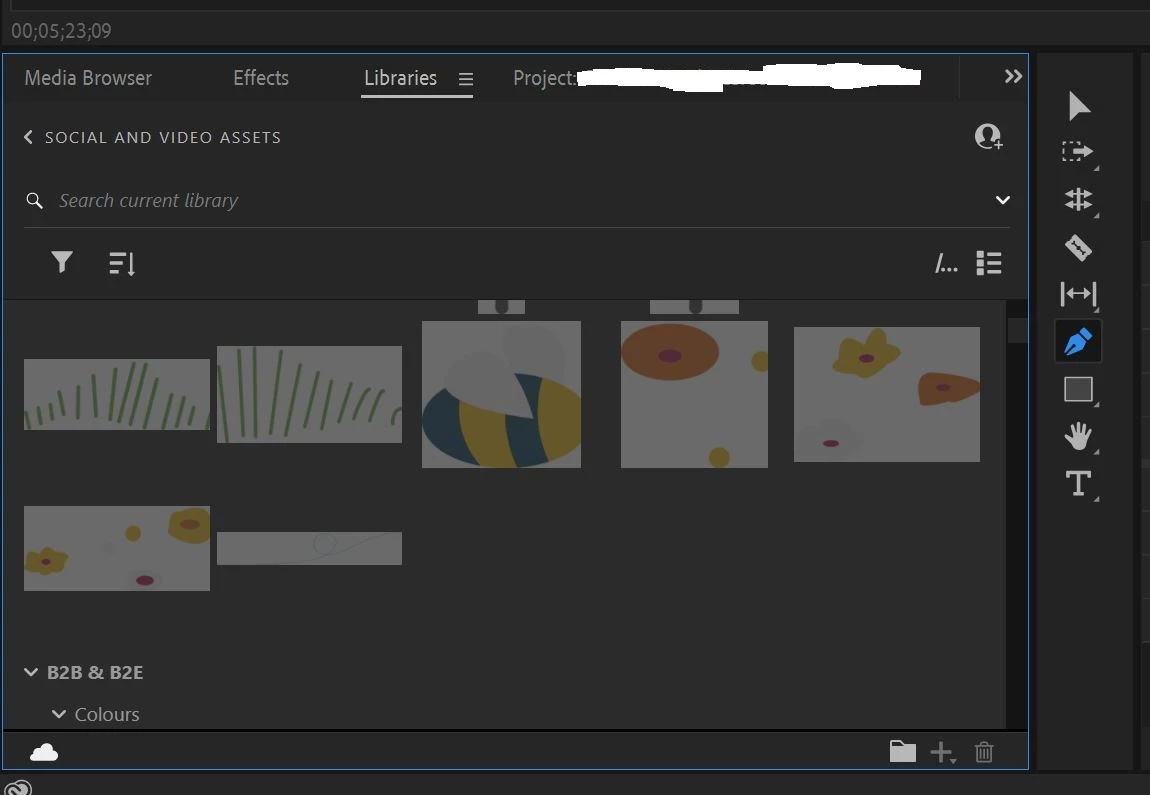
Hello, I have stumbled across an issue where assets in a shared library are greyed out. I cannot drag them onto the timeline. It says they are not supported by Premiere. I'm not sure what's happened - I've been using this library like this for three years without any issues. I also have a File Syncing Error as well, which could be related - clicking the refresh button doesn't do anything. Please can you advise?
Premiere Pro 24.2.1 (I tried rolling back to 24.1 and 24.0.3, to no avail)
Windows 10 Pro - company laptop, business Creative Cloud account
 AdChoices