
Audio becomes offset by a large margin after opening a project started on another machine
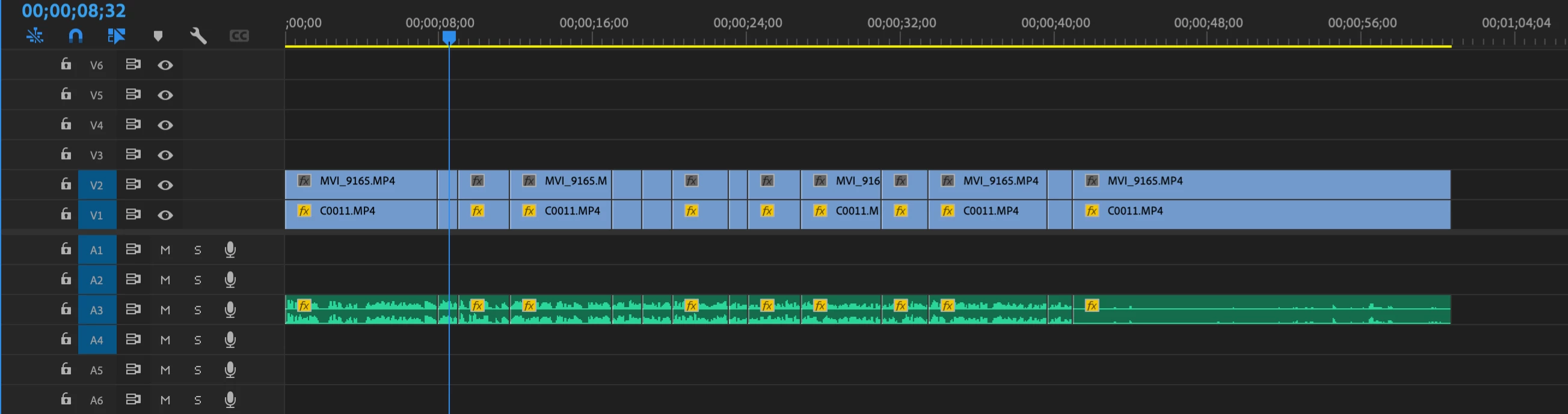
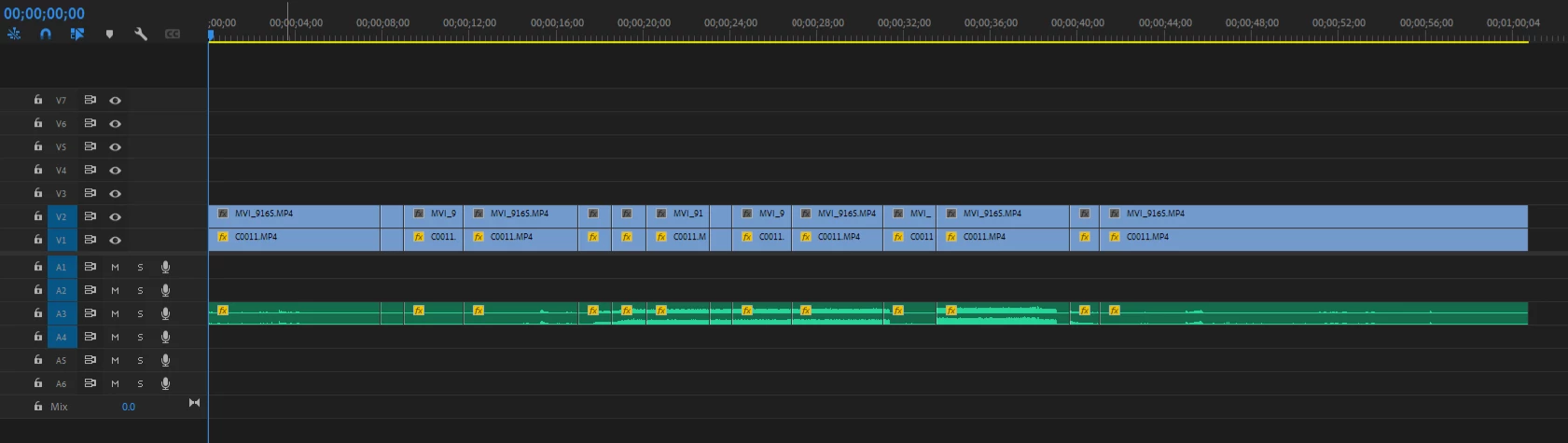
The first image was from our freelance editor's Mac computer. The second was from our Windows 10 desktop in the office after we opened the same project file. It's the same audio, linked to the same mp3 file. Yet when I opened it on the Windows 10 computer after one editor worked on it on her Mac, the audio became offset so much in each clip that it's unrecognizable.
This happened to us on a much larger project a couple weeks ago over the course of a 30 minute timeline, but only with one layer of audio. The rest of the audio stayed synced just fine.
Did I stumble upon a bug, or is there something that I'm doing wrong? I can't point out what's causing this, it seems to be random. All audio files in question are recorded in the same mp3 format with lapels mics on Sony recorders. All video files are 29.97fps which is what the project source is set to. I use the pluraleyes plugin to sync clips at the started of editing.
 AdChoices