
Participant
June 30, 2022
Question

Audio channel names

  • June 30, 2022
  • 1 reply
  • 340 views

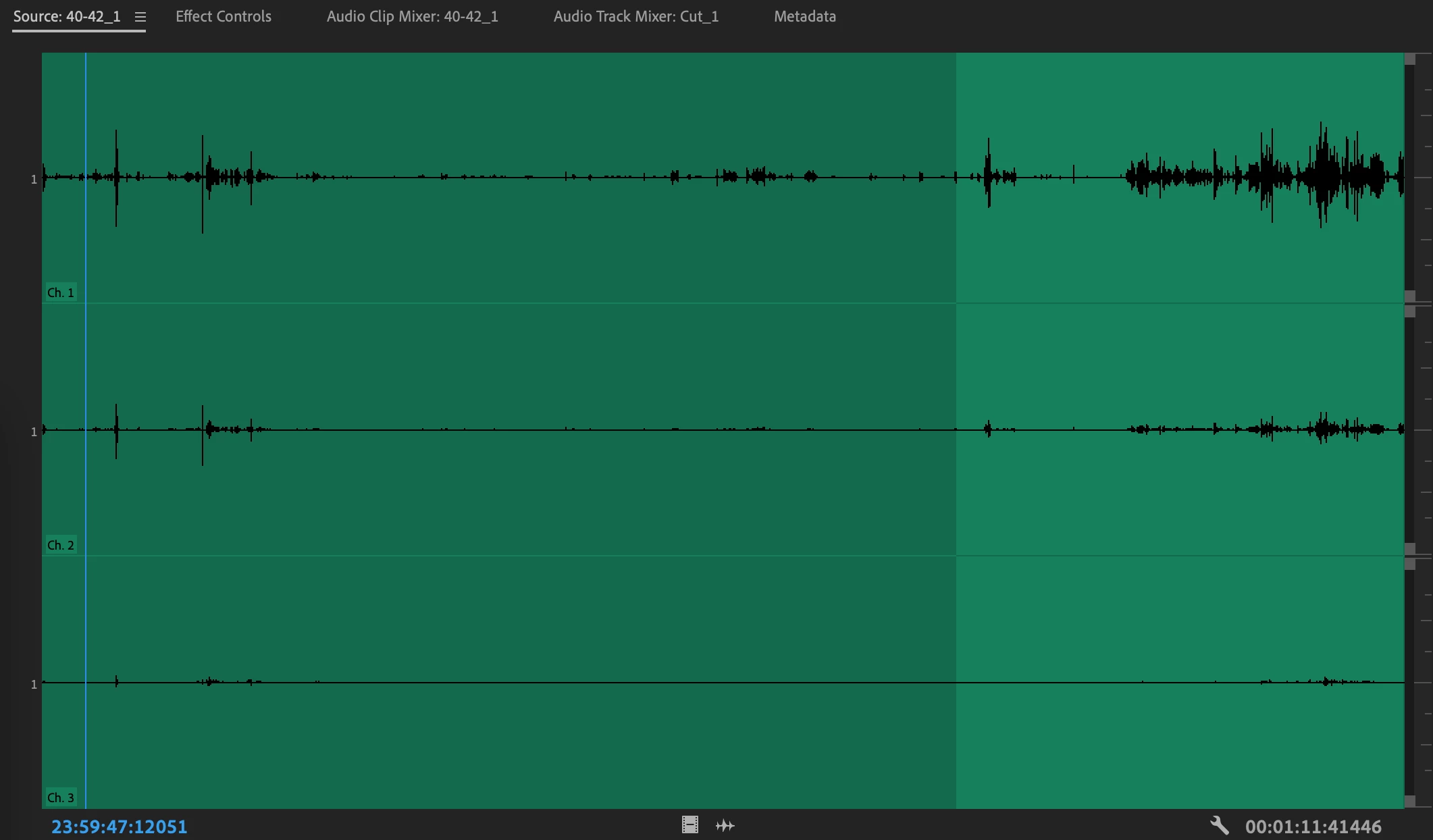
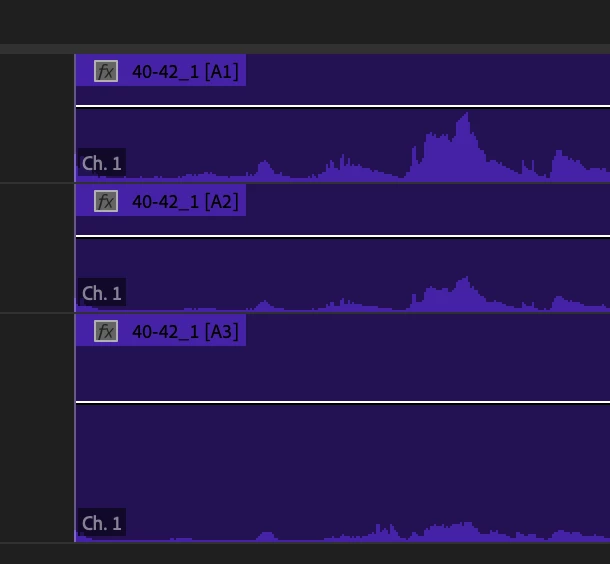
Hello. I have a clip with 3 audio channels. I can see the three channels in the souce monitor. Each one is identified as such in the left hand corner. However when I bring the clip into the timeline all three channels are identified as Channel . I did a test and it seems to me that the channels are correct in the sense that they are channel 1, 2, and 3, based on how they sound, but they are still all labeled channel 1. What's happening? How can I fix this? Thank you. 

Souurce monitor names:
Timeline names:
This topic has been closed for replies.

1 reply

Mike Dziennik
Community Expert
Community Expert
July 1, 2022

Right click on the clip in the project panel and choose Modify>Audio Channels...

Post a screenshot of this screen.


hderettAuthor
Participant
July 2, 2022

Hi Mike, 


Here it is: 

Mike Dziennik
Community Expert
Community Expert
July 2, 2022

So the media file has 3 channels and they are each mapped to Ch1 of 3 separate Mono clips. This is why they all say Ch1. There is nothing wrong with this setup.

You could switch to adaptive and map your media source channels to 1,2&3 of a single adaptive clip if you like.