Participating Frequently
November 14, 2022
Answered

Audio Mapping / Headphones

  • November 14, 2022
  • 2 replies
  • 1195 views

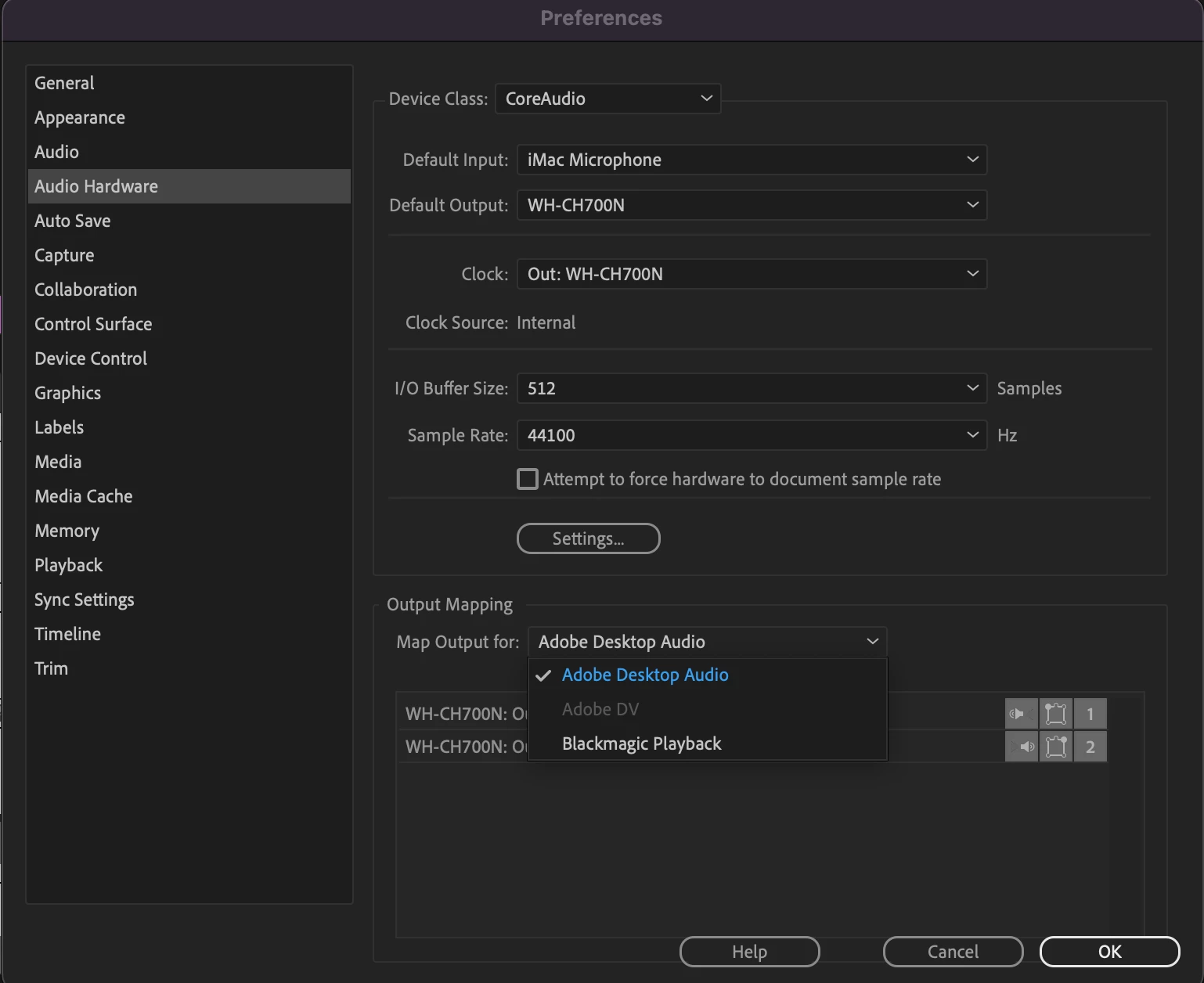
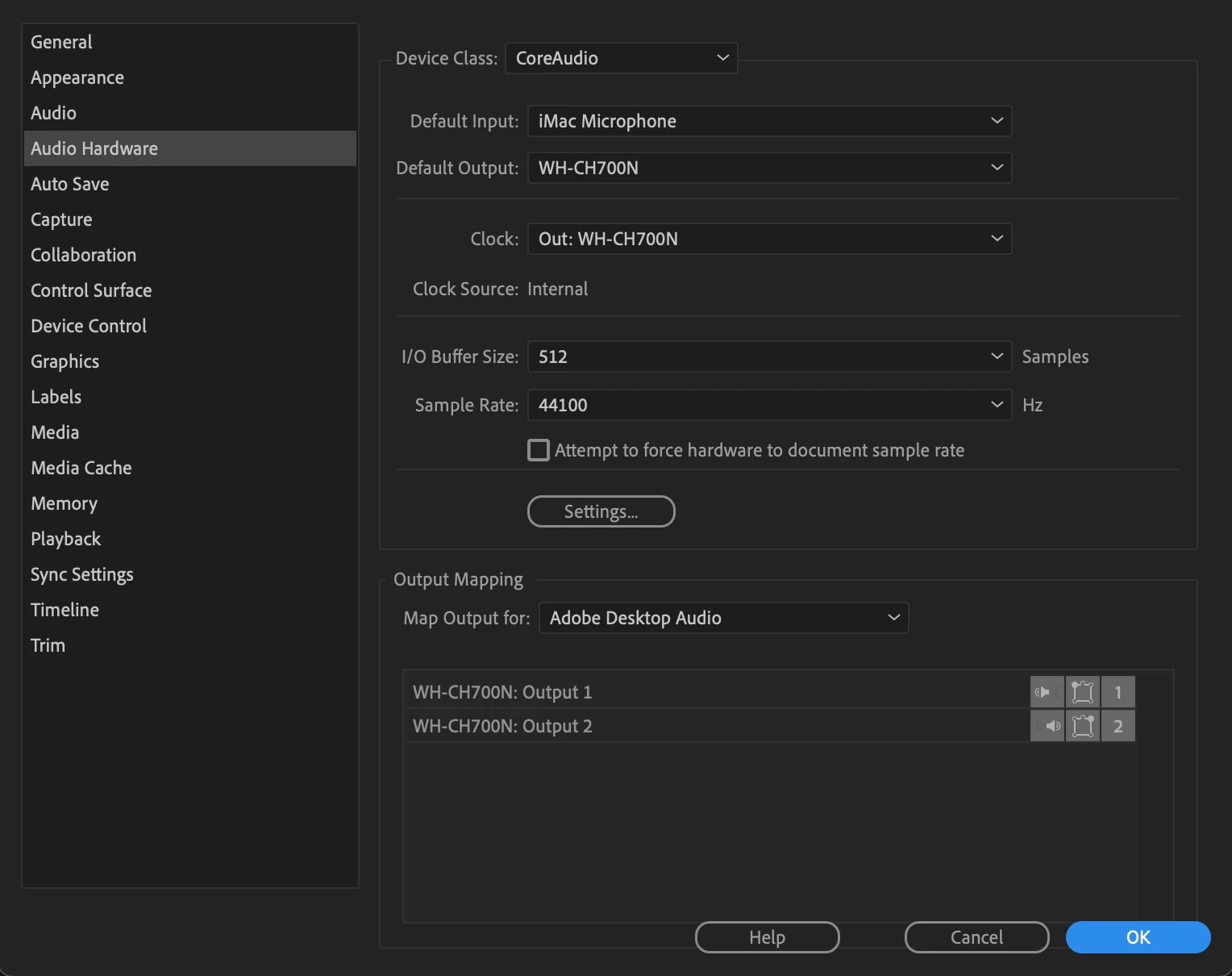
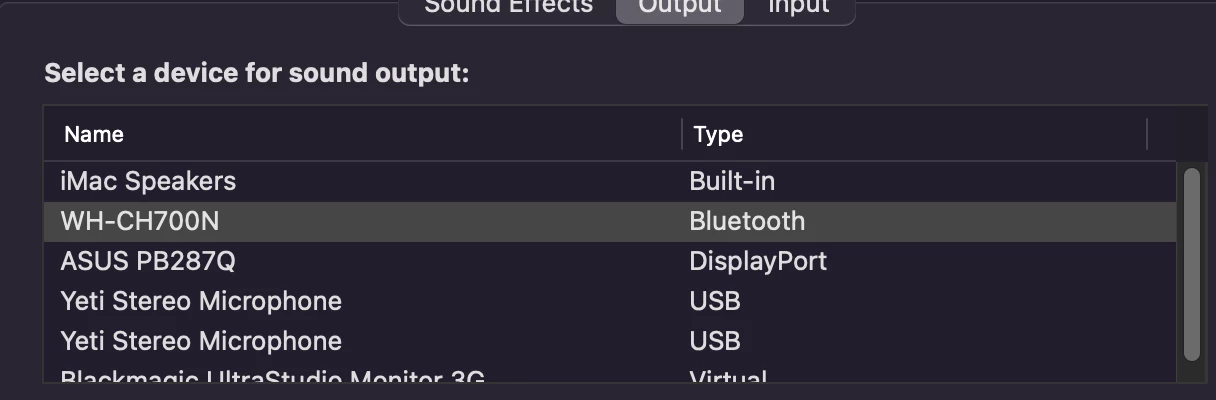
I'm going mad I know I am. Today I wanted to work on my Bluetooth headphones during an edit, and it's not uncommon for me to do so. However I turned them on to ensure I was connected, but Premiere was still playing out on my speakers. I went to my audio mapping, and it looks like my output should be coming to my headphones, but it's still going to the speakers. Here are some screen shot references. 


Headphones are WH-CH700N

Speakers are routed through my Blackmagic Playback. 


This topic has been closed for replies.

2 replies

Peru Bob
Peru BobCorrect answer
Adobe Expert
November 15, 2022
Participating Frequently
November 15, 2022

Thank you. This seemed to do the trick. 

Peru Bob
Adobe Expert
November 15, 2022

You're welcome. 

Ann Bens
Adobe Expert
November 14, 2022

Make sure Default Input in the Audio Hardware in the Preferences is set to No Input.

Participating Frequently
November 14, 2022

Hey Ann! 

I tried that just a bit ago and still getting the same issue 😞