
Resuelto
Audio meter is showing a dozen channels, but I only want to see two
I have inherited a Premiere project from someone else, and with it an audio meter setting that I don't want. Right now the meter is monitoring a dozen channels, although it's only showing levels for two of them (which appears to be the L and R of the full stereo mix). That's what I want to monitor, but I don't want all of that extra space that the other empty channels are taking up in the meter. On the left is what I'm seeing now, and on the right is what I want to see - how do I get the left meter to look like what is shown here on the right? Thanks in advance for taking a look at this post.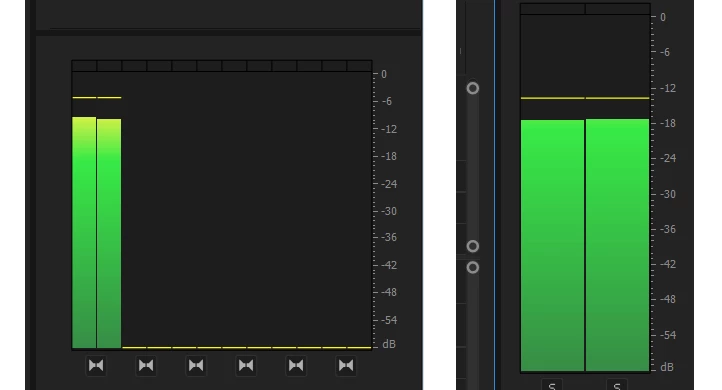
 AdChoices