Zendor
Participant
January 19, 2024
Answered

Audio playback is gone in all projects. (Even after exporting)

  • January 19, 2024
  • 4 replies
  • 474 views

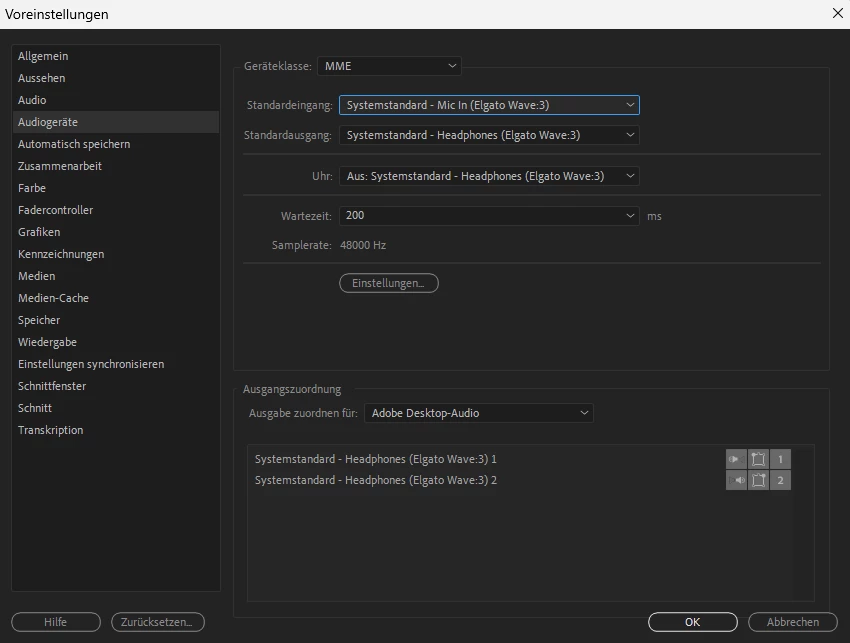
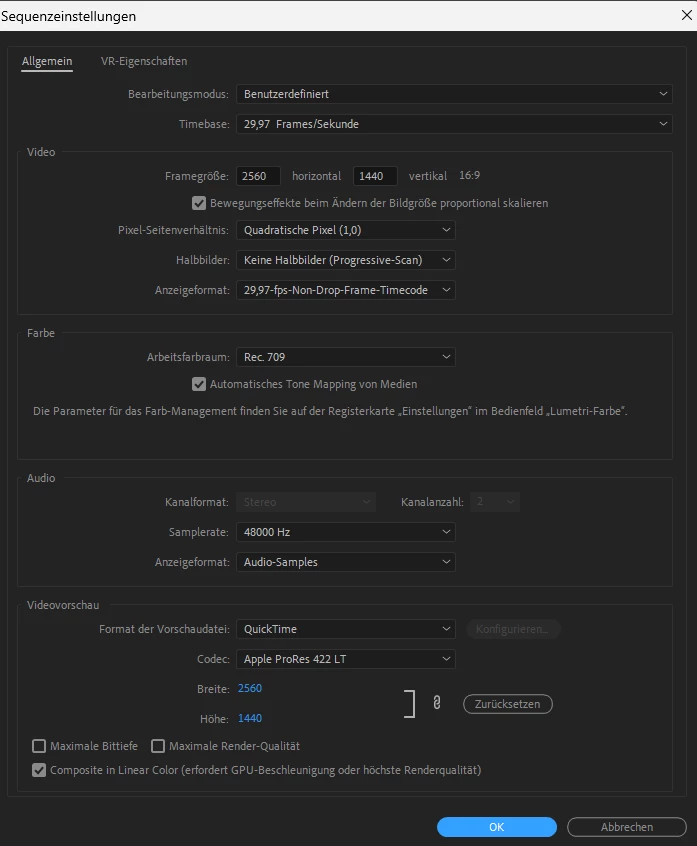
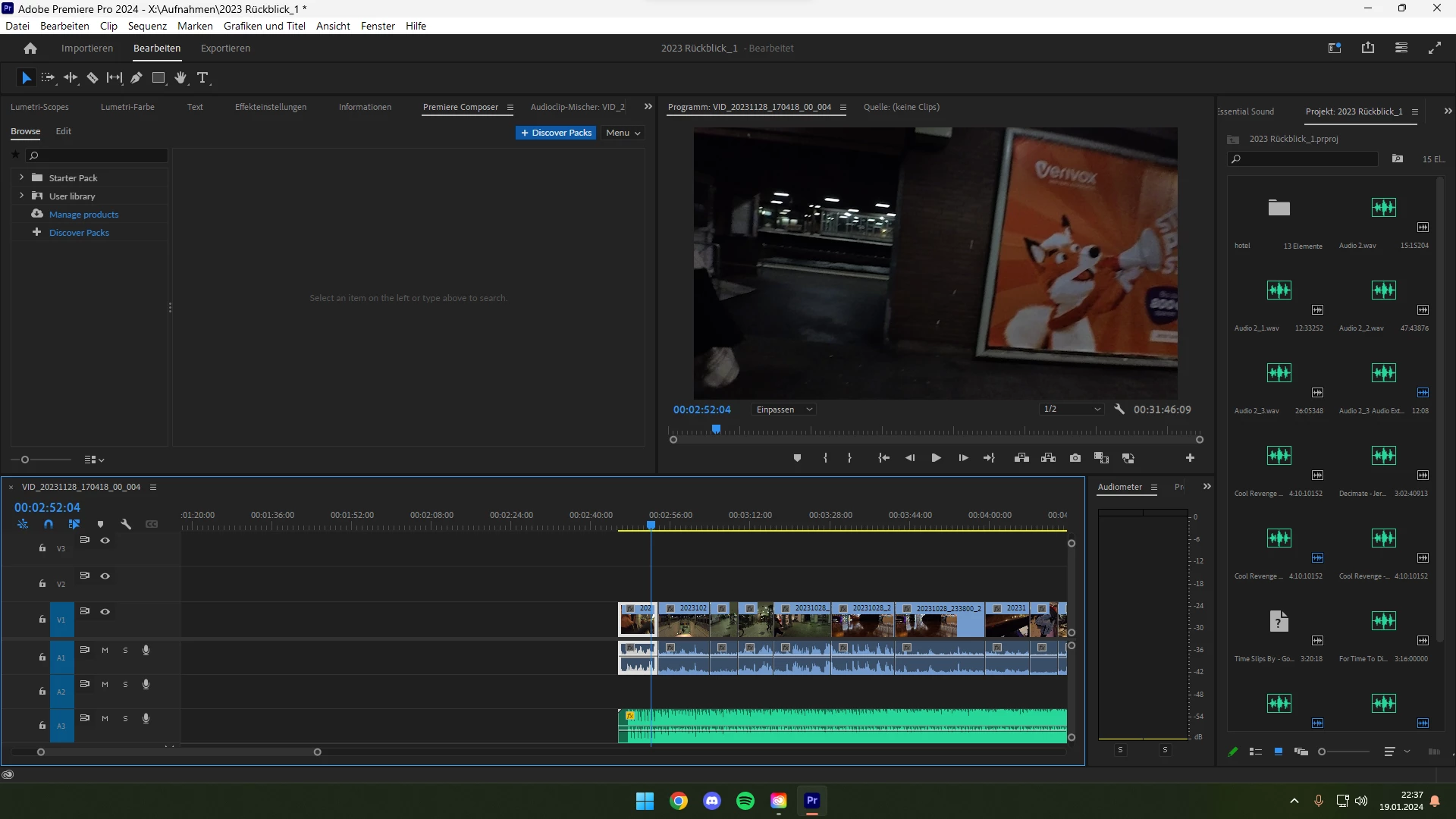
I was working normally on a project, took a shower, and when I wanted to continue working, there was no sound. The audiometer also no longer gives any fluctuations in the sound. I went through all the settings and tried everything and nothing brought the sound back. After I exported the project, the video had no sound and the worst thing is that the sound is suddenly gone in all other projects and when I start a new project there is no sound there either. (the only option is if I do something via the Premiere Pro Beta, then I have sound) ... (sry my Premiere pro is set to German)  
This topic has been closed for replies.
Correct answer Zendor

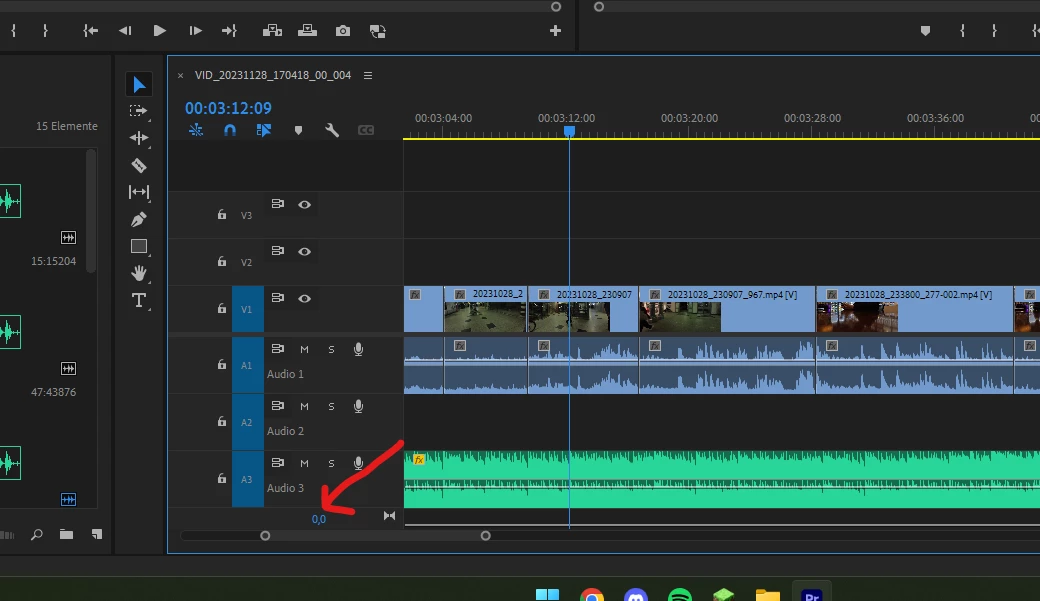
I found out what it was. In the timeline there is a button at the bottom right that was mute.... *look at the picture.

 Thanks for everyone who wanted to help, but with my stupidity that doesn't help. cheers

4 replies

Zendor
ZendorAuthorCorrect answer
Participant
January 20, 2024

I found out what it was. In the timeline there is a button at the bottom right that was mute.... *look at the picture.

 Thanks for everyone who wanted to help, but with my stupidity that doesn't help. cheers

Peru Bob
Community Expert
Community Expert
January 20, 2024

Delete the Media Cache and Media Cache files:
https://community.adobe.com/t5/premiere-pro/faq-how-to-clear-your-media-cache-in-30-seconds-in-premiere-pro-2020/m-p/11017257/thread-id/260446?page=1

If that doesn't work, try resetting the preferences:
https://community.adobe.com/t5/premiere-pro/faq-how-to-reset-trash-preferences-in-premiere-pro/td-p/8236158?page=1

If that doesn't work, try resetting the Workspaces:
Reset a workspace
Reset the current workspace to return to its original, saved layout of panels.
1. Do one of the following:
• Click the Workspace menu icon and select Reset to Saved Layout.
• Choose Window > Workspace > Reset to Saved Layout.
from here:
https://helpx.adobe.com/premiere-pro/using/workspaces.html


Zendor
ZendorAuthor
Participant
January 20, 2024

I did everything with a heavy heart and it didn't help 😞


Ann Bens
Community Expert
Community Expert
January 19, 2024

Make sure Default Input in the Audio Hardware in the Preferences is set to No Input and not miccrophone.

Zendor
ZendorAuthor
Participant
January 19, 2024

I did it and it didn't change anything. I'm just surprised that when I edit the audio from Premiere in Audition I hear something but there's no rash in Premiere and there's no sound after exporting. But it can't be due to the videos in the timeline, I added a new mp3 to the test especially for the test 

kglad
Community Expert
Community Expert
January 19, 2024

in the future, to find the best place to post your message, use the list here, https://community.adobe.com/

p.s. i don't think the adobe website, and forums in particular, are easy to navigate, so don't spend a lot of time searching that forum list. do your best and we'll move the post (like this one has already been moved) if it helps you get responses.


<"moved from cc desktop bugs">