
Audio & Video Out Of Sync After Re-Opening Project File
Dear Expert,
Adobe Premiere Pro is failing to read my audio files properly...
I've "synced" my sequence using the Plural Eyes 4 Extension Plugin within Premiere, and after that failing, I simply did all the syncing manually.
Everything was all rainbows and roses until...
Premiere decided to CRASH!
I know you know the feeling 
To make it worst it was when I was almost done with my 45-minute sequence...
When I re-opened my premiere project file all the audio and video was out of sync...

Yes, I made project file and sequence backups and they are all out of sync.
Everything in my sequence after 7 minutes and 49 seconds is out of sync...
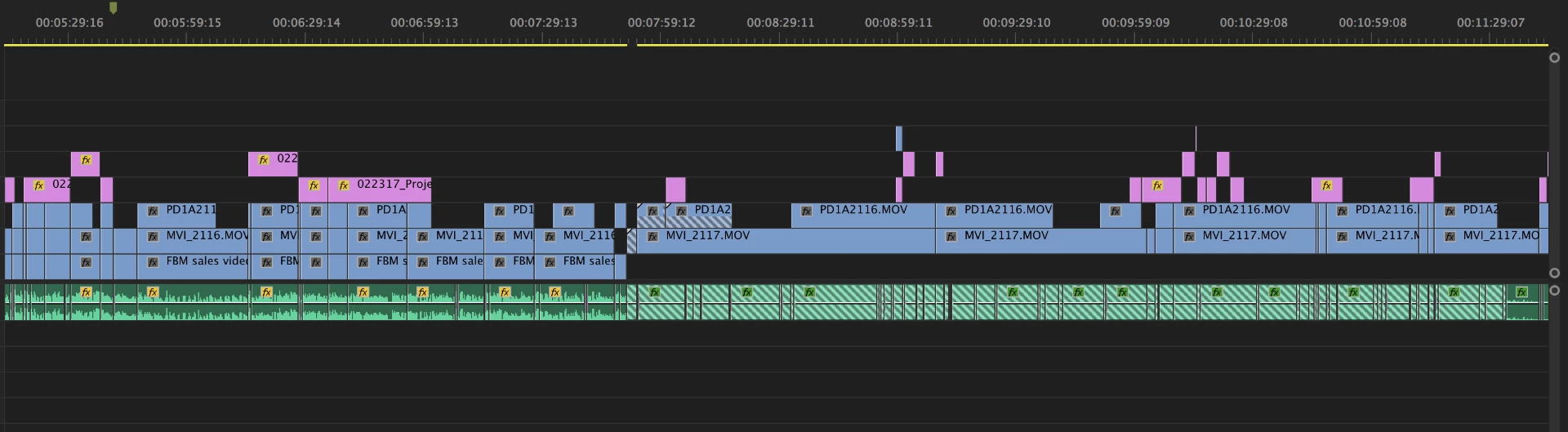
I believe the problem is...
Apparently, my sequences are still reading the .xml file that was originated from the Plural Eyes sync failure.
All my sequences are experiencing the same failure because they were duplicates so they are all referring to the same .xml file.
Solutions I've tried...
1. Adobe Premiere Pro is updated to latest version
2. Plural Eyes 4 is updated to latest version
3. Recovered old project files and sequences
4. Deleted all Plural Eyes/Red Giant folders and files
5. Cleared Adobe Premiere Pro Media Cache
6. Reset Adobe Premiere Pro default settings
7. Restarted Computer
8. Imported Premiere project from Adobe After Affects and exported sequence
9. Opened Premiere project in Adobe After Effects and exported it as Premiere Project
10. Called support only to get referred to Plural Eyes support
11. Got frustrated
11. Cried
12. Slept 6 hours
Missed the deadline...
Pissed off the boss...
Can someone help me, please?
The Plural Eyes 4 extension still appears in Premiere Pro
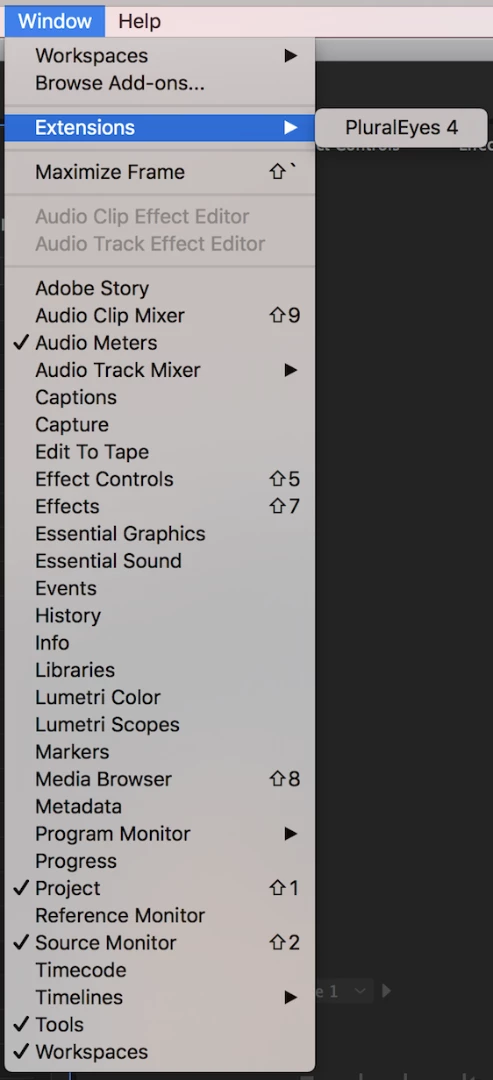
But, the plugin is not recognized in Adobe Extension Manager...
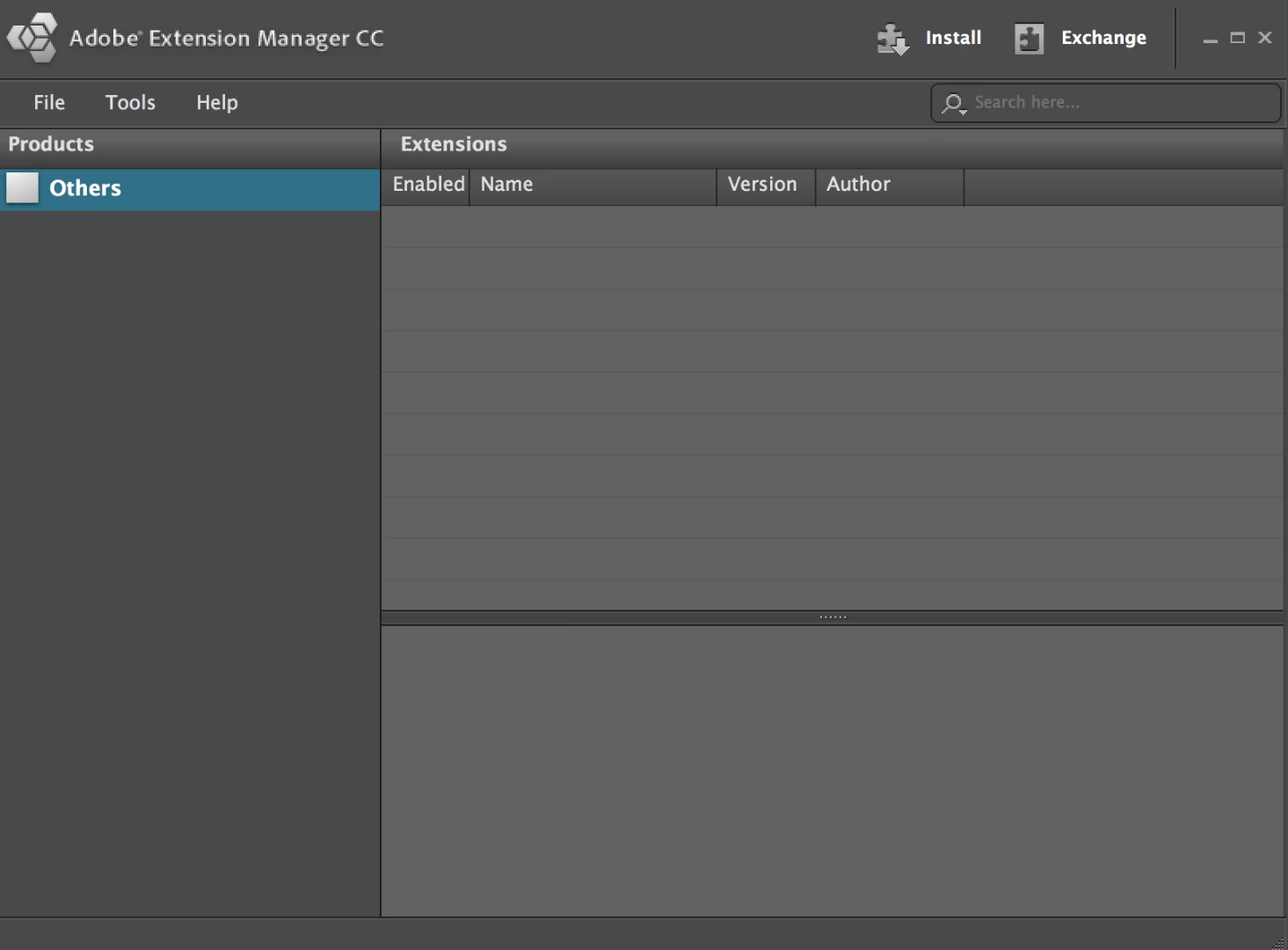
What is the solution?
Please help
 AdChoices