Participant
September 27, 2024
Answered

Audio will not play on timeline

  • September 27, 2024
  • 1 reply
  • 1341 views

Hello My timeline will NOT play audio and i need help!

The audio SEEMS to be working cause the visualizer is working, and when I play the audio clip separately, it plays. But when its on the timeline, it will not, and the audio will not RENDER either.


The timeline isnt muted either, or at least I dont think it is. 


PLEASE HELP 
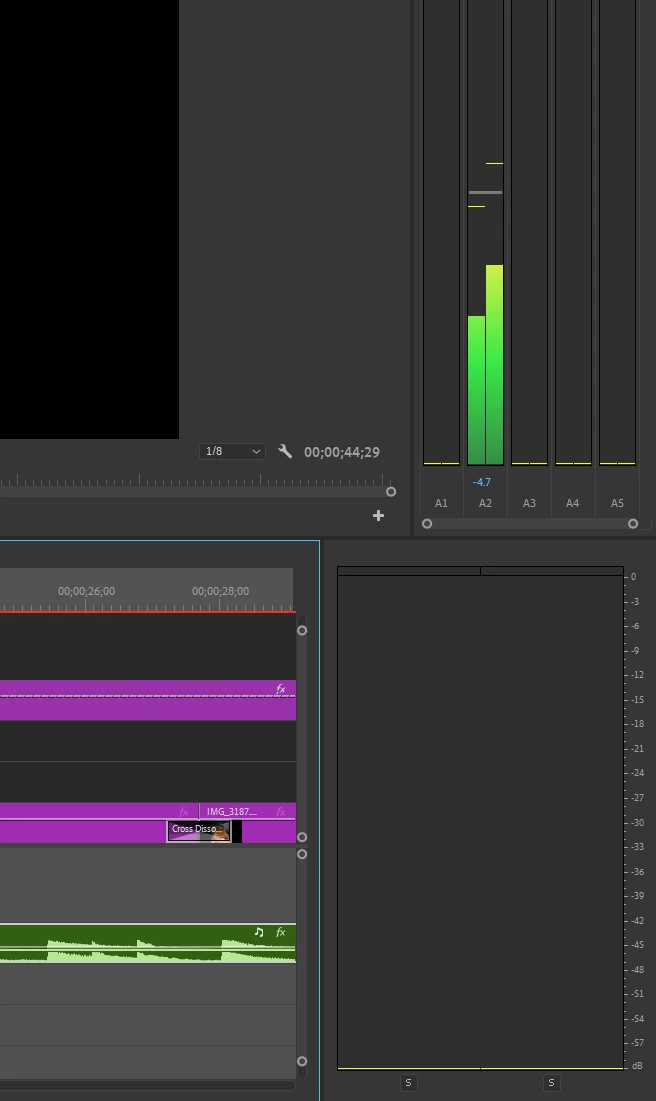
https://youtu.be/a-wb-coWyj0

I include video!

This topic has been closed for replies.
Correct answer Richard M Knight

im sorry i dont know how to do that. I tried the project manager thing, but when I loaded it up in a new file, it still didnt work.


so how can I move the videos I already edited to a new project?


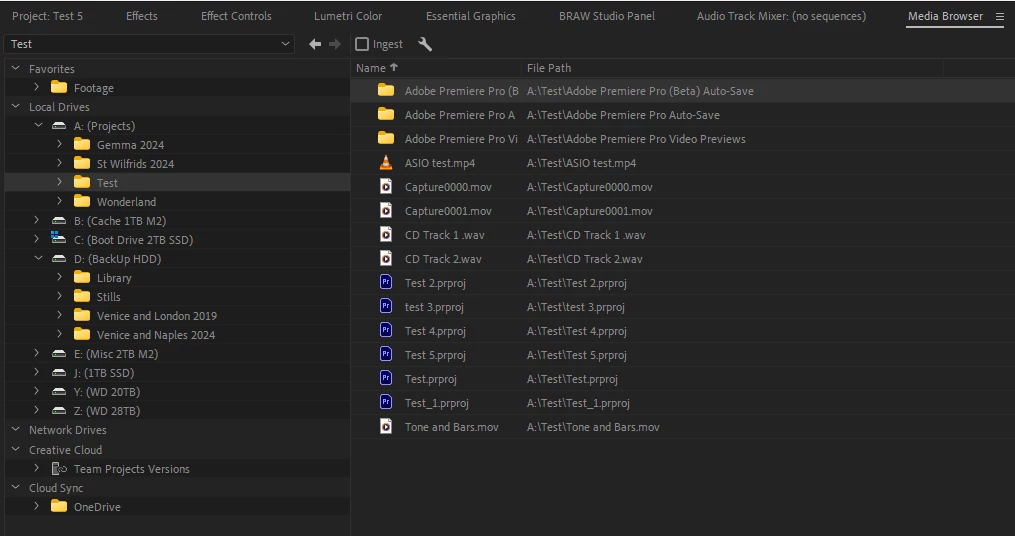
Create a new project, go to the media browser and navigate to where the faulty project is saved then right click-import.

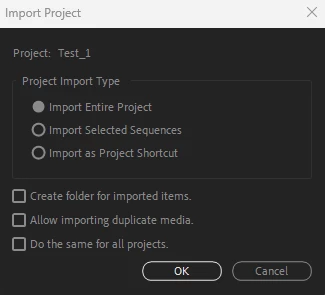
 You will then get a popup, select entire project


 You should now have your old project in a new 'wrapper' this often fixes faults.


1 reply

MyerPj
Community Expert
Community Expert
September 27, 2024

Try it with a new project, just drop that clip in and then drop it to the timeline.

Participant
September 27, 2024

it works in new projects, just not this one.

Community Expert
September 27, 2024

Could we have a screenshot of your track mixer, perhaps your audio is playing from an output you are not listening to.