
Automatic "Black Crush" with GoPro footage
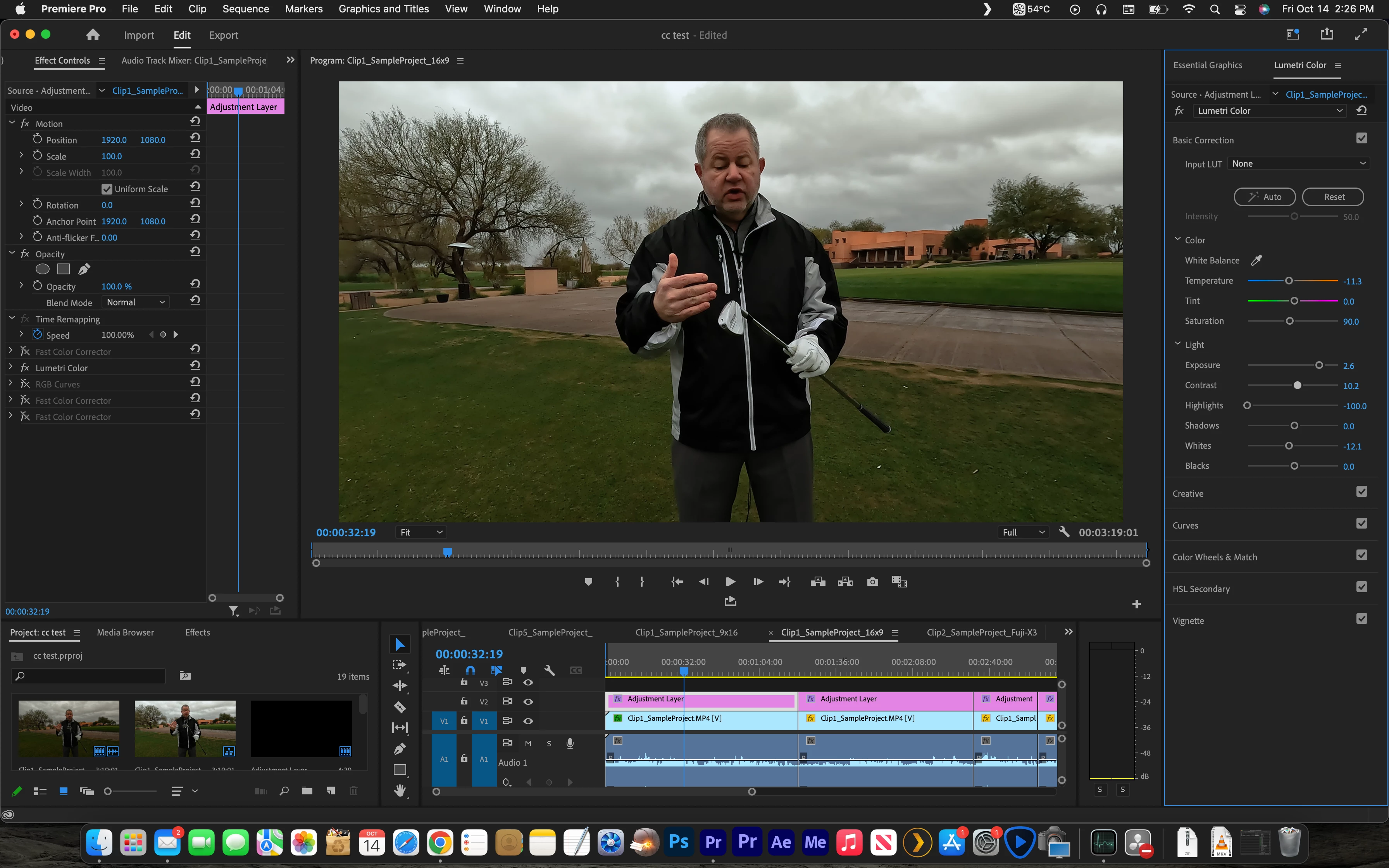
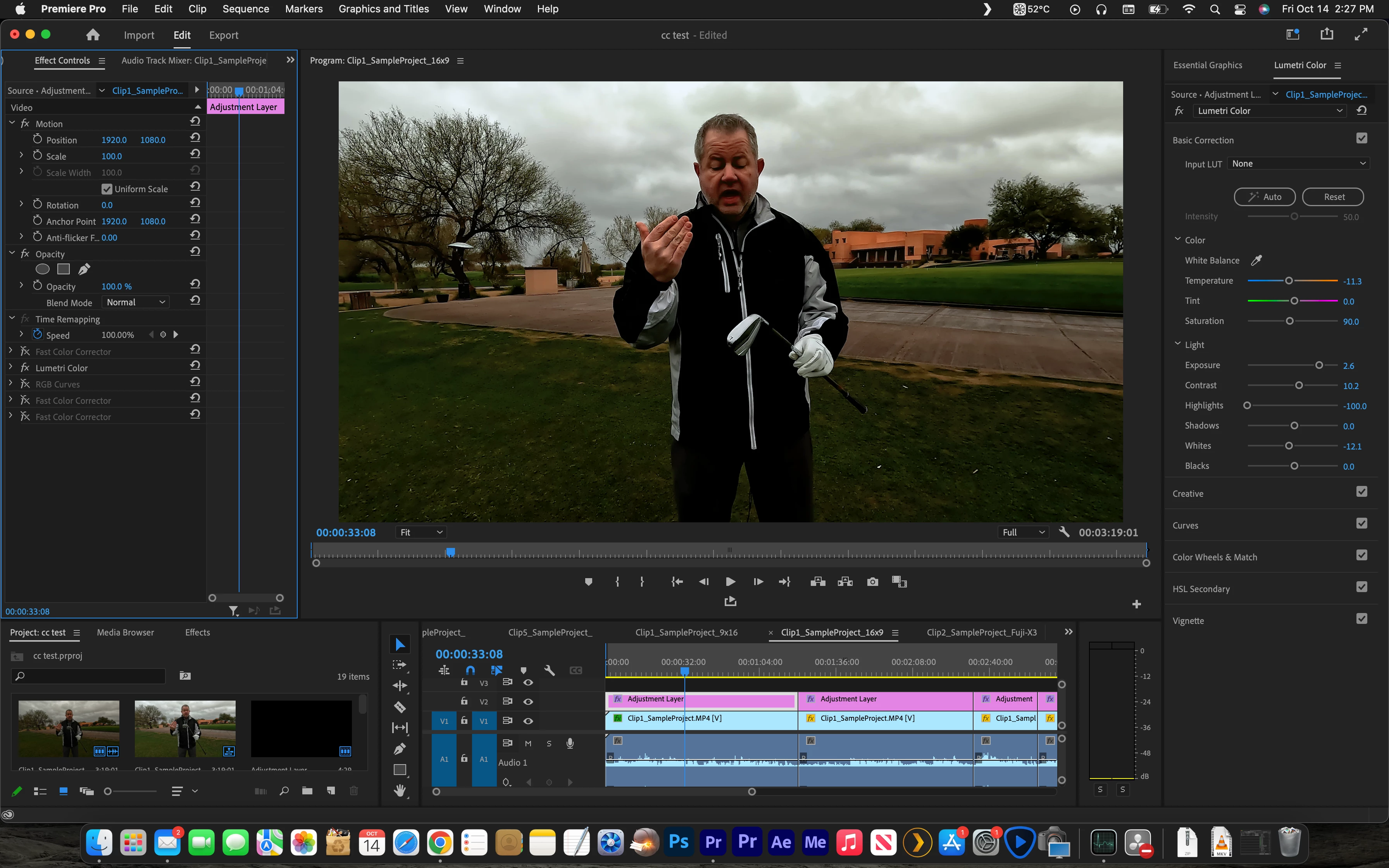
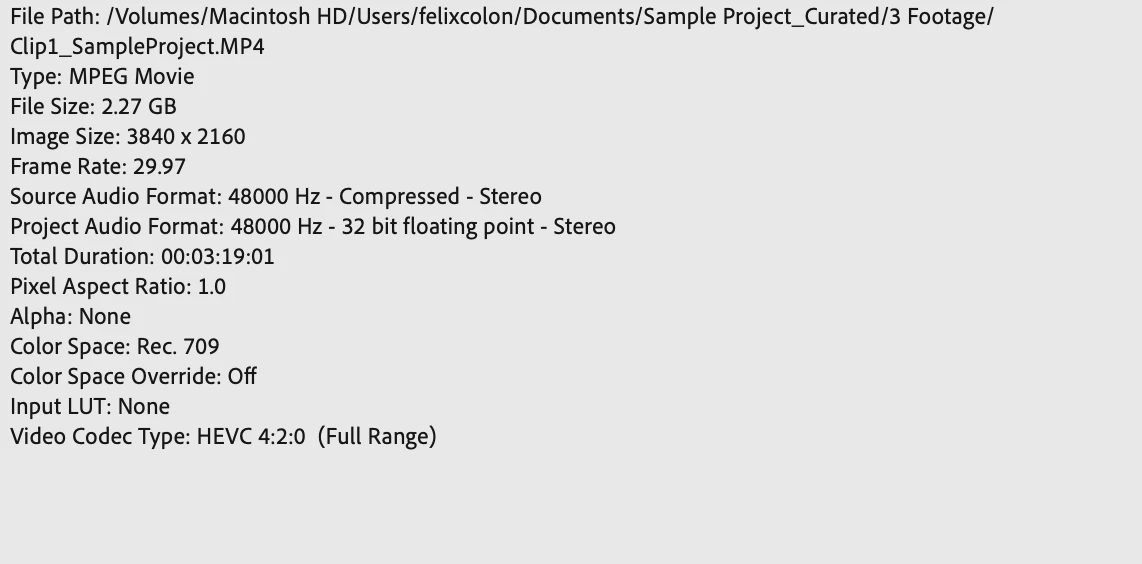
I'm experiencing some odd behavior with Premiere 2022. Essentially, the timeline seems to be crushing the blacks by itself. I'm also seeing some blockiness, tearing and exagerated noise inside the timeline. Odd thing is that when I go to the Creative tab and click on the Intensity slider, the "black crush' goes away momentarily, but when I move around inside the timeline the issue reappears. I have tried to fix the issue by overriding the color space inside the interpret footage menu, by using different LUTs and then setting the LUTs to none, etc; but nothing has worked. Any clues as to what this could be? Essentially, I want the image to look like the one that appears momentarily when I click on the Intensity slider.
*Attaching images for reference
 AdChoices