Automatic Vertical Cropping and Tracking of Walking Person in Adobe Premiere Pro
Hello everyone!😘
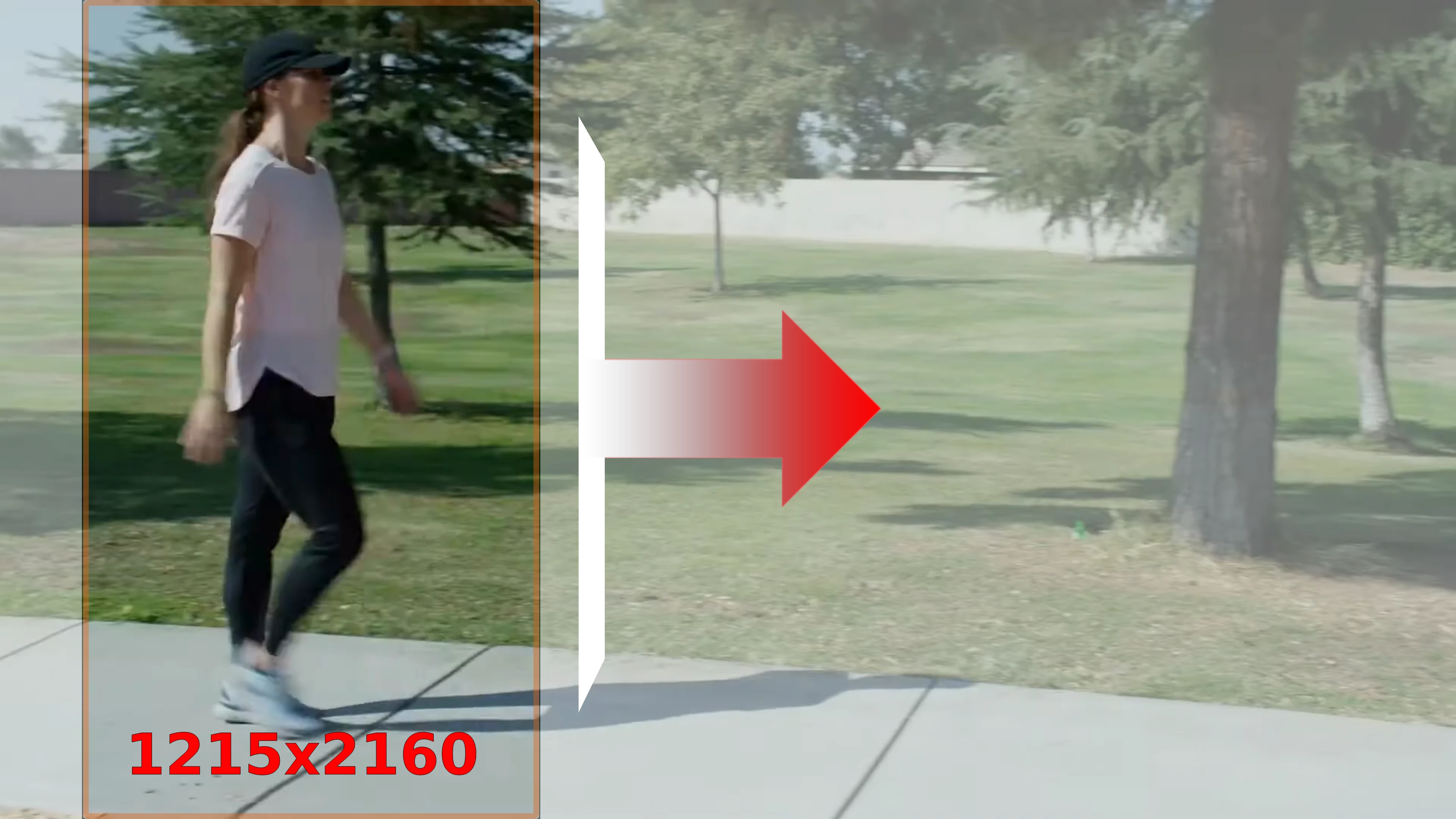
I have a video with a resolution of 3840x2160 and a duration of 15 seconds. I want to crop it into a vertical 9:16 video in Adobe Premiere Pro, keeping the original height and only cropping the width. The default crop position should be centered, resulting in a frame size of 1215x2160 (9:16). In the video, a person starts walking from the x-coordinate of 100 pixels at the second second and gradually moves to the x-coordinate of 2600 pixels over a duration of 13 seconds. Therefore, I need to set the starting point of the vertical crop's x-coordinate at 200 pixels. However, the person in the video continuously walks to the right. Since the cropped frame is vertically narrow (1215x2160), it should automatically slide to the right to keep pace with the person's movement and ensure that the person remains within the cropped frame. How can I configure the cropped frame to track the person, automatically sliding left or right in accordance with the direction and speed of the person's movement? Should I mark the person as a tracking object?👀
 AdChoices