
Copy link to clipboard
Copied
Does anyone know how to export without getting a black frame at the end of the video?
I have 15 clips in 15 nested sequences that I am batch sending to media encoder.
I don't want to have to go in manually and add in and out's for each of these.
The only option in export settings that can maybe set paramaters are below and none of them can export to just the last frame of actual video.
Again, I don't want to have to set in and outs for multiple clips. Am I doing anything wrong or is adobe just not set up for this?
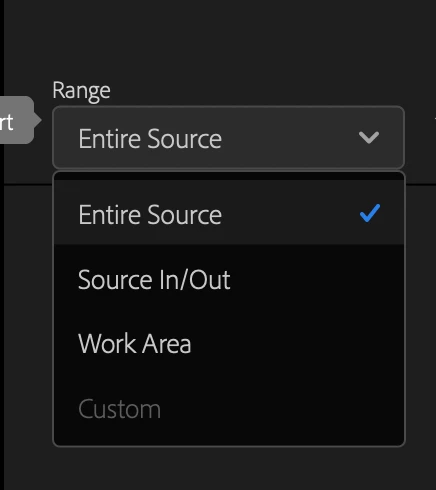
Figured it out. H.264 is for some reason adding black frames. Quicktime, software encoding and the "Work Area" gave me what I wanted.
Copy link to clipboard
Copied
Select nest then use the / (forward slash) to set in and out on the timeline. Outpoint is on the last frame.
Copy link to clipboard
Copied
I don't want, and also don't think you should have to, set in and outs for 15 videos to not have a black frame added to to the end of your video. Adobe should definitely have an option to export to the end of the video frame.
I did turn to doing this all manually and attached is an image of my settings. I am custom changing the in and outs and export custom field to export earlier in my clip to get rid of the black frame at the end. Although I can change the amount of time in the clip, they all end with a black frame. Any idea why?
Copy link to clipboard
Copied
Figured it out. H.264 is for some reason adding black frames. Quicktime, software encoding and the "Work Area" gave me what I wanted.
Get ready! An upgraded Adobe Community experience is coming in January.
Learn more