
Participating Frequently
July 24, 2024
Question

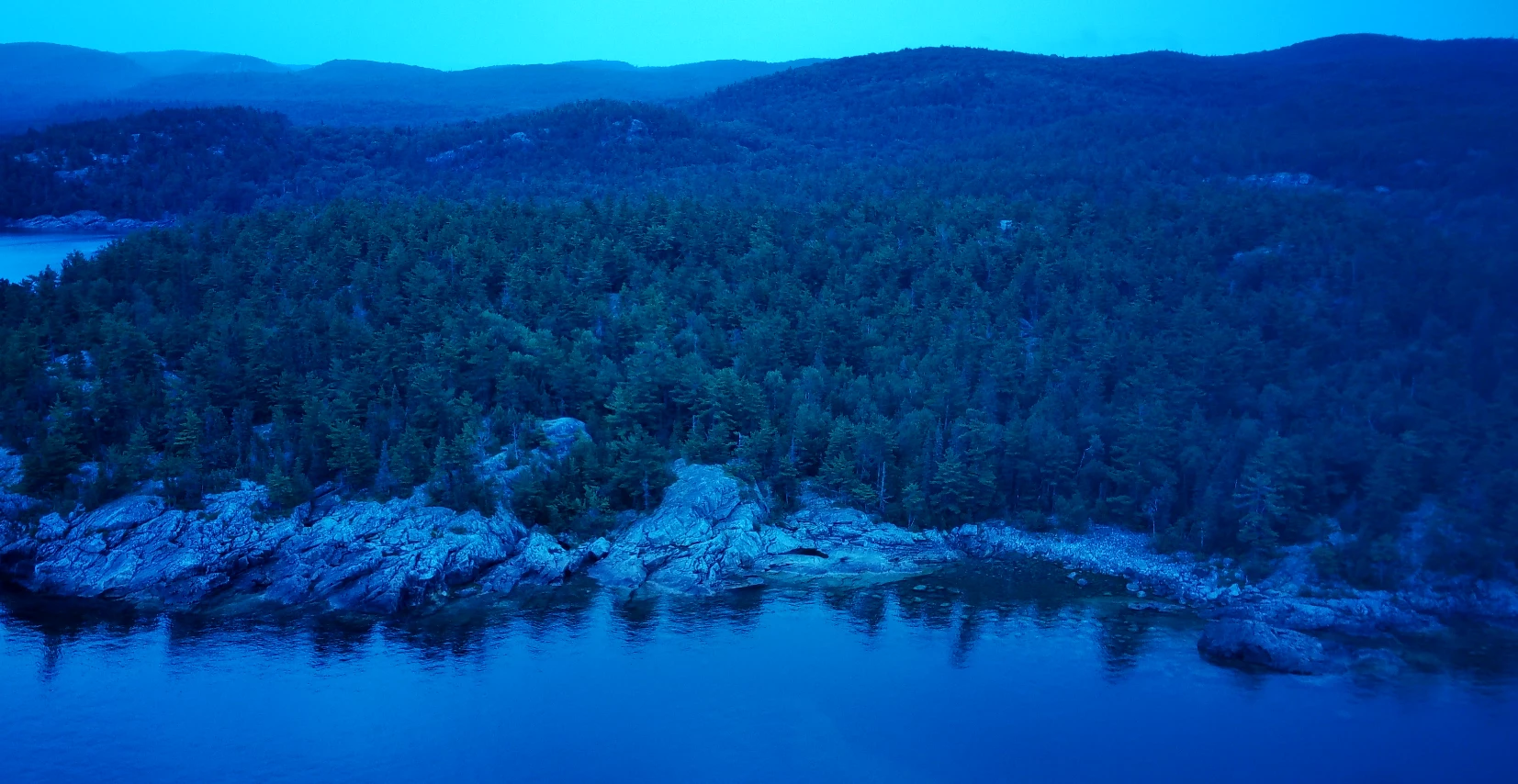
Best way to fix this blue cast over video

  • July 24, 2024
  • 2 replies
  • 1008 views

Hi everyone, i'm looking for ome advice on how to properly fix this blue cast I have over my drone video. I have no idea how this happened, especially when the video I shot an hour later was in perfect color, but oh well, I guess it was a fluke. Anyways, I'm trying to figure out the best way to level this out so that it doesn't have all this blue and looks the way it should. I tried the auto setitng in the Lumetri color but it didn't do anything, so I'm guessing this will require a manual touch. You'll find a screenshot of what i'm talking about below. Does anyone have any suggestions? Thanks
 

This topic has been closed for replies.

2 replies

R Neil Haugen
Legend
July 24, 2024

First thing to try is the white balance setting in Lumetri ... see how far that goes. If it doesn't clean up the shadows enough, add some change in the Creative tab's "Shadow tint" control.

Everyone's mileage always varies ...
mknabsterAuthor
Participating Frequently
July 26, 2024

Does the "Auto" button do anythinig in the Lumetri panel, or was I using it wrong possibly?

R Neil Haugen
Legend
July 26, 2024

Auto color is maybe at times helpful as a starting point. Sort of, but not always. If that isn't all that helpful, well, it's what it is ... 

Everyone's mileage always varies ...
Peru Bob
Community Expert
Community Expert
July 24, 2024

Have you tried playing around in the Lumetri Panel?

mknabsterAuthor
Participating Frequently
July 26, 2024

Not to much extent no, I don't currently have a mouse on me since I'm travelling at the moment, but once I get home i'll be working on it. but it sounds like the Lumetri panel is the way to go to get it back to normal.