
Question
Better Green Screen removal
Hello everyone
I have a question regarding effective green screen removal. In this tutorial: https://youtu.be/bRY66rJmlSY?si=zTquwakyQuS36XmR, at 5.51 he uses the HSL secondary colors to target the green screen. Upon selecting green he moves around the slider. Since he's wearing a blonde wig he is moving left to yellow. This point is confusing to me. Suppose, if the person has curly hair and there are green fringes after using the ultra key effect, then how should one use the colour targeting within HSL Secondary to make perfect green selections?
Please help me understand the first slider(Hue) in targeting perfect greens.
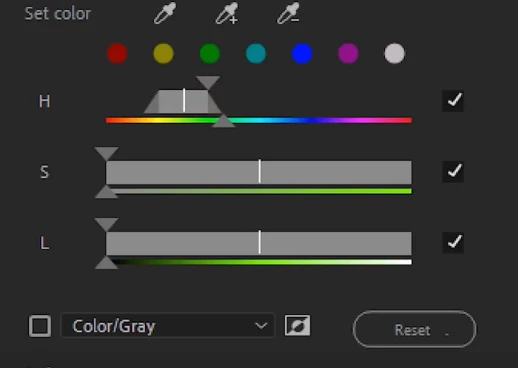
Thanks
 AdChoices