
Participant
November 8, 2017
Question

Bin size and location

  • November 8, 2017
  • 3 replies
  • 1929 views

Before updating to CC 2018 I could double click a bin and it would open in a new window with the convenient manageable size.
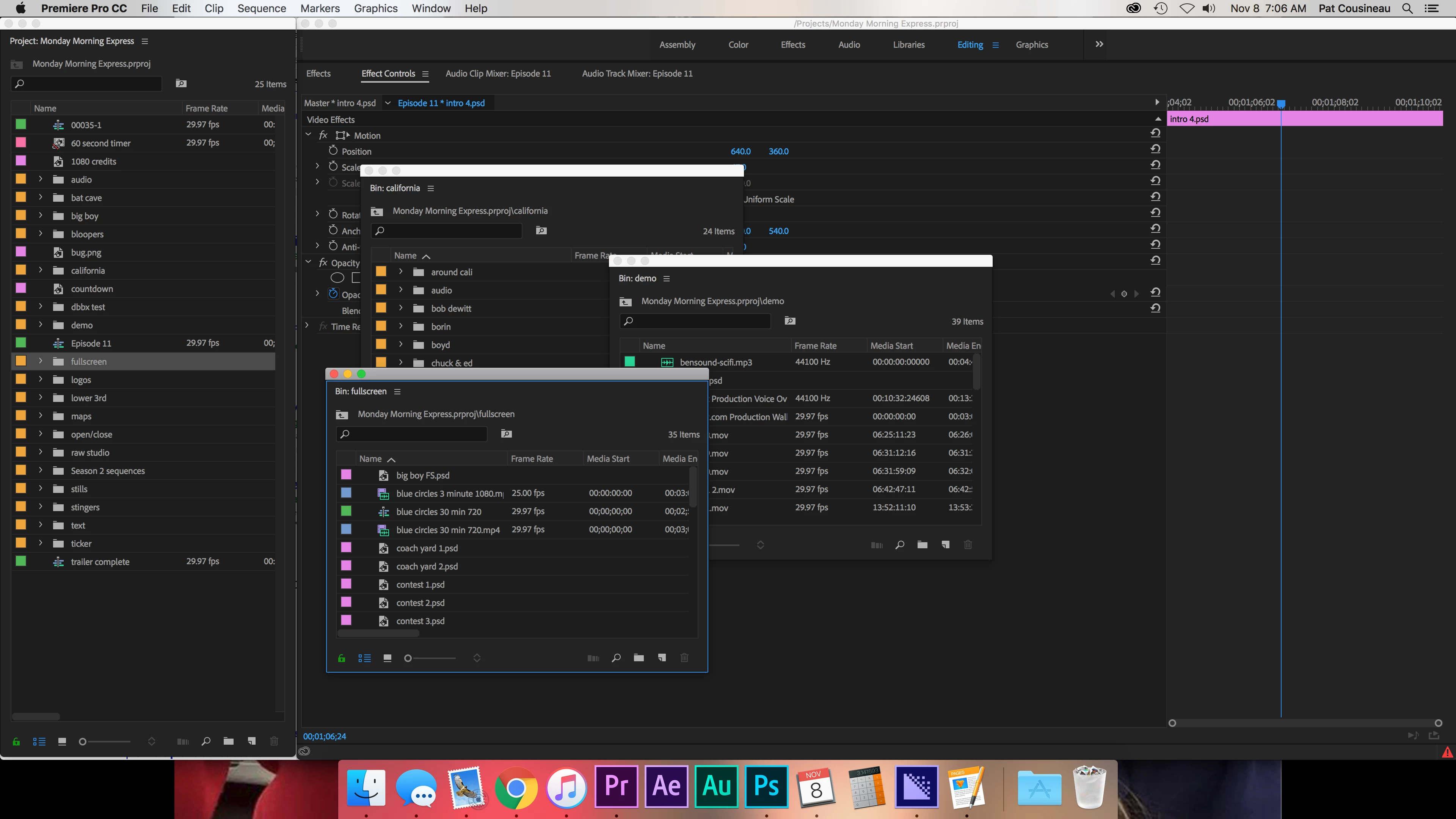
Now when I open one it's laid over my timeline so it has to be moved and resized every time
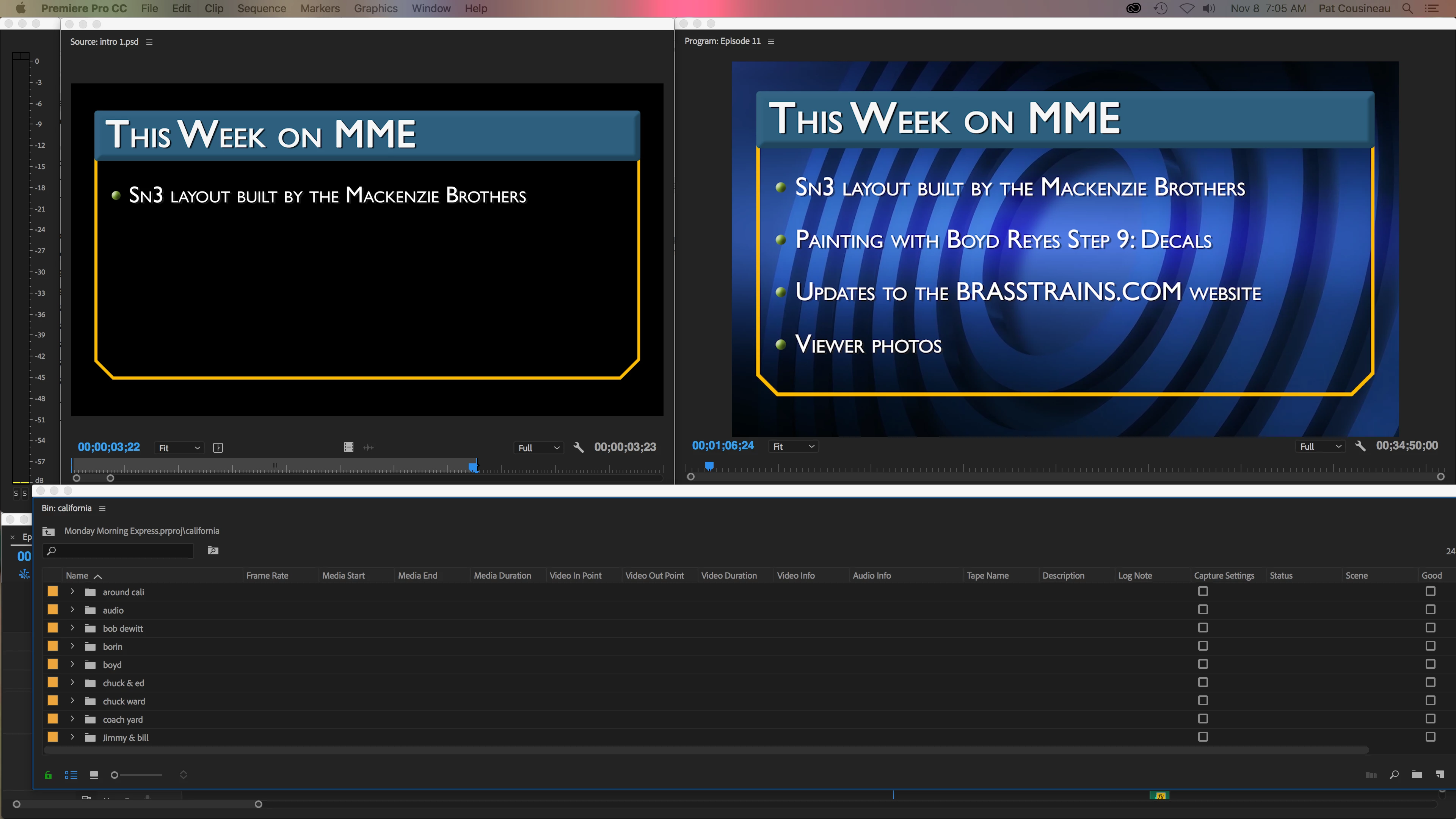
Is there a way to set a default bin size and location when they're opened?

    This topic has been closed for replies.

    3 replies

    Participating Frequently
    January 17, 2018

    Did anybody find a solution to this?

    R Neil Haugen
    Legend
    January 17, 2018

    That behavior is controlled in your Preferences settings ... like many other things.

    Edit/Preferences/General.

    You can set whether they open in 'place', in a new tab, or a new window, and have all three available with different modifiers.

    Neil

    Everyone's mileage always varies ...
    R Neil Haugen
    Legend
    January 17, 2018

    Thank you!  I appreciate your time to explain this.  I never knew I had that set previously.


    And the 'default' behavior may have changed between versions ... sometimes, the defaults of the Preferences file do change.

    Neil

    Everyone's mileage always varies ...
    Participating Frequently
    January 8, 2018

    I am also having problems with this.  I work on 3 monitors and my bins used to open on a specific monitor and now they open in the "Project" bin.  I can't figure out how to set newly opened bins to permanently floating

    Vidya Sagar
    Adobe Employee
    Adobe Employee
    November 8, 2017

    Hi coozy17,

    Sorry for the issue. It seems like an issue with workspace. Please change the workspace & check.

    If issue persists, if possible, reset preferences & test. FAQ: How to reset preferences in Premiere Pro?

    Thanks,

    Vidya.

    coozy17Author
    Participant
    November 8, 2017

    This did not fix the issue. I noticed one a bin is open, placed and sized to my liking all subsequent bins open the same way but if there are no bins open that’s when I have the issue.

    ~Pat

    Pat Cousineau

    Video Department

    [personal info deleted by mod, forum policy]

    Vidya Sagar
    Adobe Employee
    Adobe Employee
    November 8, 2017

    Thanks for the reply Pat. Have you reset the Preferences?

    Please try the following steps:

    1. Go to the following location in the machine

         In Mac, Documents > Adobe > Premiere Pro > 12.0

    2. Rename the 12.0 folder to Old_12.0

    3. Launch Premiere Pro, Create a new project(do not open Old projects)

    4. In Menu bar, Window > Workspace > Uncheck Import Workspace from Projects.

    5. Open the old project & check the issue.

    Let us know the status.

    Thanks,

    Vidya.