Participating Frequently
November 17, 2020
Question

Black Bars Problem

  • November 17, 2020
  • 3 replies
  • 621 views

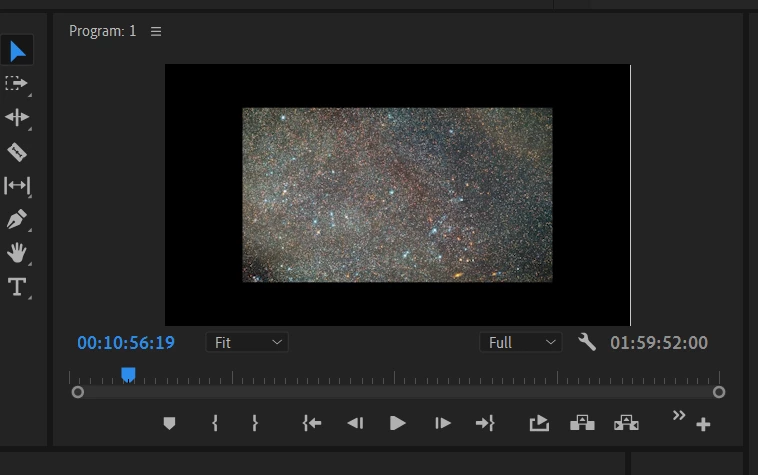
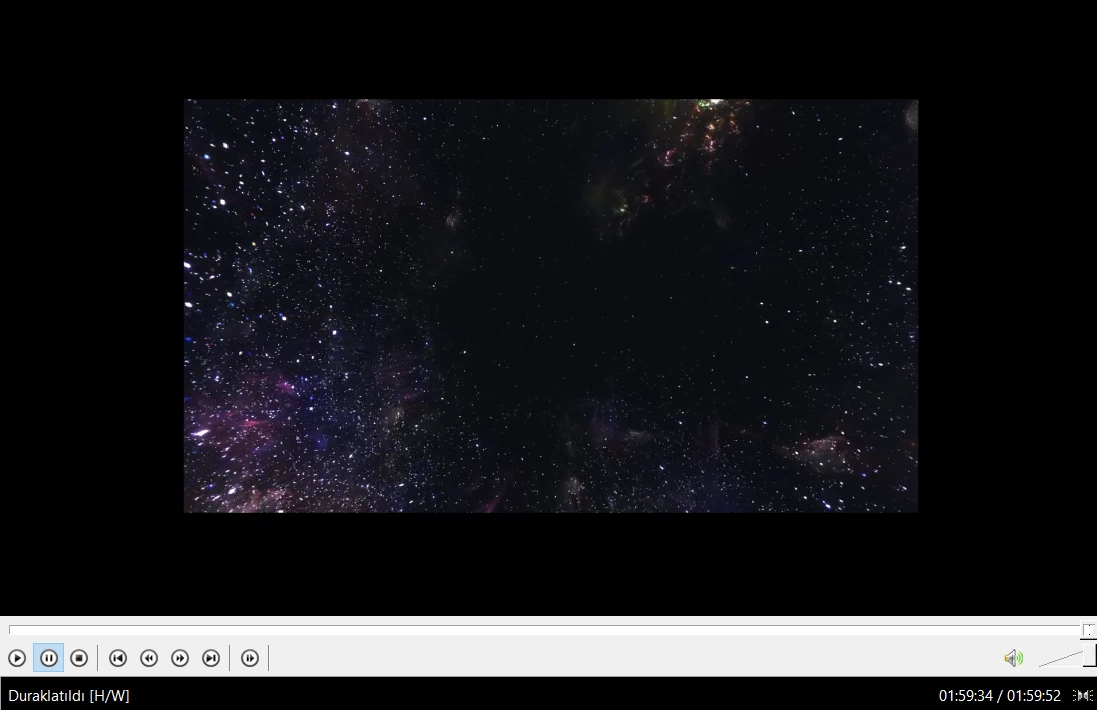
I have exported my video with as selected ''Fit'' but some clips have black bars it's like 9.2 GB so i can't export again I'm going to upload to Youtube.
 

This topic has been closed for replies.

3 replies

R Neil Haugen
Legend
November 17, 2020

Post the requested screen-grabs of your export box, and also give us the details of your clips ... frame-sizes especially.


Otherwise this is all a waste of your time and everyone else's. We need to see the numbers on the screen.


Neil

Everyone's mileage always varies ...
Participating Frequently
November 17, 2020

I don't know how to do that this program drives me crazy 

Inspiring
November 17, 2020

If the first picture is the timeline you exported from, the clip is already smaller than the frame, exporting with fit won't change anything.

You need to rescale the clip in the timeline before exporting.

You can do that by going to the Effect Control window and adjusting the scale there, or you can right click on the clip in the timeline and click on Set to frame size.

Participating Frequently
November 17, 2020

when i selected clips than Set to frame size nothing happens still looking black bars. 

Participating Frequently
November 17, 2020

It seems like the original video you're working with has these black bars. Resize it from the effects control window until it fits the whole frame.


some videos are 1280x720 how can i make them 1920x1080

R Neil Haugen
Legend
November 17, 2020

We'd need to see your full Export dialog especially to see the right-side settings. That would show us what your sequence is, and what your export is. Normally this is a mis-match between the two.


Neil

Everyone's mileage always varies ...
