

Question
Black frames or adjacent frame in final render Adobe Premiere Pro 2020
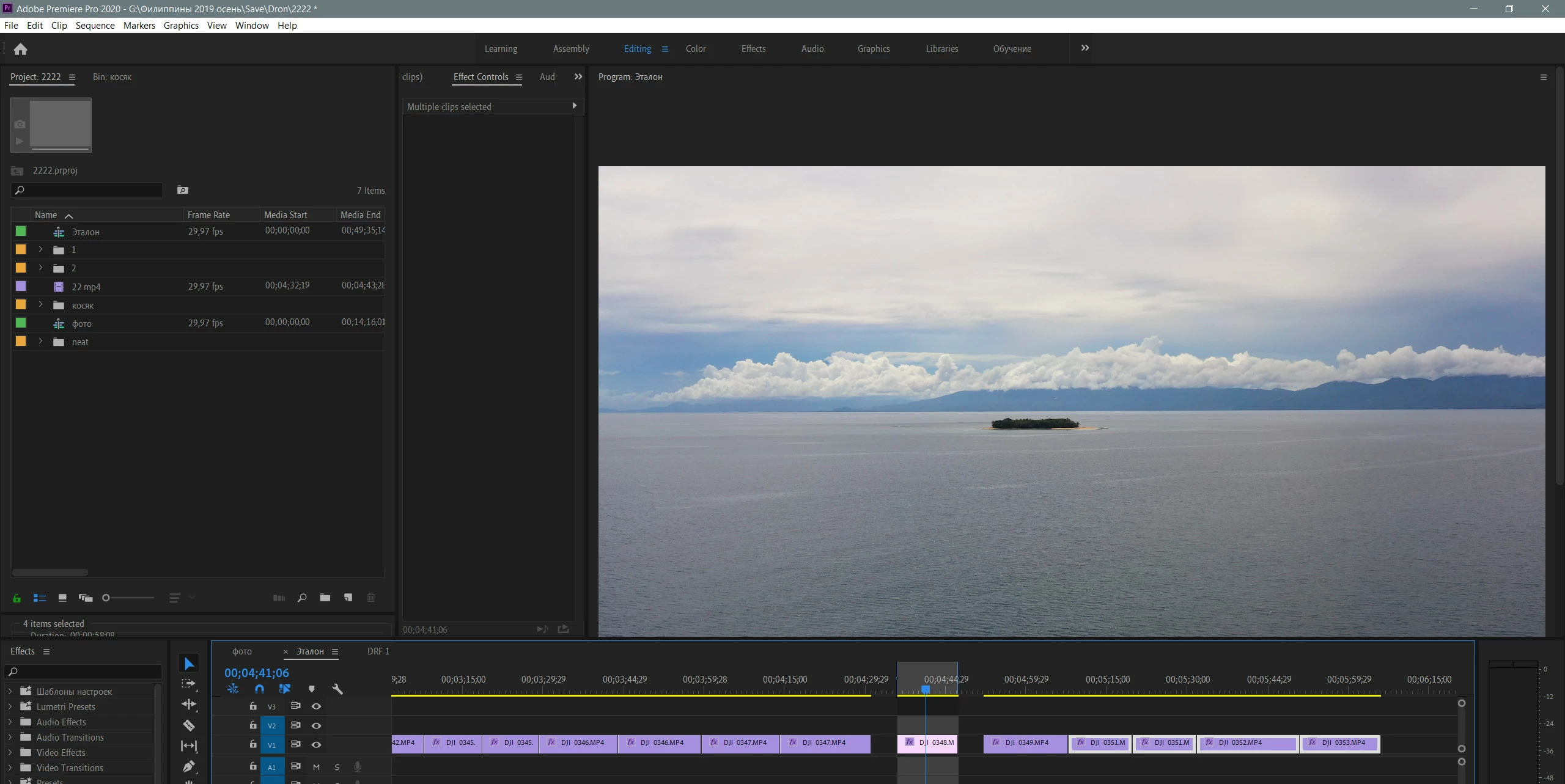
Hi. I recently started using Adobe Premiere Pro 2020 and noticed a problem: After rendering through the Premiere Pro and Media Encoder the sequence of video clips in the final video at the beginning there is a black frame or an adjacent clip frame that is adjacent to the final clip.
I tried various ways to fix this:
Preferences > General > Premiere Pro > Uncheck "Import sequences natively".
Preferences > Media > Uncheck "Enable accelerated Intel h.264 decoding
but it didn’t solve the problem
Empirically, I solved the problem. this happens when the clips go tight to each other. As soon as a gap appears between the clips, the render goes without a black frame. Can you fix this problem in the next update?
 AdChoices