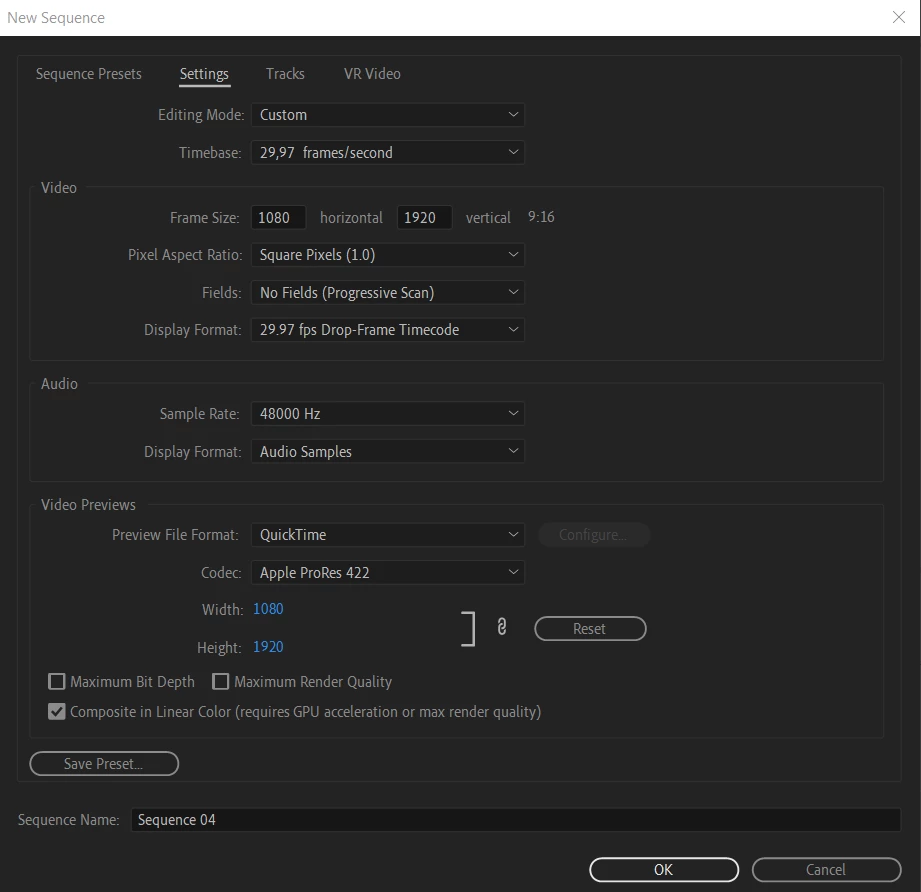
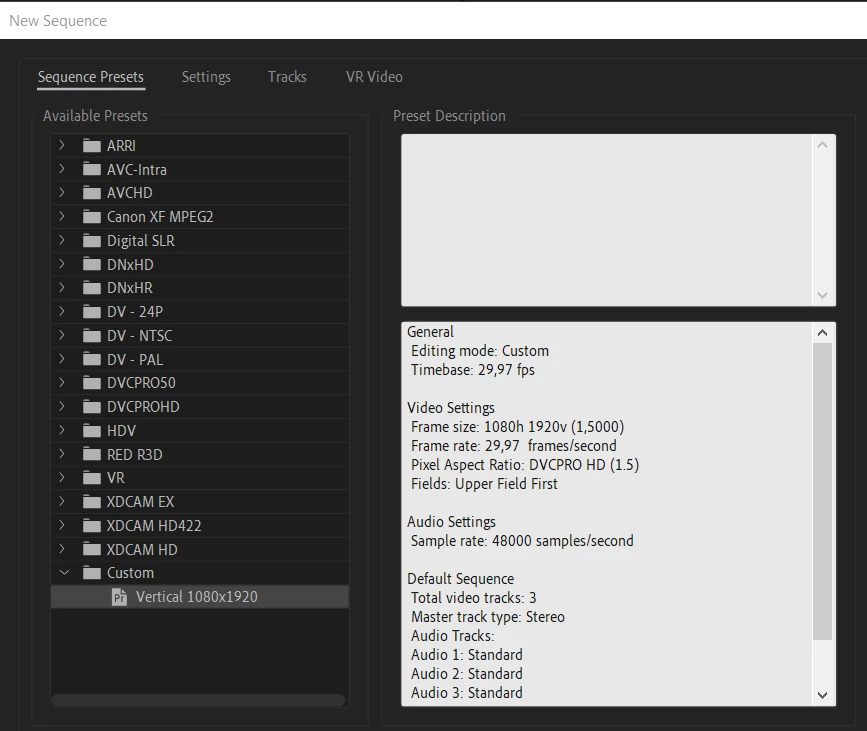
Thank you very much to the both of you for your responses. I really appreciate your help with this! I have created a new sequence with the pixel aspect ratio set to 1 as my source media was indeed set to this as Averdahl suggested. I have also set the rest of the settings according to the screenshot shared by Joost.
The text is showing up really small now. I have checked the scaling but this is set to 100% already. The pixel aspect ratio of the titles are still set at 1.5 even though the sequence and videos aren't. Is there anyway to change this? Or do I have to create all new titles? What else could be causing the text to show up so small?
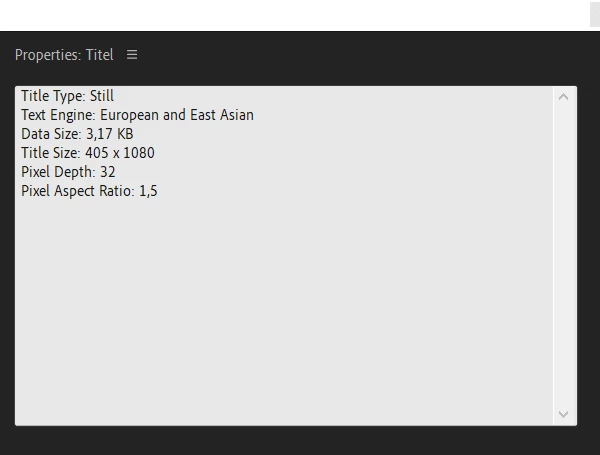
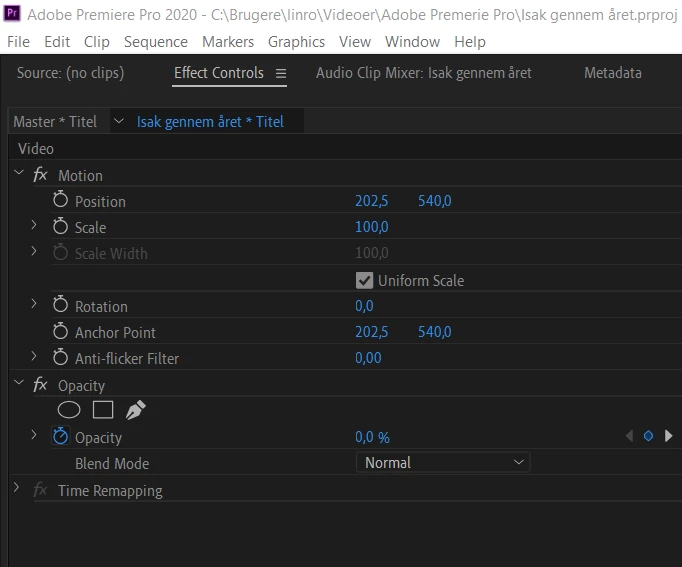
Here are the properties of the title:
Here are the new settings for the sequence:
The pixel aspect ratio of the titles are still set at 1.5 even though the sequence and videos aren't. Is there anyway to change this?
By @defaultmey79erot0my
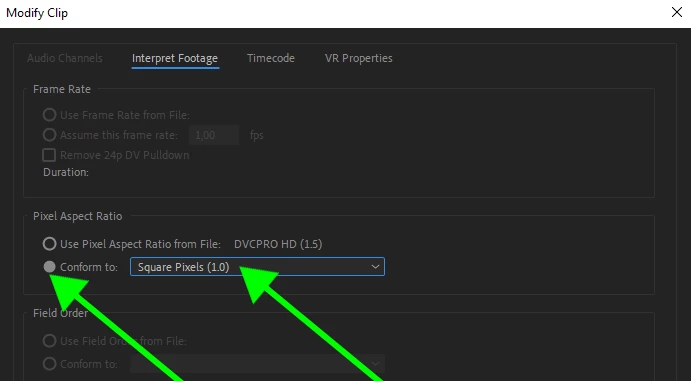
Try to select the title in the Project panel and right click on it and choose Modify > Interpret Footage and under Pixel Aspect Ratio set it to 1.0. If the text is too small, double click it and adjust the Font Size.
Side note:
The Legacy Titler will be removed soon, hence the name Legacy, so use Graphics > New Layer > Text in the future.


 AdChoices