
Participating Frequently
August 3, 2017
Answered

Broken Audio

  • August 3, 2017
  • 1 reply
  • 432 views

HI,

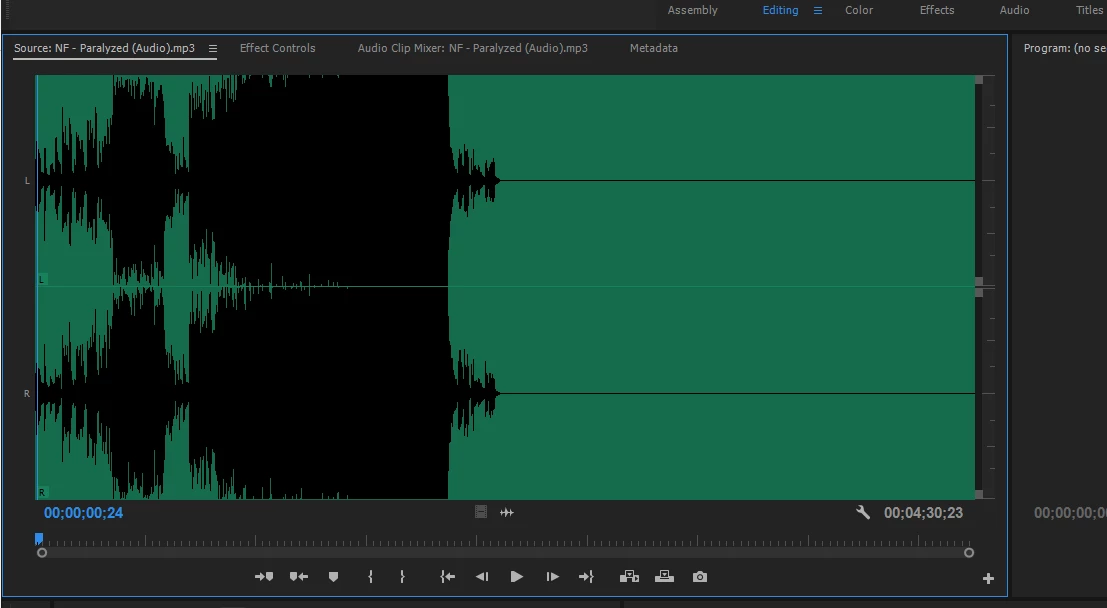
I imported some music (mp3 files) into premiere. I don't know if I did something to it but now, it's like the song has been compressed and feels like its skipping frames.

It is very frustrating because the song is trash because of that bug or mistake I made. This one is not the only one. Some of them still work fine tho.
This topic has been closed for replies.
Correct answer R Neil Haugen

Mp3 has always been a problematic file type in PrPro. You would do much better using either Media Encoder (which ships & is part of PrPro) or Adobe's Audition sound app (if you've a full CC subscription) to convert the mp3's to wav, then import the wav's into PrPro.

Neil

1 reply

R Neil Haugen
R Neil HaugenCorrect answer
Legend
August 3, 2017

Mp3 has always been a problematic file type in PrPro. You would do much better using either Media Encoder (which ships & is part of PrPro) or Adobe's Audition sound app (if you've a full CC subscription) to convert the mp3's to wav, then import the wav's into PrPro.

Neil

Everyone's mileage always varies ...
kulpreet singh
Inspiring
August 3, 2017

Hi Dada1029384756,

I am sorry about this trouble.

What is the exact version of Premiere Pro, are you importing your clips from the Media Browser?

What is the source of these files?

Please clean the media cache & re-import these files.FAQ: How to clean media cache files?

Let me know if that helps.

Thanks,

Kulpreet Singh