Participant
July 29, 2018
Question

Bug affichage = utilisation du logiciel impossible!

  • July 29, 2018
  • 2 replies
  • 389 views

Bonjour,

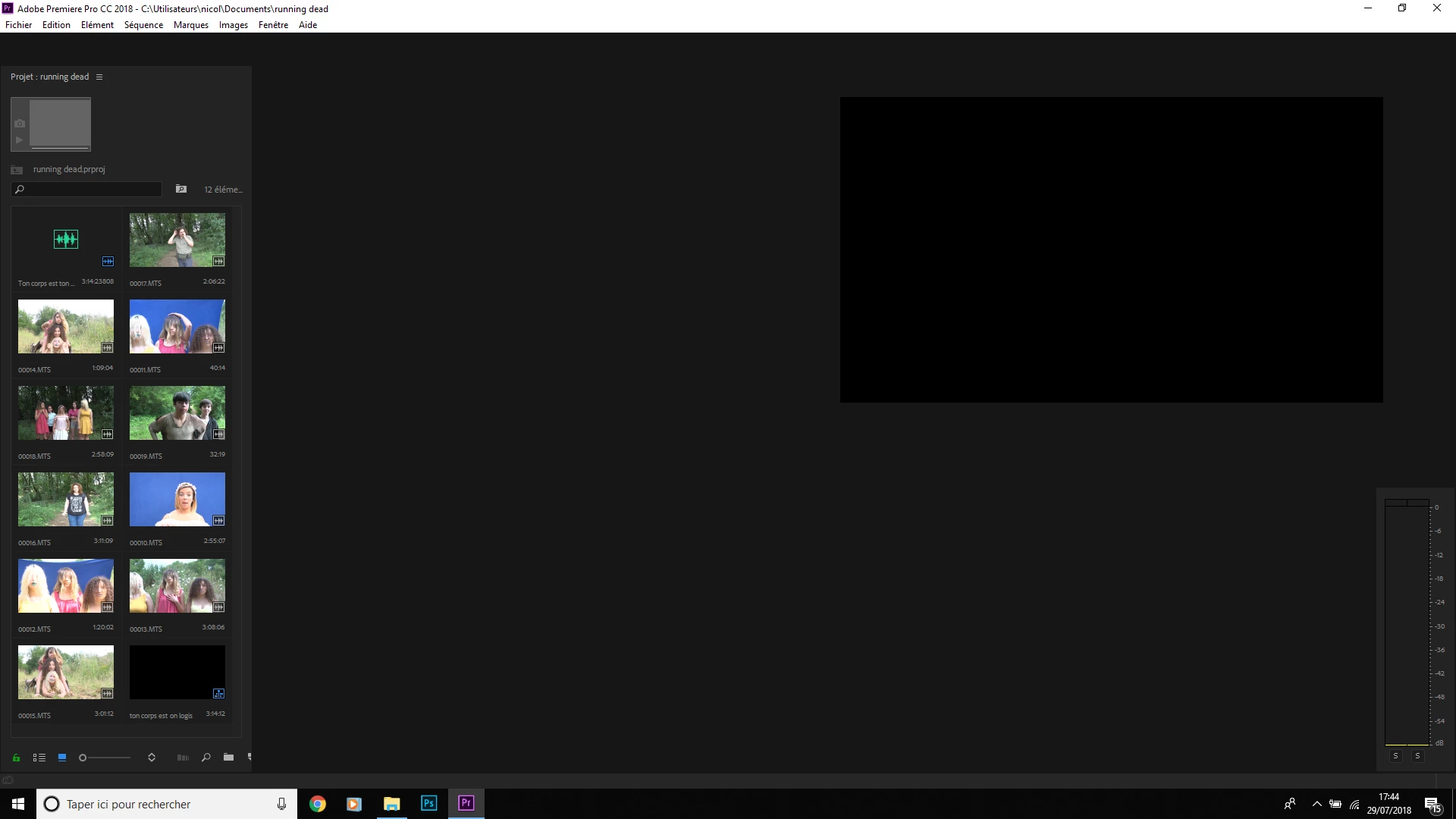
C'est en désepoir de cause que je lance un SOS, mon logiciel fonctionnait tres bien mais depuis la derniere mise a jour, il plante régulièrement. Le plantage comme visible dans l'image ci dessous empêche l'utilisation du logiciel...

Je dois pour dans 15 jours avoir terminé un moyen metrage, pouvez vous m'indiquer comment faire pour résoudre mon problême?

J'ai essayé les doublures, changer la mémoire virtuelle ect...

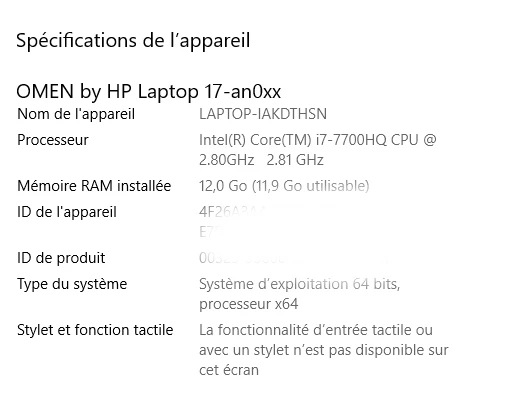
Je précise que je suis sur un ordinateur neuf (4 mois) Gamer OMEN

Merci d'avance!
    This topic has been closed for replies.

    2 replies

    Kevin-Monahan
    Community Manager
    Community Manager
    July 29, 2018

    Hello nicolasbeaupuy,

    I'm sorry for this frustration.

    The solution to your issue is that you just need to reopen your sequence (timeline). It is in the lower right corner of your Project panel. I can see the icon representing your sequence. Then you should be OK to continue. Did that work for you?

    Why did this happen?
    I do see a common problem that is happening to some users these days. I think you get into this situation by using the Save As command, and then using the same name as the original, choosing to save over the original. When reopening the project, the timeline is closed, which can be confusing.

    In short, my advice is to merely use the Save command instead. Use Save As only for creating project backups. Rename the project, ideally, by incrementing the project name: "Project_01" for example.

    I hope that helps and good luck with your project. Please return with any questions or if this post did not assist you.

    Thanks!
    Kevin

    Kevin Monahan - Sr. Community and Engagement Strategist – Adobe Pro Video and Audio
    Participant
    July 30, 2018

    Hello

    no, the problem is not this one, the opening is the screen that I posted in the image but in reality everything is open since I have to click on any button for all reappear . on the other hand quad I find my workspace, it is blocked, I can read the videos but I do not see any cursor nis point in or out ...

    in short, I can not work!

    Can you help me?

    Kevin-Monahan
    Community Manager
    Community Manager
    July 31, 2018

    Hi nicolasbeaupuy,

    Can you help me?


    You can get direct assistance from our agents here: Contact Customer Care
    Let us know the fix once you get help so that others may find help for the issue.

    Thanks,

    Kevin

    Kevin Monahan - Sr. Community and Engagement Strategist – Adobe Pro Video and Audio
    Inspiring
    July 29, 2018

    Try resetting your workspace:

    Go to the menu Window > Workspaces > Reset to Saved Layout

    MtD

    Participant
    July 29, 2018

    it doesn't work... thank you but the problem still the same

    Ann Bens
    Community Expert
    Community Expert
    July 29, 2018

    but since the last update, it crashes regularly.

    Deinstall,

    Use the Adobe Creative Cloud Cleaner Tool to solve installation problems ,

    Re-install.

    See how that goes.