Answered
Burning subtitles to video
I am a beginner with Premier Pro. I have created 3 caption tracks. When I try to burn all of them in the video and export them, only one of them shows on the video. Can somebody help please?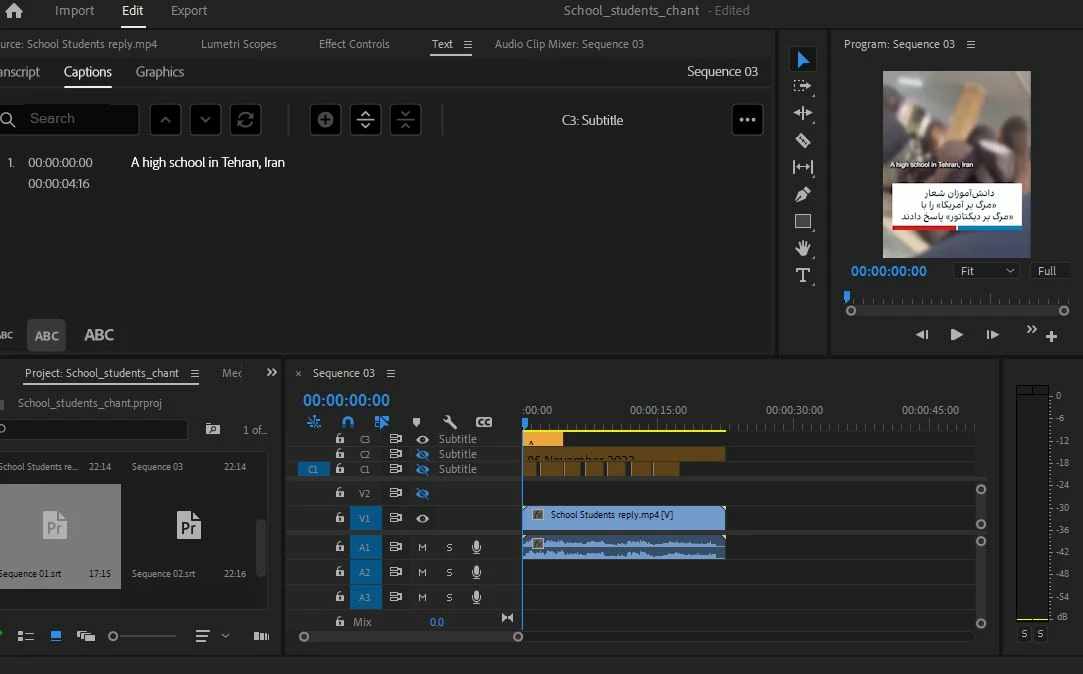

I am a beginner with Premier Pro. I have created 3 caption tracks. When I try to burn all of them in the video and export them, only one of them shows on the video. Can somebody help please?
You can only burn in one caption track at a time.
A workaround is to nest one or more caption tracks. See "Show Multiple Caption Tracks" in this post:
Stan
Already have an account? Login
Enter your E-mail address. We'll send you an e-mail with instructions to reset your password.
 AdChoices