
Beantwortet
Can't apply "constant power" between clips in Premiere Pro CC 2018
I cannot apply the "constant power" transition between two specific clips Adobe CC 2018.
"Show Audio Time Units" is not toggled on, and as far as I can determine there is no gap between the clips (see screenshot).
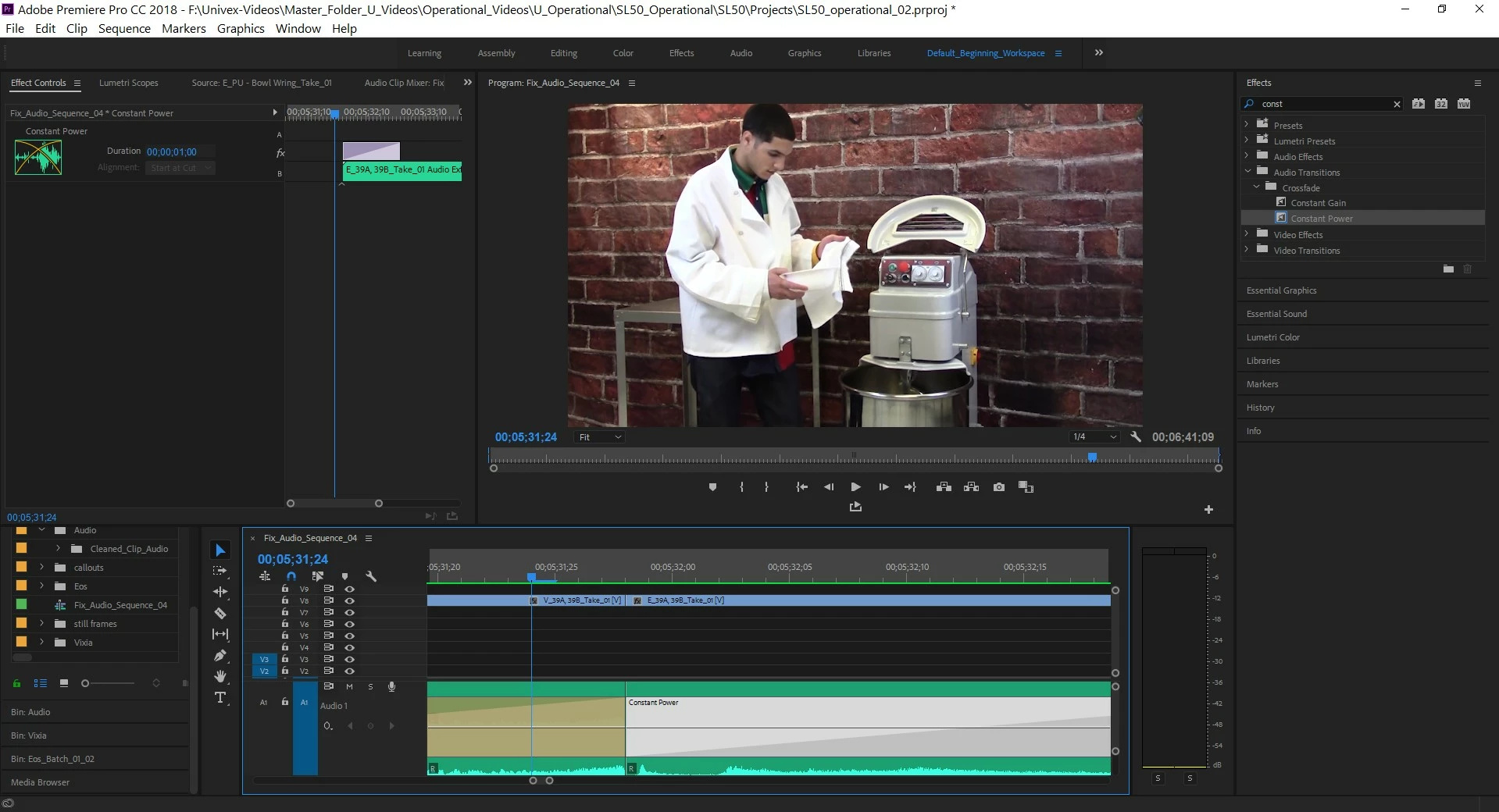
Neither can constant power be dragged to straddle the clips using the effects controls, nor is there any option in the effects controls panel to center constant power at the cut when constant power is highlighted - the option is grayed out (see screenshot).
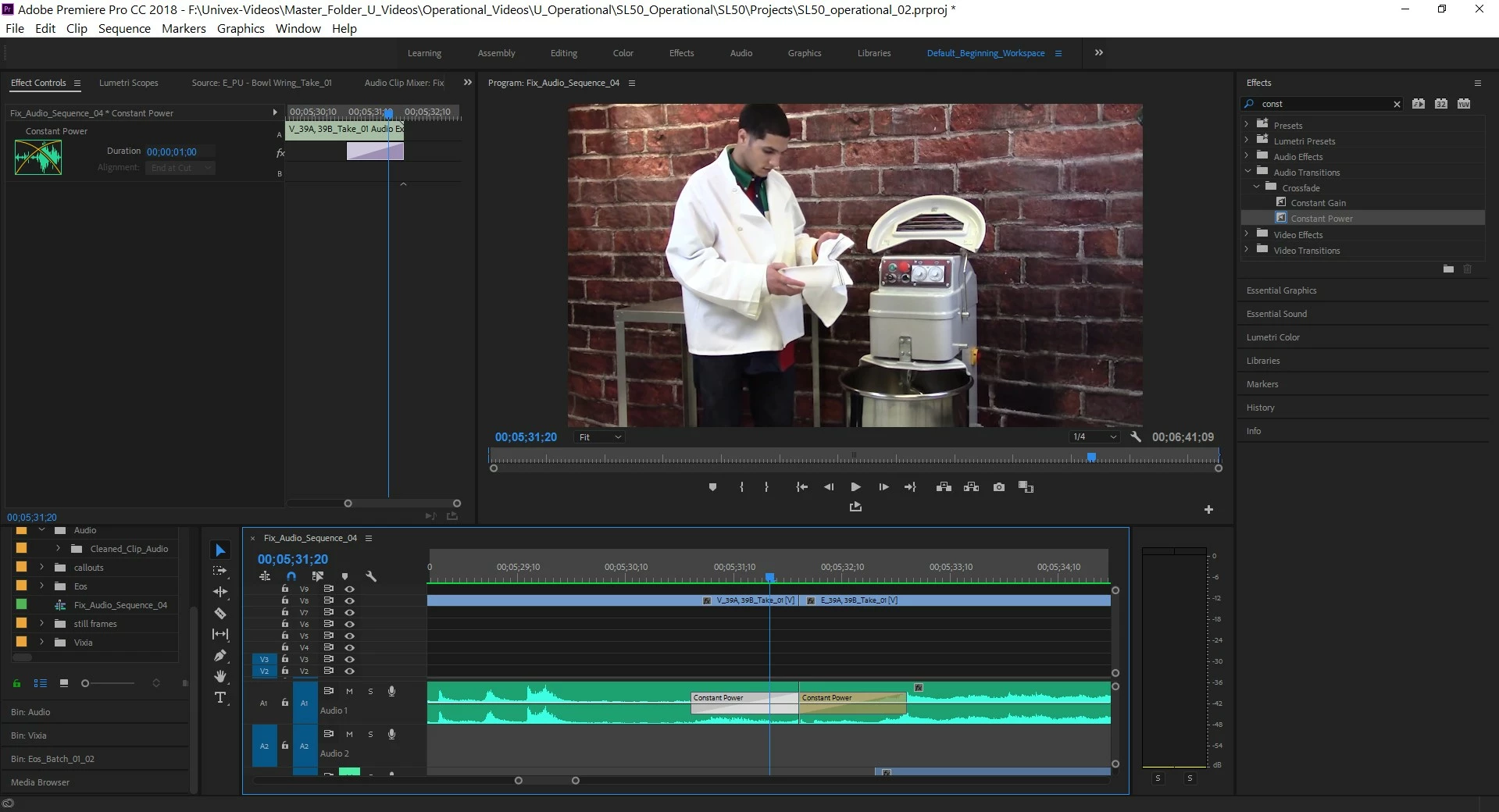
"Constant Power" can be dragged onto each clip individually, which as I understand means the problem is not the length of the clips.
Is there something simple I am missing, or is this a bug?!
Please help! I'm at a loss, and I really need to finish this project.
 AdChoices