
Question
Can't Capture DV in Adobe Premiere Pro 22.6.2!
Hi there I have updated my PP to latest version 22.6 and since then I can't seem to set capture settings. I have connected my tape based camera to my computer and it is connected as I can drive the camcorder in Premiere Pro, however, it says 'capture device is offline'. I go to Project Settings to set capture format to HDV and it doesn't give me the option. See screenshot. Can you please advise what is happening here? I would be so grateful as capturing wasn't a problem earlier this year. 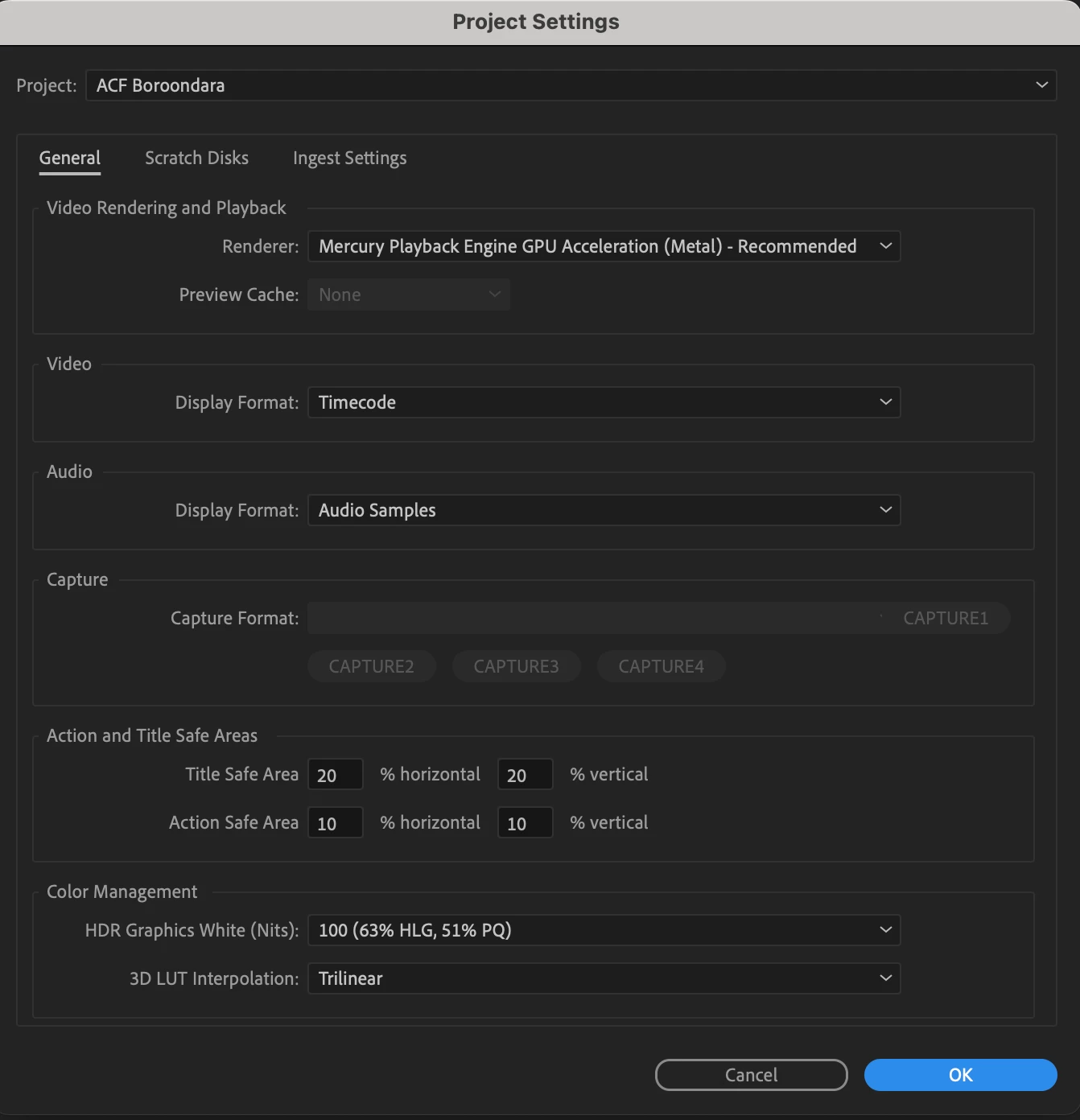
 AdChoices