

Can't get rid of Intel HD Graphics 4600 Card compatibility error
I'm using Windows 10 x64 in a Desktop PC, with the main video card Nvidia Geforce GTX 1600 6 Gb, but I have an onboard Intel HD Graphics 4600 Card.
I'm getting this error for a long time and in many Premiere versions, every time I start Premiere:
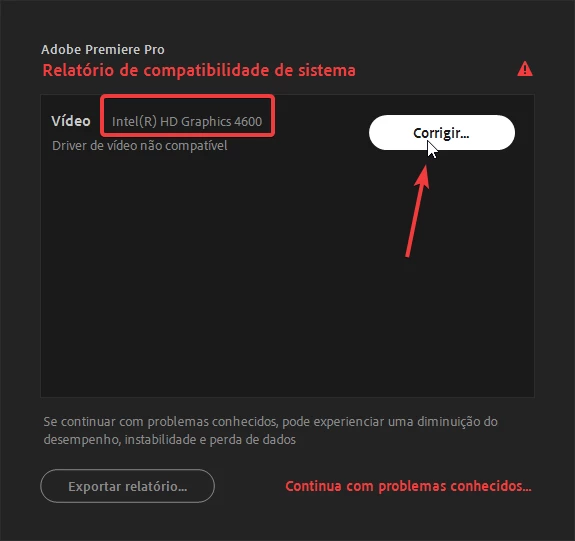
Clicking on the "fix" button above, I'm redirected to this page:
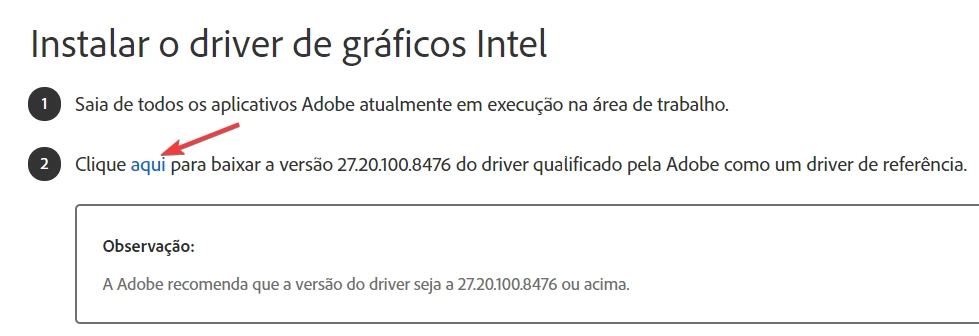
... which shows me this link:

Uncompressing this zip to my desktop and trying to update the Intel Graphics 4600 video card, it tells me that the current drive is up to date (the better drivers are already installed):
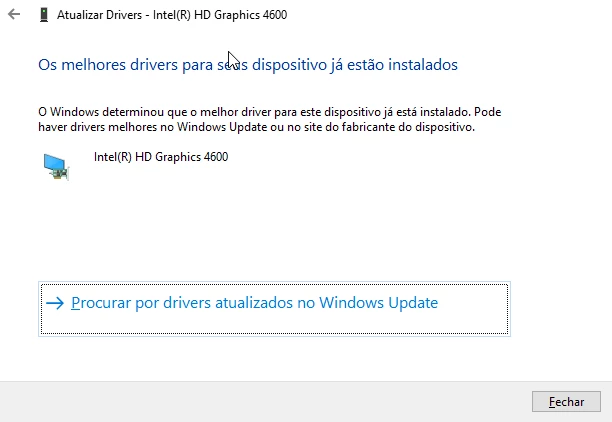
Even manually uninstalling the Intel driver and restarting my PC, the driver is automatically reinstalled and the problem goes on.
If I run "igxpin.exe" as suggested, I get an error telling me the system doesn't have the minimum requirements.
So, what can I do?
 AdChoices