
Participant
December 10, 2024
Answered

Can`t import Speed HQ Codec Video in to Adobe Premiere Pro

  • December 10, 2024
  • 1 reply
  • 940 views

Hello everyone,
I can't import my TC-1 (Newtek) recordings (NDI Speed HQ Codec) into Adobe Premiere Pro 2025 (25.1.0. Adobe Cloud).
On Editing PC = Speed HQ Codecs installed + NDI Tools + NDI for Premiere Pro Add....


Error message in Premiere Pro = A low level exception occured in: NewTek_Import_SpeedHQ (Importer)
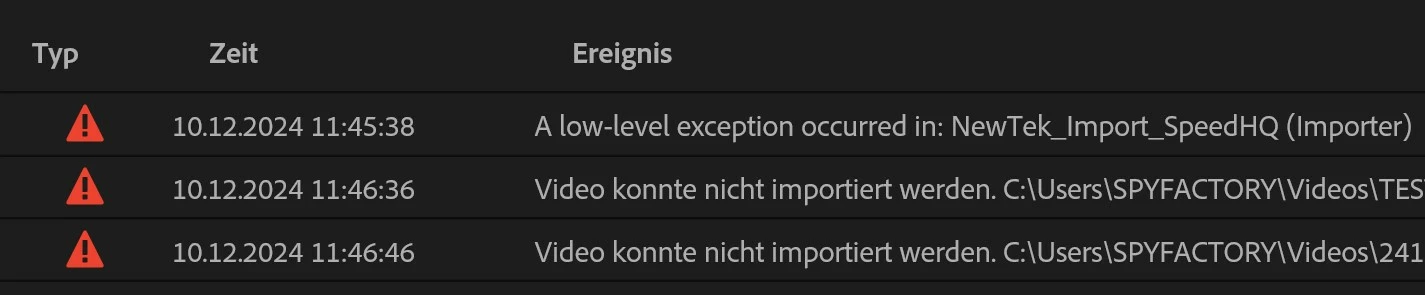
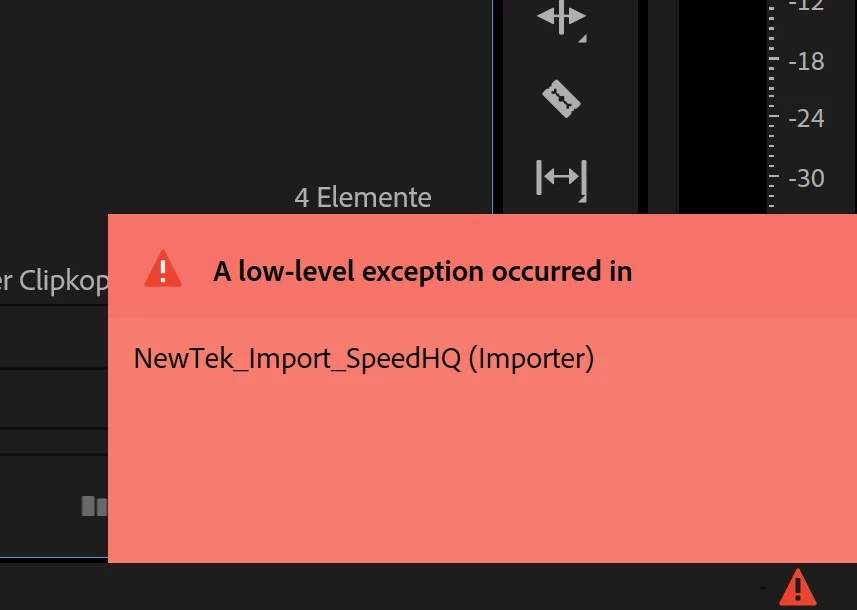
The Files are 100% OK, run in VLC perfectly...

any idea what i can do / try ?

This topic has been closed for replies.
Correct answer Kevin-Monahan

These are the formats that Premiere Pro supports: https://helpx.adobe.com/premiere-pro/using/supported-file-formats.html. I hope that info helps.


Thanks,
Kevin


1 reply

Kevin-Monahan
Community Manager
Kevin-MonahanCommunity ManagerCorrect answer
Community Manager
December 12, 2024

These are the formats that Premiere Pro supports: https://helpx.adobe.com/premiere-pro/using/supported-file-formats.html. I hope that info helps.


Thanks,
Kevin


Kevin Monahan - Sr. Community and Engagement Strategist – Adobe Pro Video and Audio
Participant
December 18, 2024

Hi Kevin

Thank you for the answer and for the summary of the obvious 😉

That would actually mean that it should work (!) - Speed HQ Codec is in the Quicktime (mov) Container, and the Codecs are installed on PC (C:\Program Files\Adobe\Common\Plug-ins\7.0\MediaCore) 

But Adobe does decode not the video (still hear the audio) with the already mentioned Adobe error message.

So I am almost certain that this is an Adobe bug 🙂


Kevin-Monahan
Community Manager
Community Manager
December 19, 2024

Hi @HD_Pixelshifter,

Thanks for the reply. The .mov container is fine, but the video codec inside the container does not seem to be supported (appears the audio codec is, though). So, I wouldn't expect the file to be supported even though it is in the proper location for other supported codecs, like ProRes and H.264. I hope the information helps.


Take Care,
Kevin


Kevin Monahan - Sr. Community and Engagement Strategist – Adobe Pro Video and Audio