
Participant
November 10, 2018
Answered

Can't move captions low enough...(Premiere Pro 14.9 and earlier)

  • November 10, 2018
  • 3 replies
  • 18899 views

Hello,


Whoever reads this, I hope it finds you well...


I'm working in Premiere Pro 2018 and I'm trying to move my captions further down so that they are in the black bar on the bottom.


I don't want them over any video above the black bar.
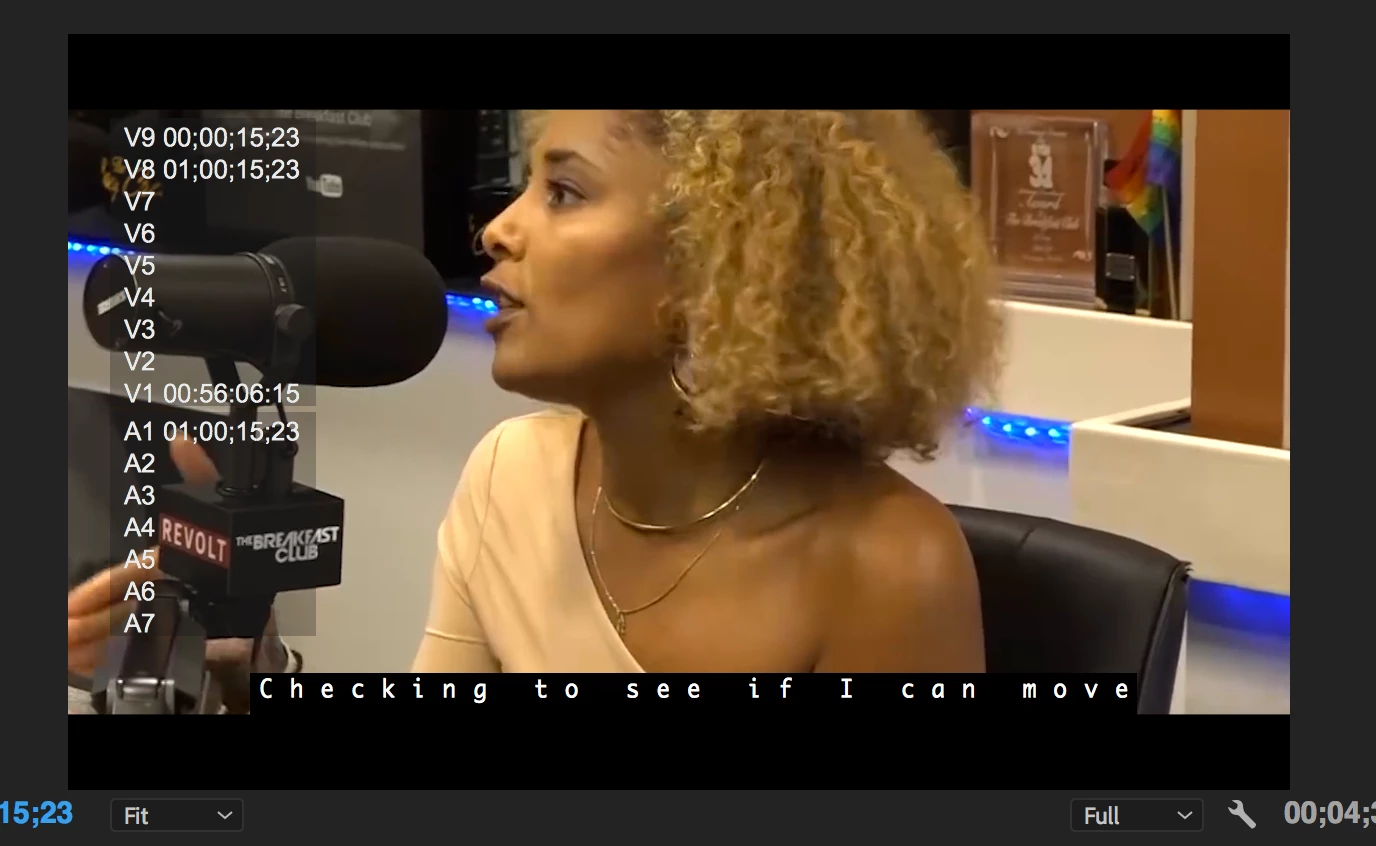


I heard there might be a safe box or something - Sorry, I'm sure that's probably the wrong term for it - and, if that's true...


Is there a way to adjust the safe box so I can actually move my captions lower?


It seems I just need to be able to increase my y value higher  but I can seem to raise it, either with my mouse or by typing in values.


Perhaps, this is tied to the safe area limitations? I think the highest I was able to get the Y value was 14 - Sorry, I know the screenshot says 8.
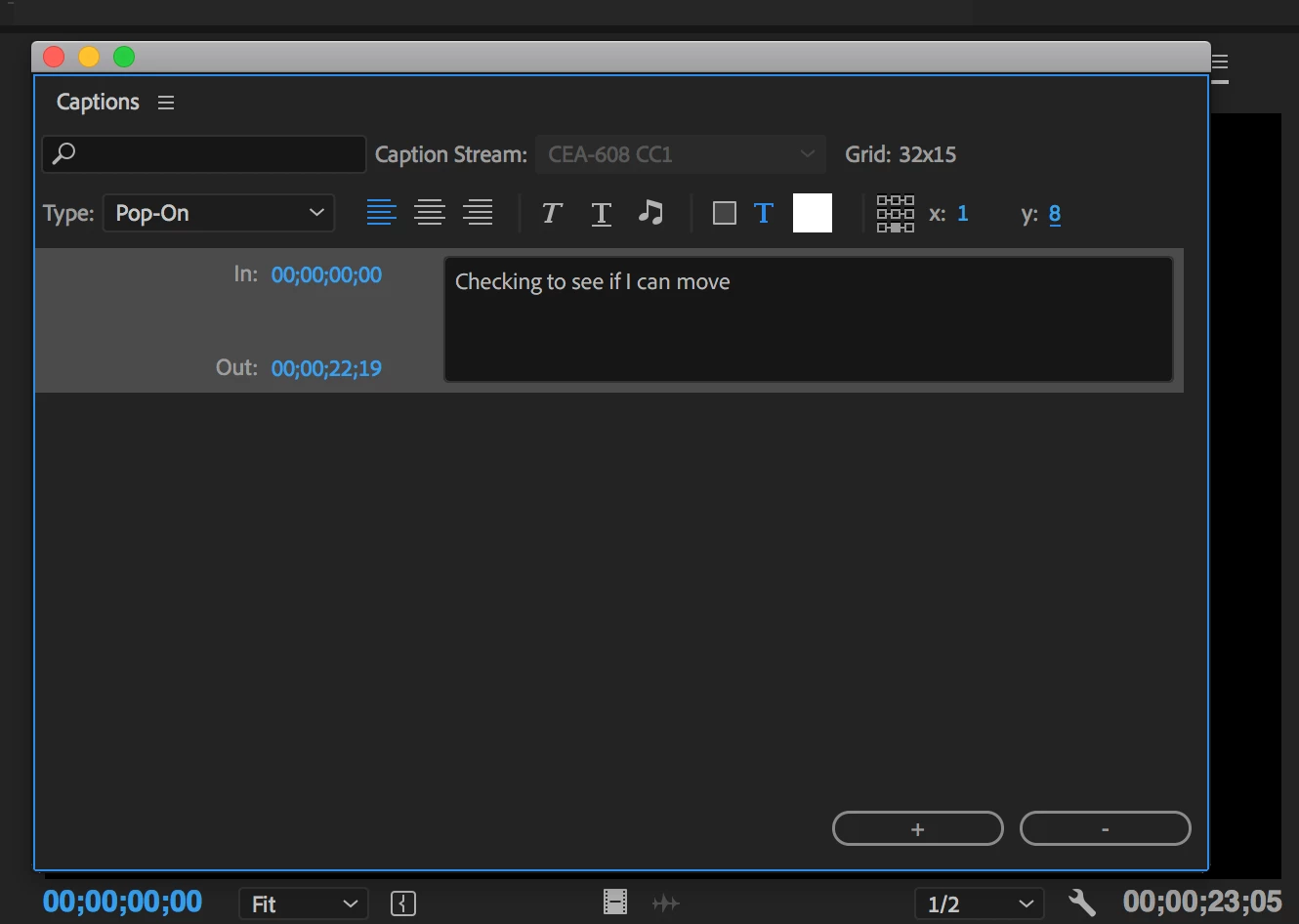


I know I can do this with titling and, if I have to, I will do that..but I wanted the viewer to have the option to turn the captions off. Also, title process for this scenario seemed to take quite a bit longer. If it helps, the captions are lyrics roughly 95% of the time for the 12 videos I'm working on. The other times they are captions of dialog.


Any help would be GREATLY appreciated!!! Thanks in advance and Happy Friday!!


-Stephen
Correct answer Stan Jones


Sorry; I was using my phone and did not see your original screenshots. You are using closed captions, and ultimately they can be controlled (overridden) by user settings on the playback device. In addition to their primary intent as embedded files for closed captioning, they can be burned in or exported as sidecar. But, in any event, they have fewer options of all types (font, color, opacity of background, position) than Open Captions, which are intended to be burned in (and can also be exported as a sidecar).

If your goal is to burn in, you can convert to Open Captions, then the workaround I described using the effect controls will work.

To convert, I would first duplicate the caption stream. Once converted to Open Caption, you cannot convert back. Then select the caption stream in the Project Panel, right click, and Modify -> Captions -> Target Stream Format, Standard -> Open Captions.

3 replies

Participant
December 12, 2023

I was dealing with this same very issue for an hour and I finally found a easy workaround that works.

Just set the text to Subscript and enlarge its size.

That way you don't have to convert the captions to graphics  🙂


Participating Frequently
January 11, 2024

yes!! finally, an answer that makes sense and works quickly!! Ignore my long-winded work around - I bet it was that subscript button the whole time! haha

Participant
July 3, 2023

I know this is an old thread, but I just had this issue and found a workaround which I thought I'd share (Premiere version 23.1.0 (Build 86))

Once you're happy with the content of your captions, select them all, then go Graphics and TitlesUpgrade Caption to Graphics. You can now freely move the captions around with the Effects Controls panel, and roll these changes out across all the captions with the Copy/Paste Attributes function. Hope this helps someone!

Stan Jones
Community Expert
Community Expert
November 10, 2018

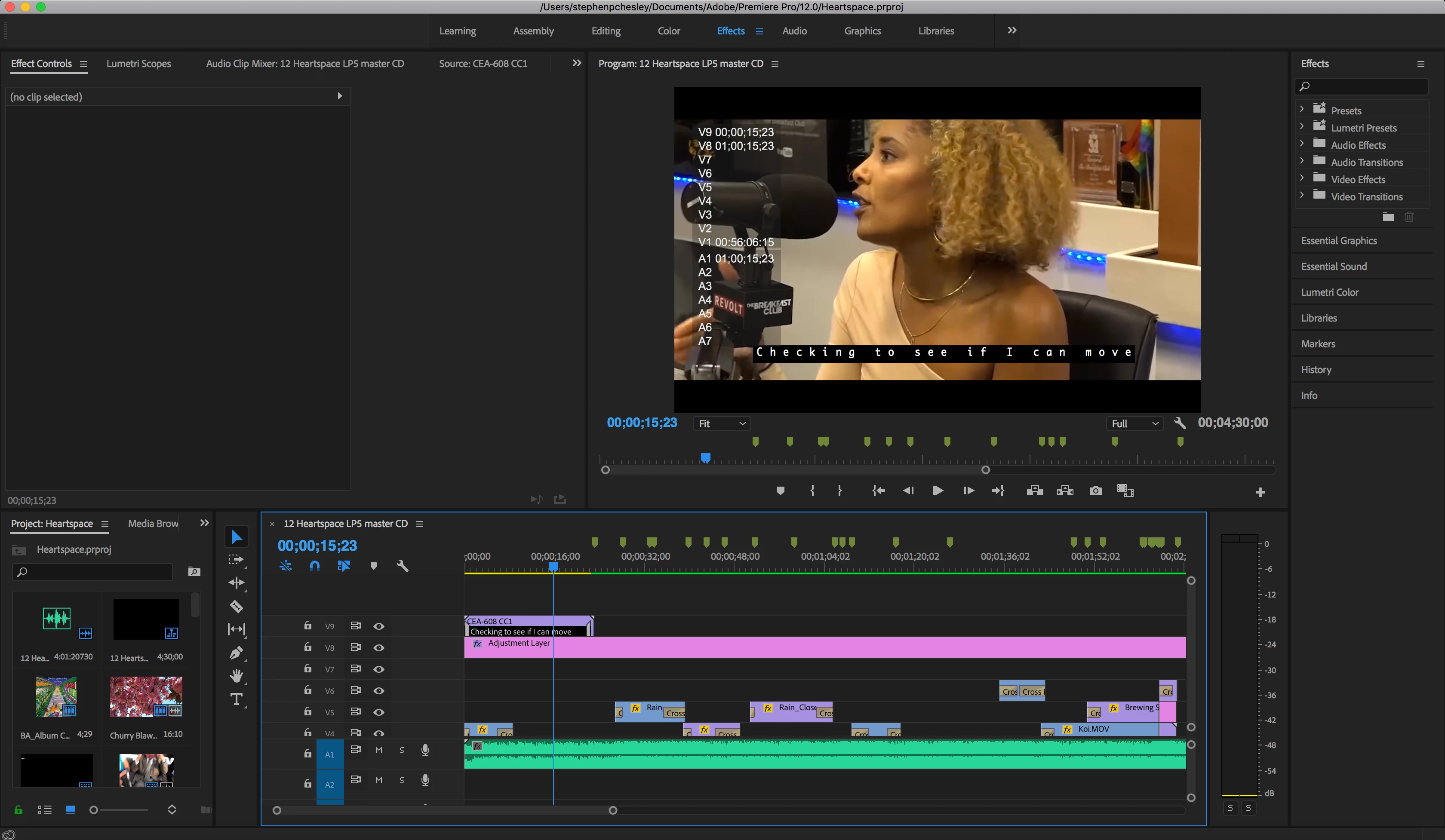
There's a limit to how low you can set captions based on the caption controls. To get them any lower, you must select the caption stream in the timeline and then position it using the effect controls.

Participant
November 10, 2018

Thanks so much for responding!

When I select the caption stream in the timeline, nothing comes up in the effects controls like with a regular video clip. I'm not sure what I'm doing wrong or what I setting might be off on my end...

Stan Jones
Community Expert
Community Expert
March 1, 2023

Help ! I'm going mad.

This is the solution I was looking for... but I DO NOT have the caption track in the Project panel !!! Why ?

My workflow was:

- new project 

- import a single mp4

- create a sequence and then put the mp4 in it

- create transcript of the speach

Then in the captions tab I can either

- create a new caption track or

- create caption from transcription

but I never see an option to choose OPEN or CLOSED caption.

And after creating the caption track with either method, I have the caption track in the timeline but NOT in the project, where I only see my MP4 and the Sequence.

Please HELP !

(Premiere PRO 23.1.0 on Windows 10)

Ginosergio


This thread is about the old caption workflow, prior to PR 2021. The caption track no longer appears in the project panel.


See the help page:

https://helpx.adobe.com/premiere-pro/using/working-with-captions.html


Stan