

Answered
Can't navigate to markers from marker panel
I feel like this surely must be operator error...
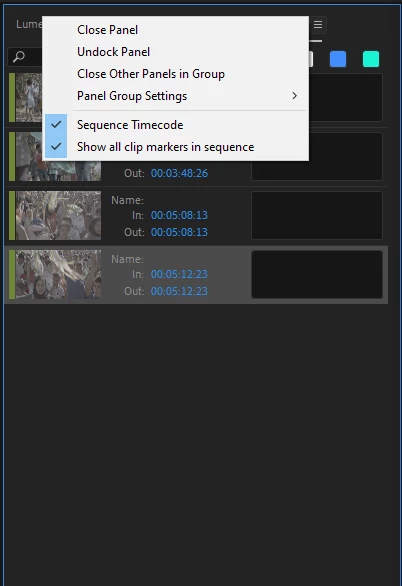
I have several clip markers on my sequence. From my marker panel, shouldn't I be able to just click on one of the markers and be navigated directly to that marker on the sequence? Currently, when I click once, nothing happens. When I double click, a window opens to edit the marker.
On the subject of the marker panel, is there a way to see all markers in a sequence at once if the markers have been created on the clips and not on the timeline?
Thank you!
System info:
Premiere Pro 23.3.0 (Build 61)
MBP M2 Max
OS Ventura 13.4
 AdChoices