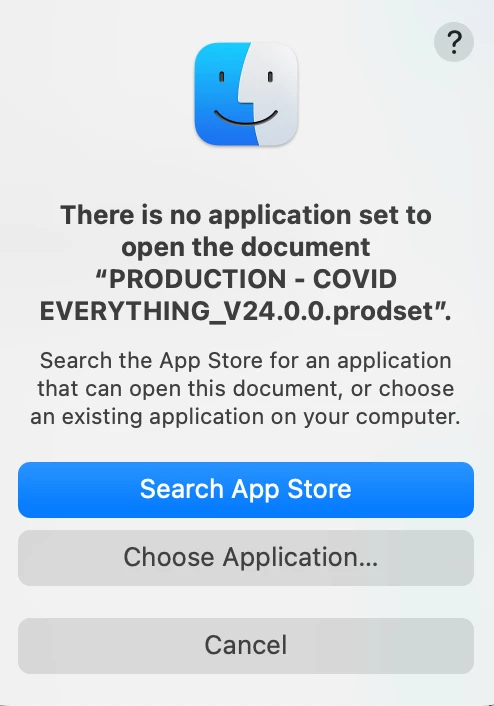
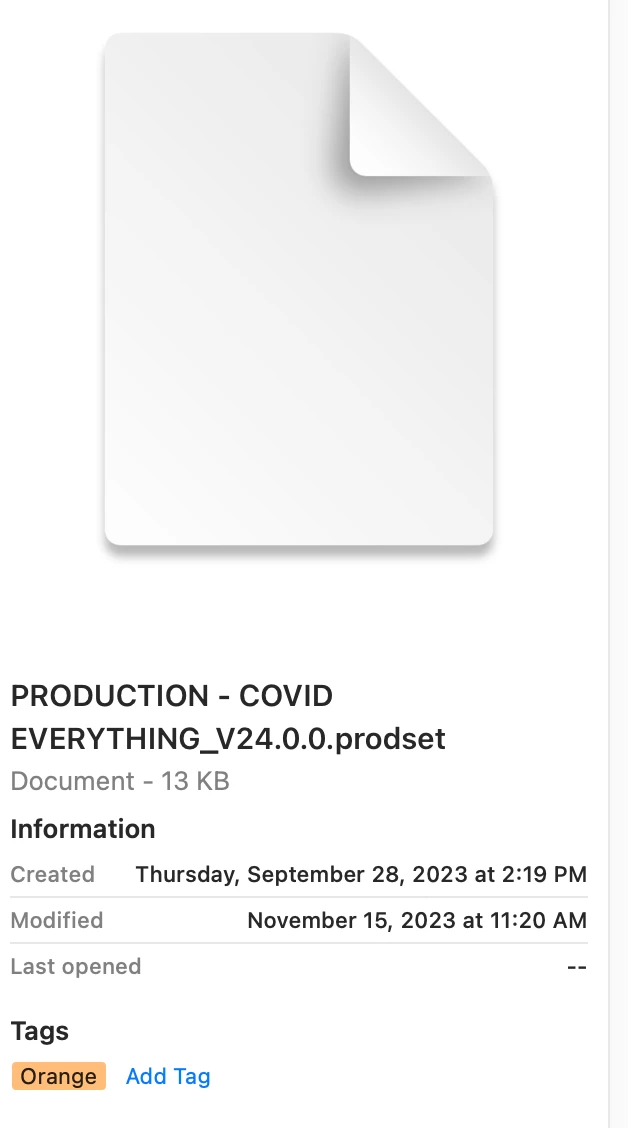
Premiere Pro doesn't set up an OS-level link to the .prodset file, meaning double clicking a .prodset file doest not open Premiere Pro. To open your production you can either:
Open one of the component project files
Go to File > Open > Production and point it at the top level of the production folder
That looks like your OS lost it's link to PP for prodset files. Reinstalling PP might help. As Neil asked, can you open it from inside PP. We have utilities in Windows for fixing things like that.




 AdChoices