
Participant
June 12, 2023
Question

Can't open projects anymore

  • June 12, 2023
  • 6 replies
  • 649 views

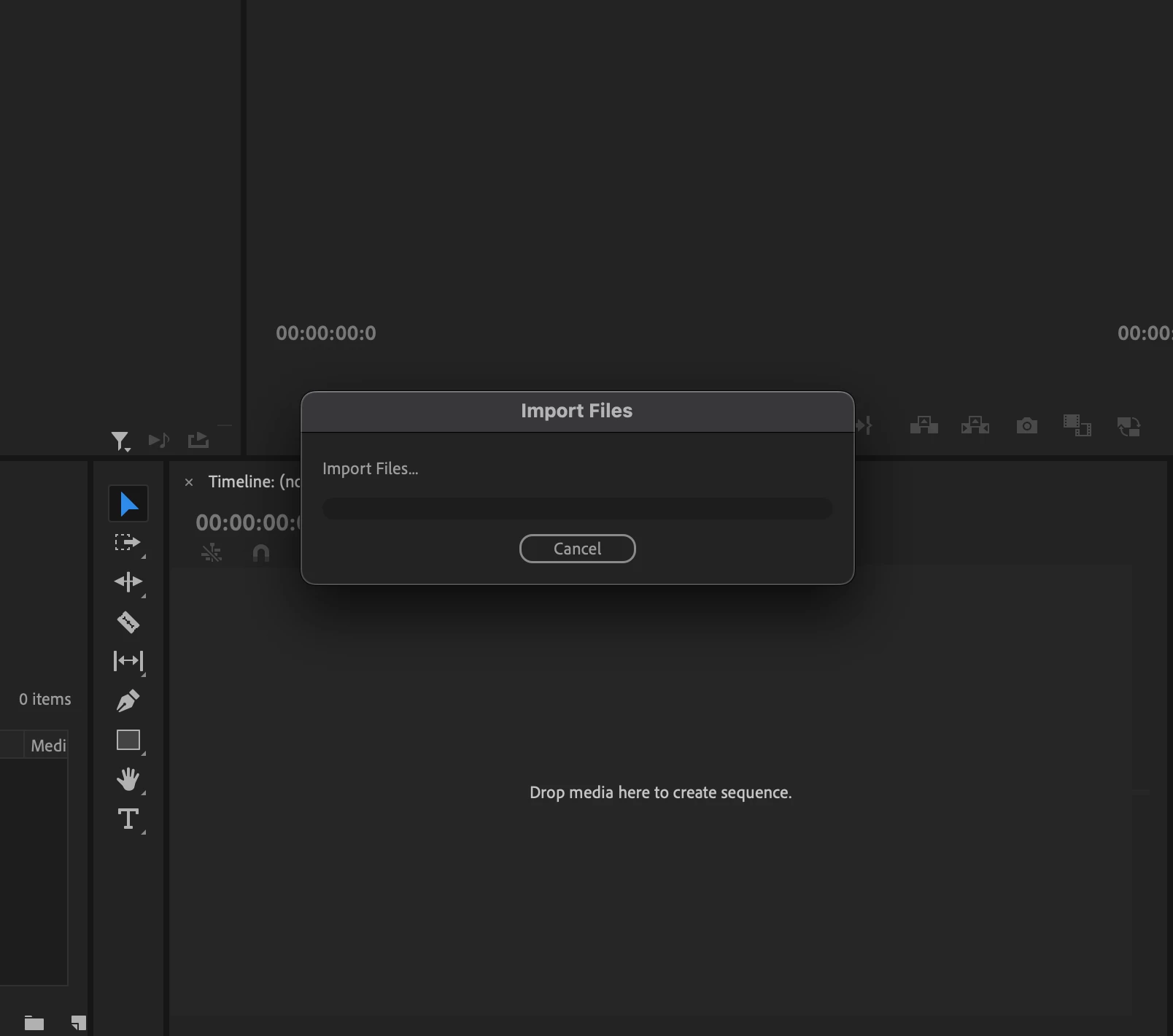
Have been trying to fix this for 3 hours now, and my job is on the line. Whenever I import a video I get shown a message stuck at importing without any progress being made like this:
Or I can't play the video at all and see this:
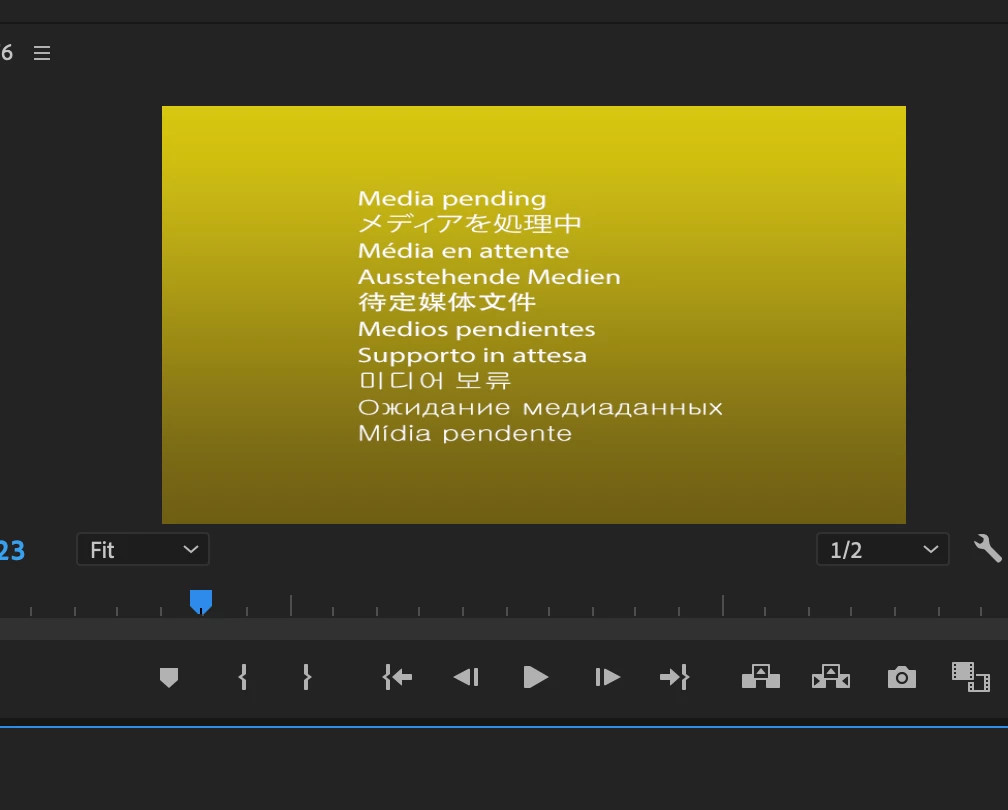
I can't open any old projects, and I can't create any new ones.

This topic has been closed for replies.

6 replies

anonhjAuthor
Participant
June 12, 2023

I'm specifically trying to upload an mp4. When I try to upload the mp4 onto something like davinci or imovie, it loads up immediately, and I have no problem editing. I even uninstalled and reinstalled adobe, so I have no idea what is making it difficult for adobe to open up my files vs other software. I also have a lot of space and have restarted my computer. 


I can also see now that I can open my previous projects again and see those videos, and now I can import videos I couldn't import before. But I've tried importing this specific mp4 again, and it's stuck at the same message again. 

Participating Frequently
June 12, 2023

It appears like your system is sluggish. Check to see if there is adequate space, then restart the computer. and attempt to add the media files to New Projects. Try again after relocating the media files.

What kind of media files, such as MP4 or MOV, are you using?

If it doesn't work, uninstall it and install it again.(Use the Latest build)

Tell me if it functions.

thanks.

anonhjAuthor
Participant
June 12, 2023

I'm using a Mac and have never encountered a problem like this until today. I didn't do anything out of the usual either for my previous projects.

Participating Frequently
June 12, 2023

Are you able to change the Rendering mode? Which application version your using? Your working on Mac or Win? 

anonhjAuthor
Participant
June 12, 2023

Hi,

Yes, my system is compatible and I did try changing the rendering mode to "software only." I have also deleted media cache and reset preferences. Nothing has worked, and it's giving me the same message while trying to import videos.

Participating Frequently
June 12, 2023

Hey, 

Is that your system match the system compatibility? see this..https://helpx.adobe.com/in/premiere-pro/system-requirements.html 

Try this:

1. Click on the File > Project Setting > General > and change the Rendering mode to "Software Only".

2. Reset the Preference and delete media cache files.

let us know if its works,

Thanks,

Suraj.