
Answered
Can't pancake edit with multicam sequences — Premiere creates new audio tracks?
Hello,
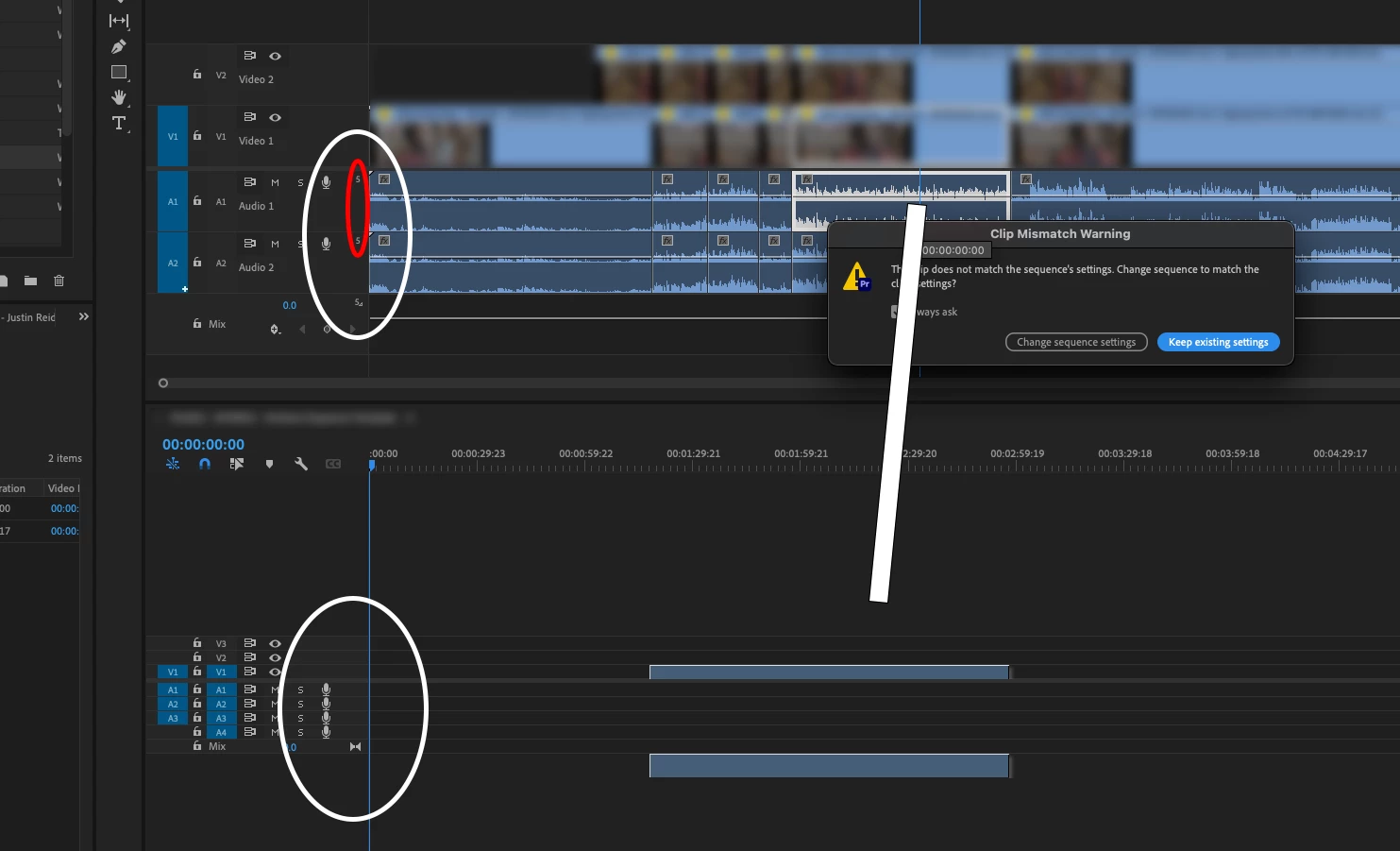
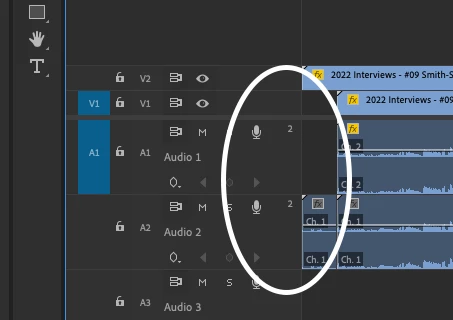
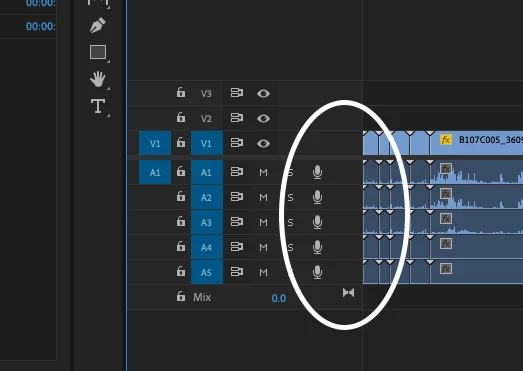
We've created a bunch of multicam sequences for a project we are working on. In the multicam timeline, we've noticed small digits next to the audio tracks. These same digits are not present on the regular sequence. Can somebody explain what this digit means?
We'd like to use the multicam sequence to pancake edit, but the audio tracks from the multicam do not drag into the master timeline without creating new audio tracks. Presumably it has something to do with the small digits next to the audio track?
Is there a way to solve so we can pancake edit with the multicam sequence?
 AdChoices