Participating Frequently
September 26, 2023
Question

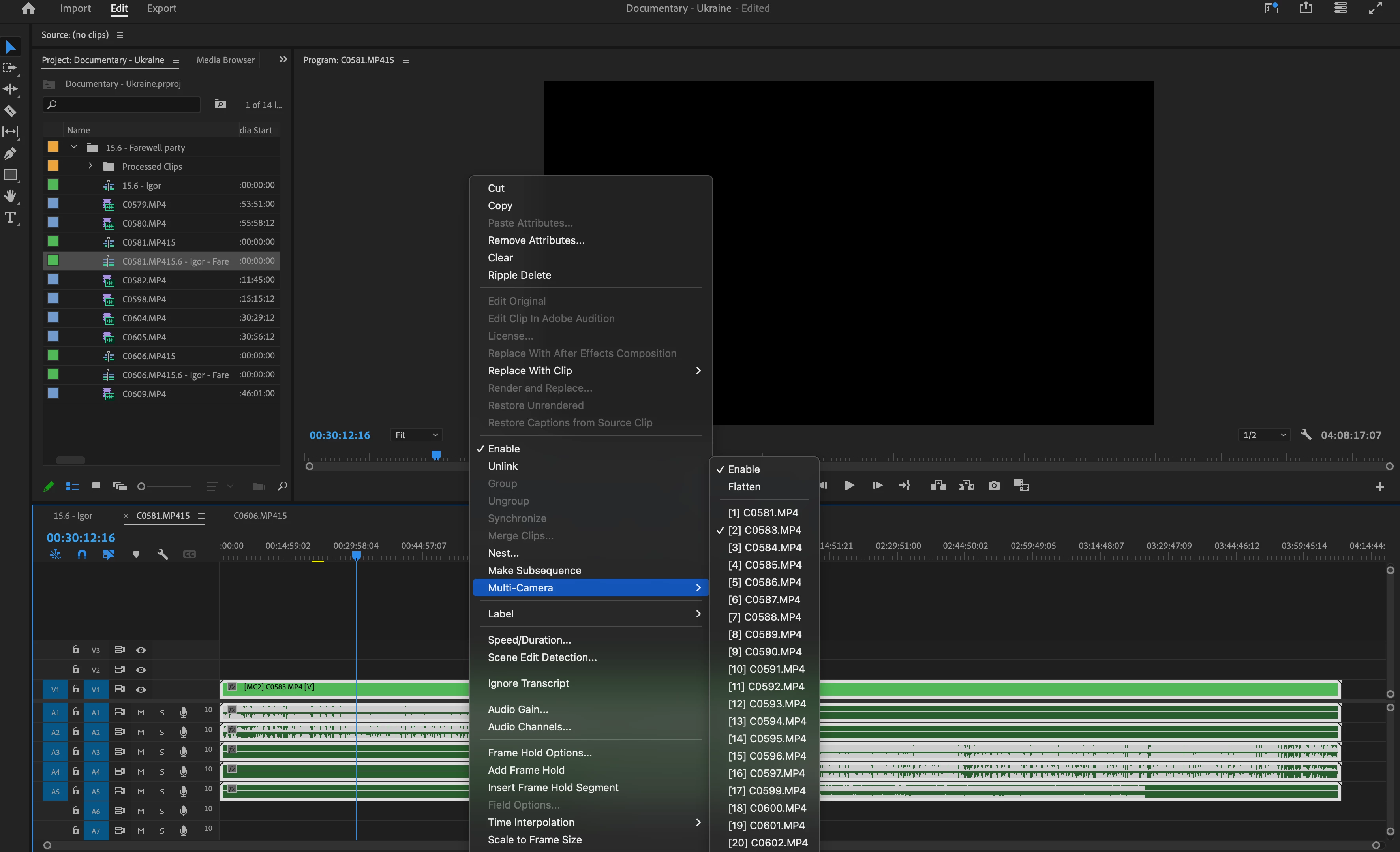
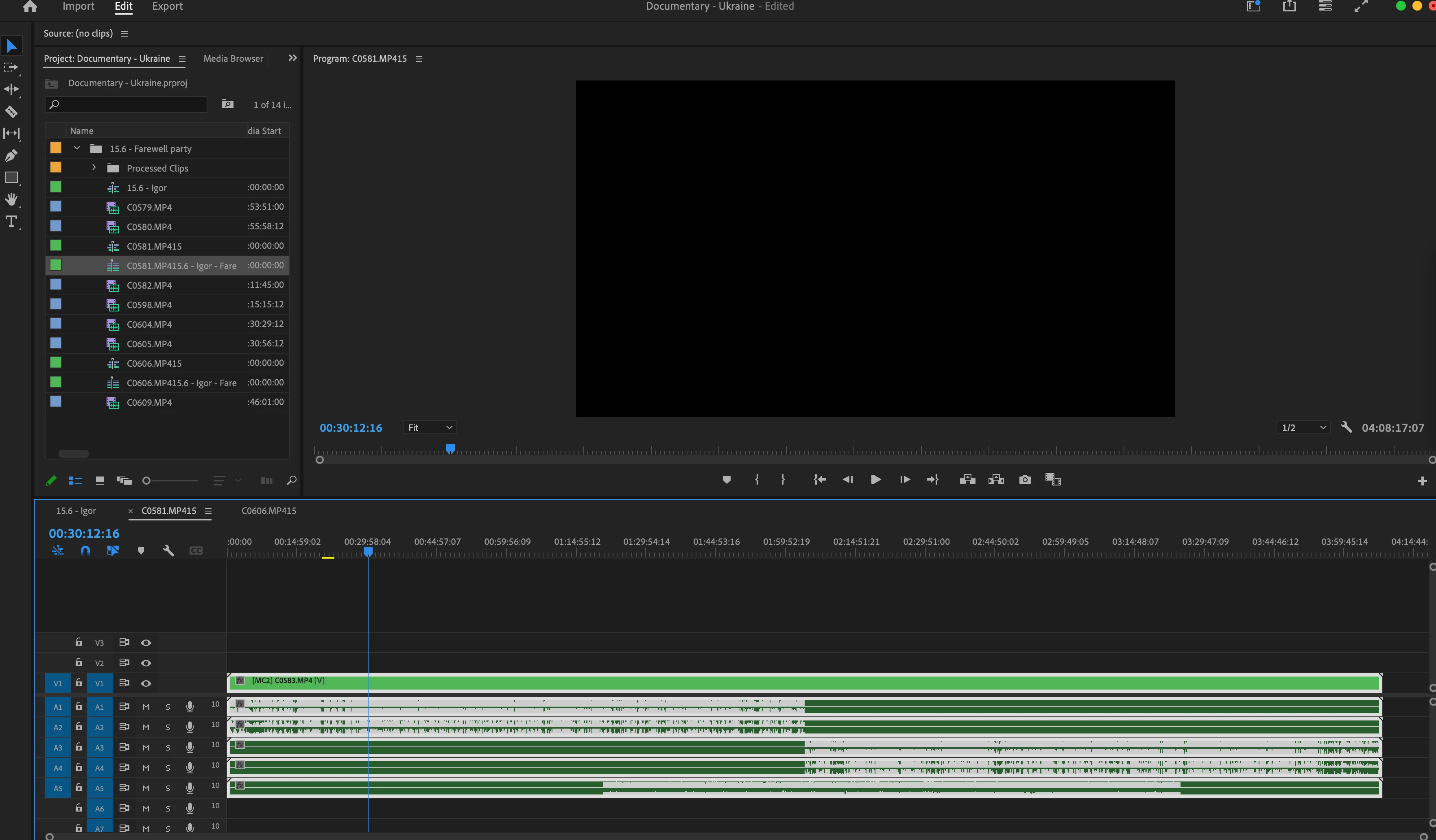
Can't see video (black screen) after creating a multi-camera sequence

  • September 26, 2023
  • 1 reply
  • 822 views

Hi,
I've created a multi-camera source sequence to synchronize my video clips and audio. The sync part works much better than I'd hoped, but when putting the new sequence into the timeline, most clips appear black, and only one is visible.
I can choose which one I want to "focus" on, but it's always just one. If I try to flatten the sequence, it still gives me just one of the clips.
How can I see all of them without having to switch?
I've looked it up and found similar issues from 5-6 years ago, but I honestly don't understand the solutions.

I hope I'm clear with the description of the problem.

Thank you.
  

This topic has been closed for replies.

1 reply

Richard van den Boogaard
Community Expert
Community Expert
September 28, 2023

Could be that your GPU is not able to handle the payload of multiple video streams all at once.


Consider working with proxies when doing Multicam edits. Perhaps this (somewhat old) tutorial will help: https://www.youtube.com/watch?v=MHd-FDYvPRY


Hope this helps.

Participating Frequently
October 4, 2023

Thank you for your response.
I've tried it with proxies as well, and it's the same. I don't think it's related to the GPU because it's pretty good.

Participating Frequently
October 4, 2023

Hello Oria,

Which Multicam setting you use for creating multicam? how much clips you use for creating multicam?

Try this:

Switch the Multi-camera view in program monitor to view all clips and try to switch from there also see the playhead position. let us know

thanks,

Suraj.