
Cannot center audio transition
When I choose to use an audio transition (whether Constant Gain or Constant Power), by default, Premiere put the transition either at the end of the left clip or at the begening of the right clip. In the past I had the option of putting the transition in center (covering both clips). But for an unknown reason, I no longer have this possibility. The drop down menu to select "at center" is greyed and not active (see my screen capture attached). I uninstalled and reinstalled Premier Pro, then I got back for the first file opening this option, and then, again, it disappereard!!
Can someone help me to recuperate that function. Also in the preference, is there a place where I can determine by defult that the transition should be centered between the 2 clips ? It works well for the video but not in audio.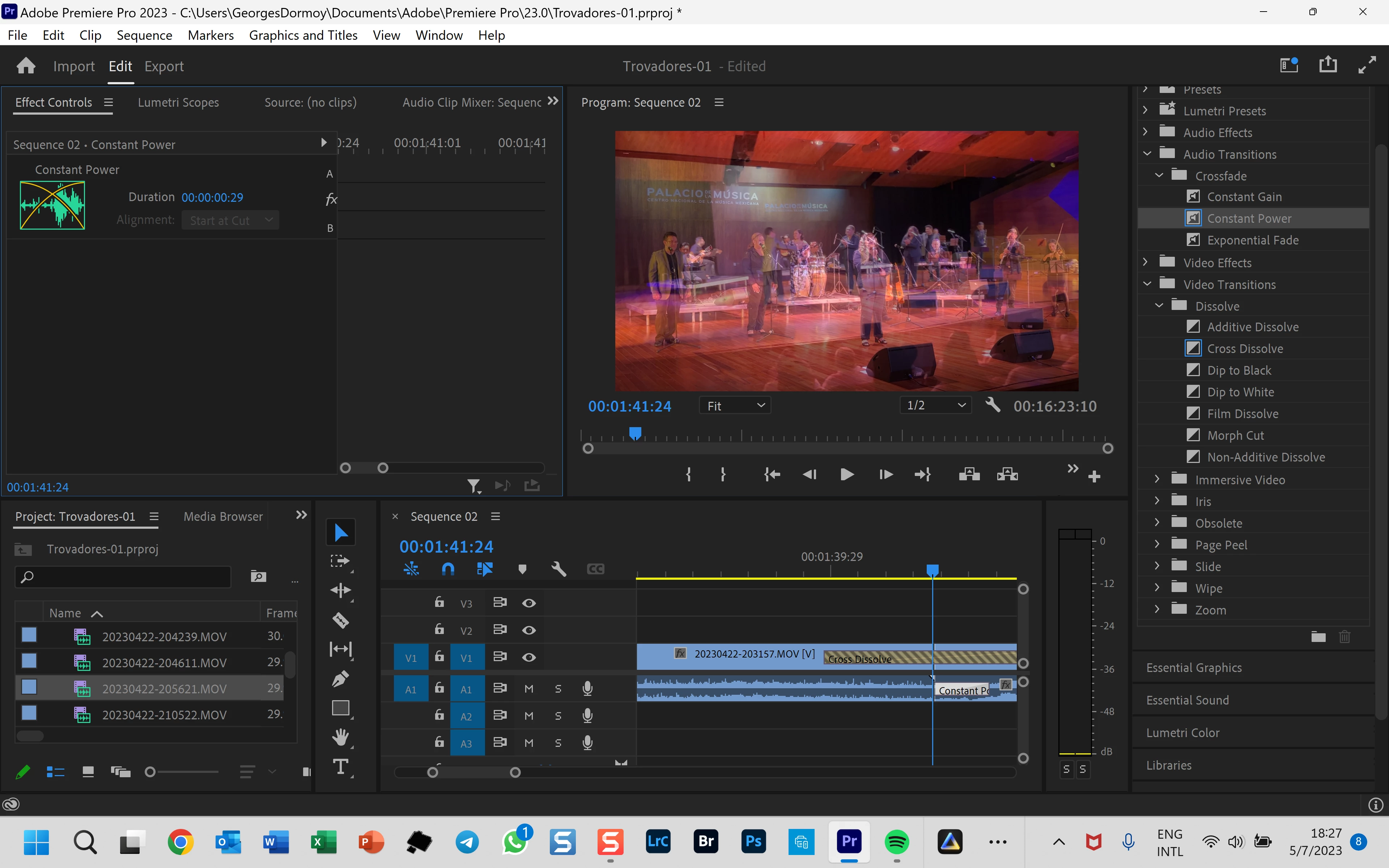
 AdChoices