Participating Frequently
November 13, 2019
Question

Caption text - jagged, not anti-aliased, help!

  • November 13, 2019
  • 2 replies
  • 3012 views

Hello,


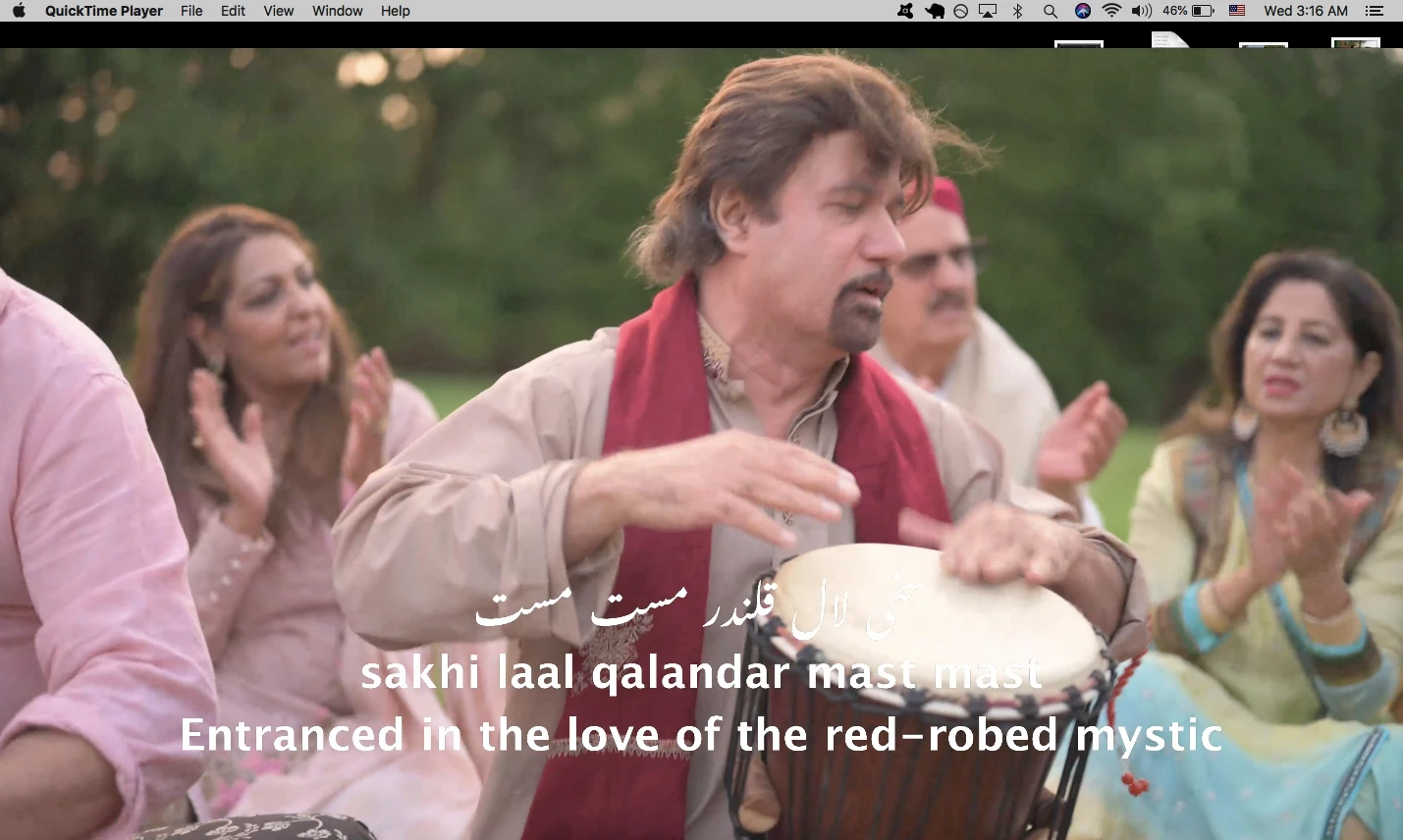
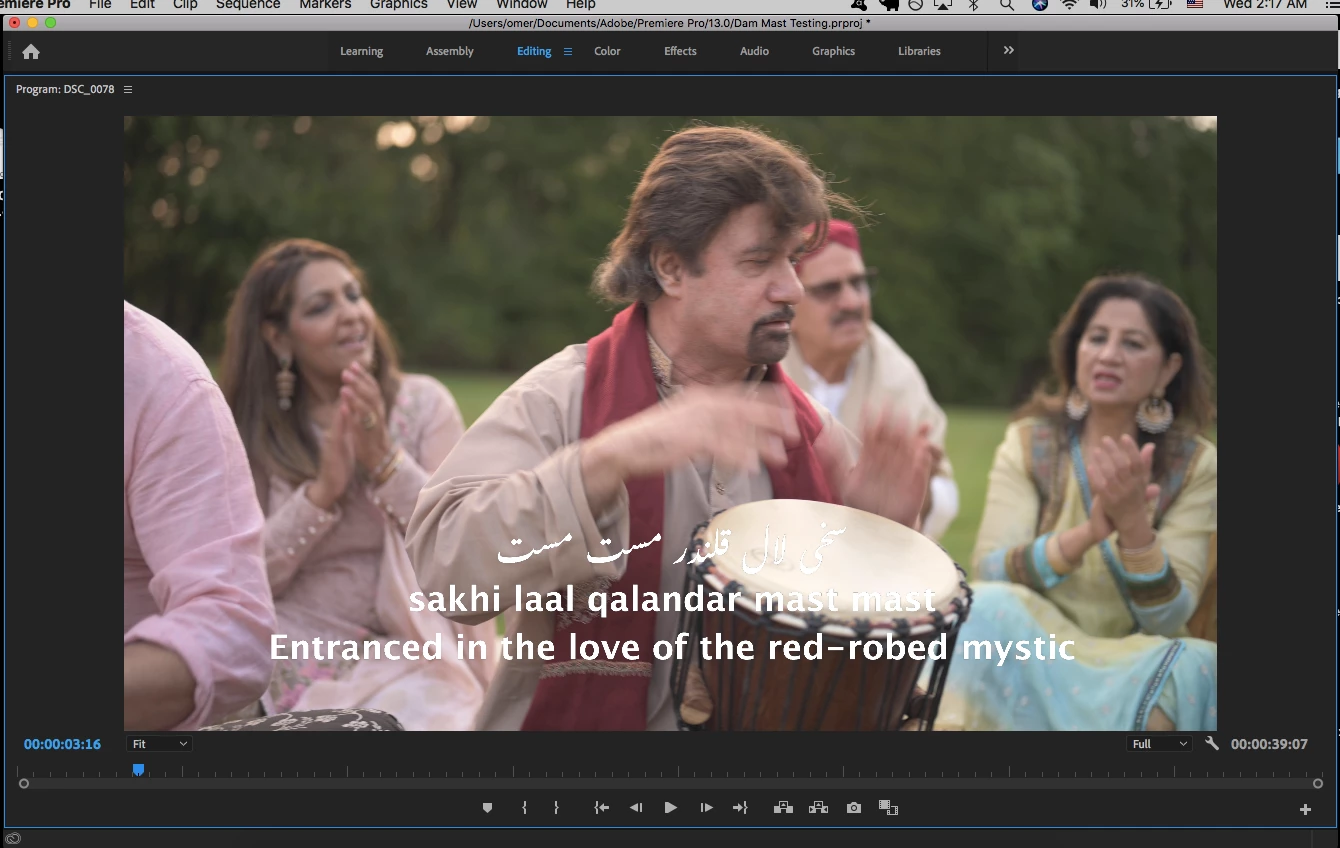
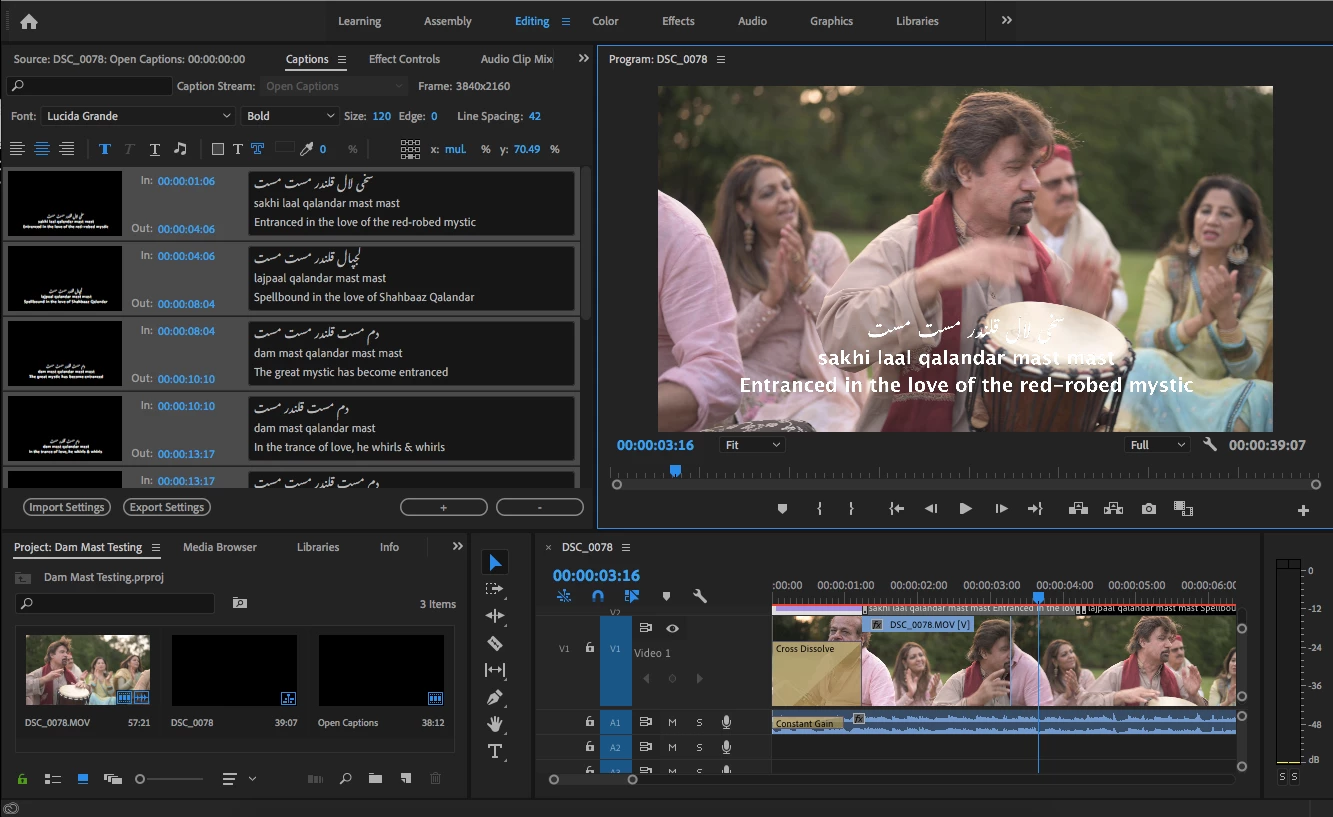
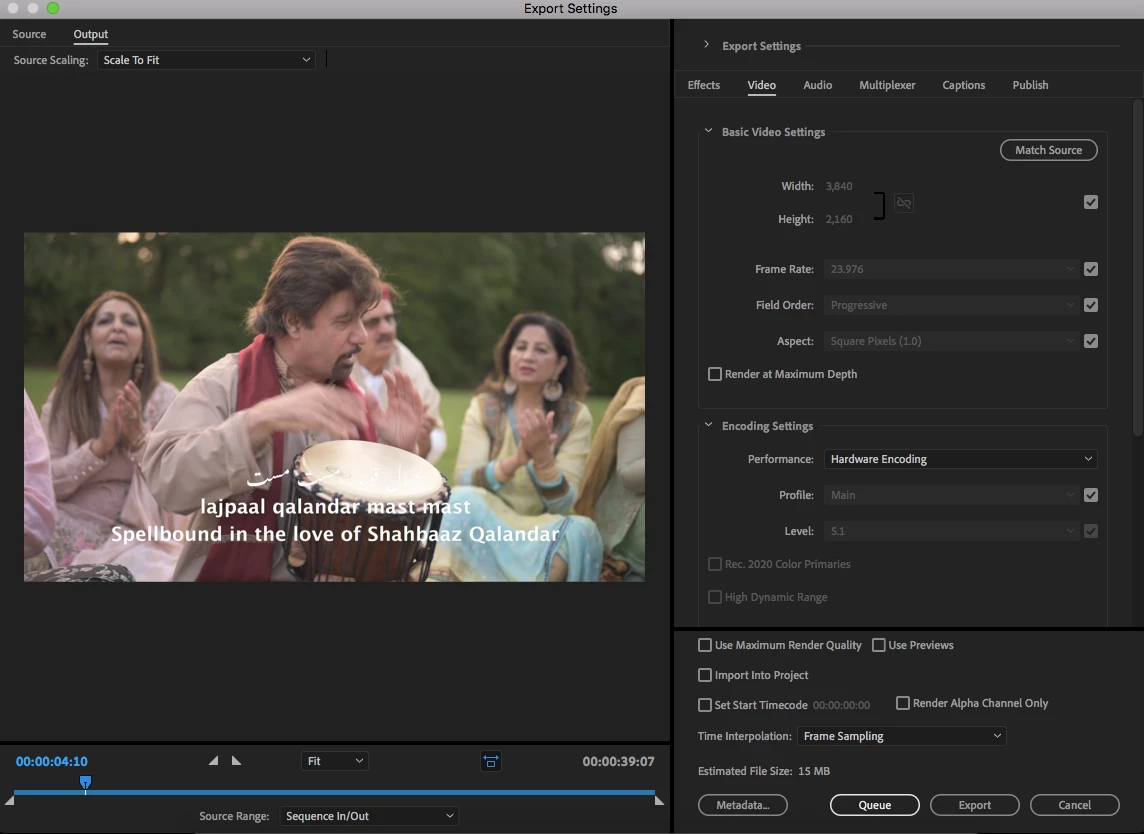
I am having an issue where open caption text is rendering with jagged edges as opposed to anti-aliased. Is there anyway to make sure the text renders smoothly. This creates some issues especially later when compressed by social media apps and such. I have tried all the possible solutions I found in the forums but nothing has worked. I tried setting the text edge to 1, changing the alpha channel, I've also experimented with titles as well but it results in the same issue.


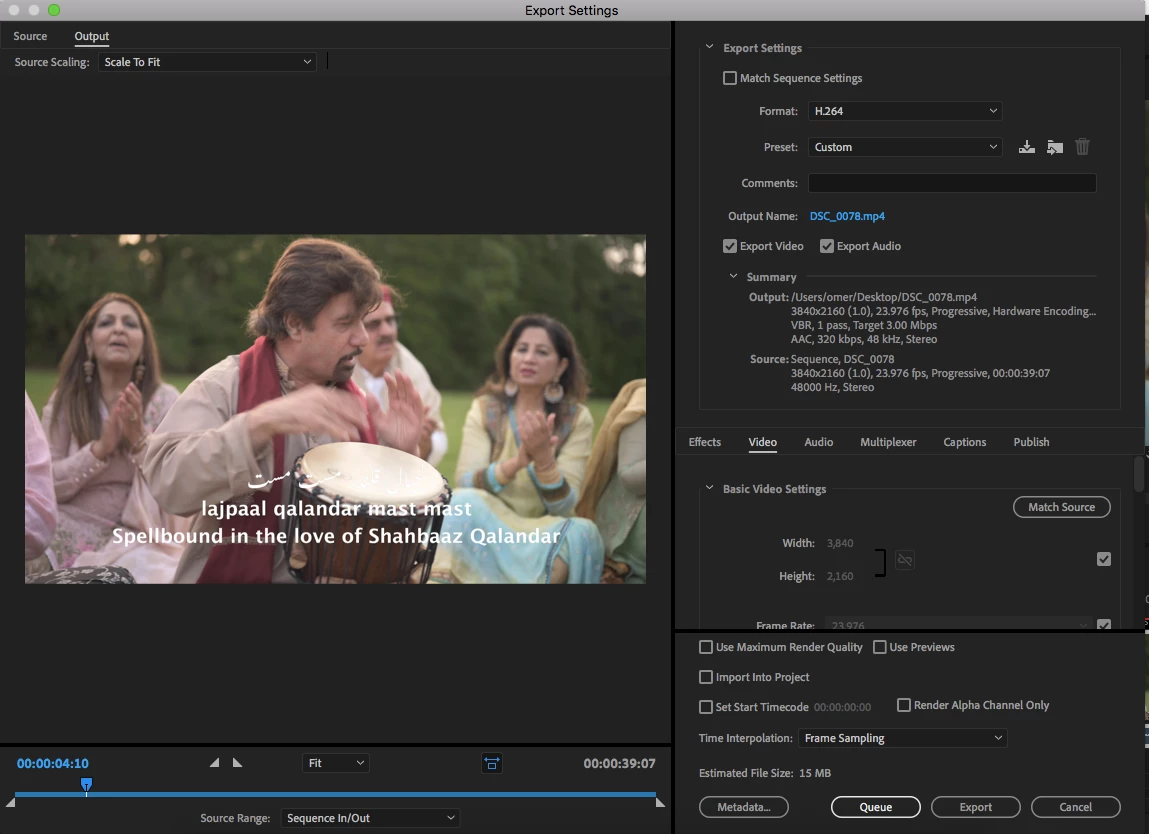
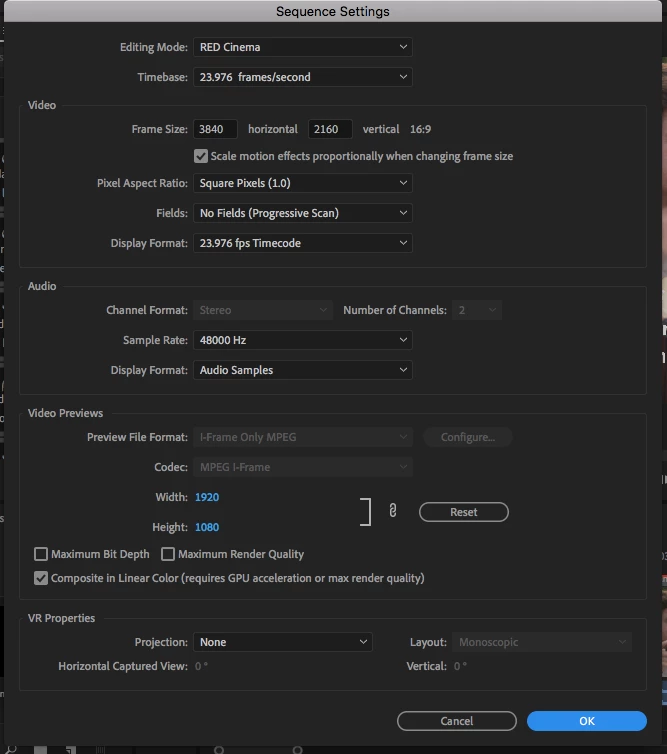
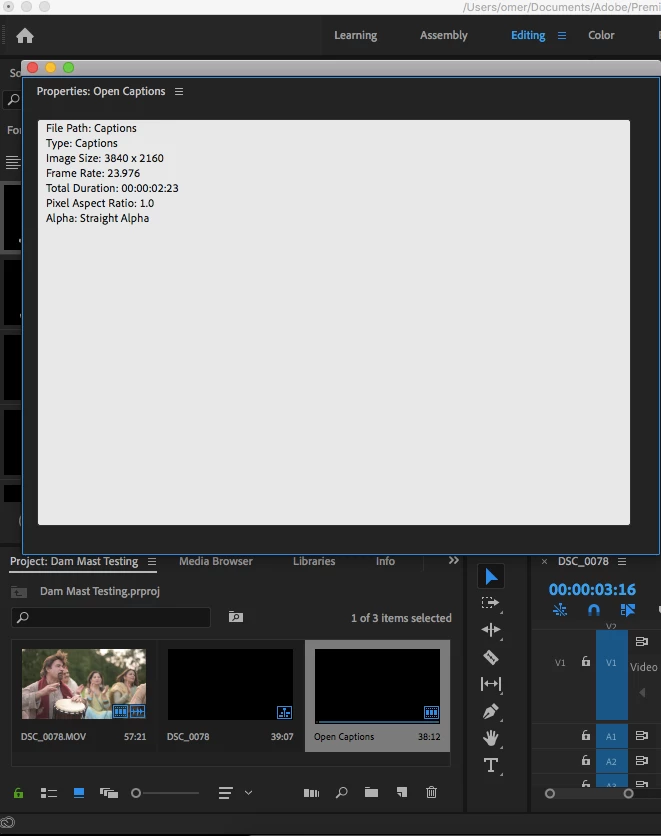
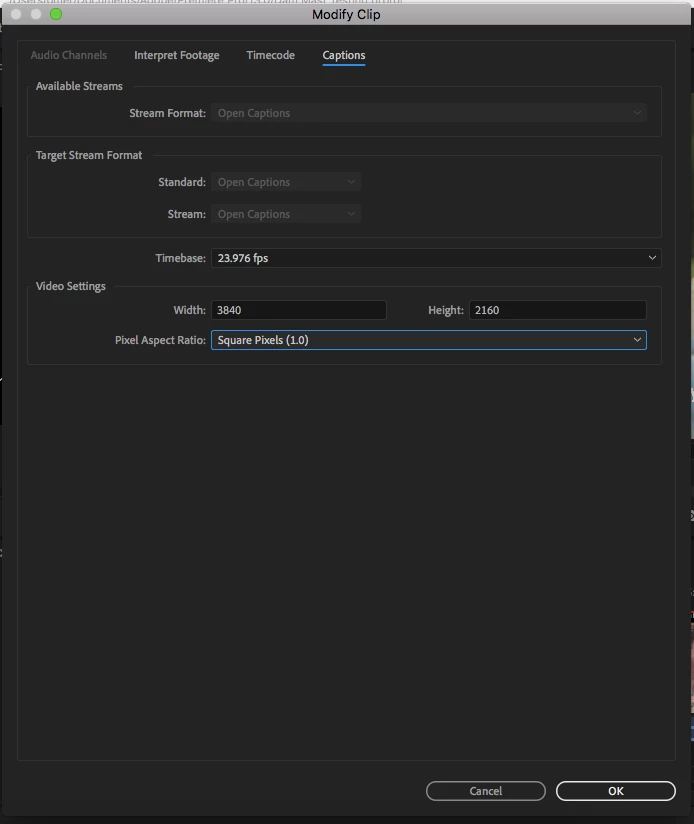
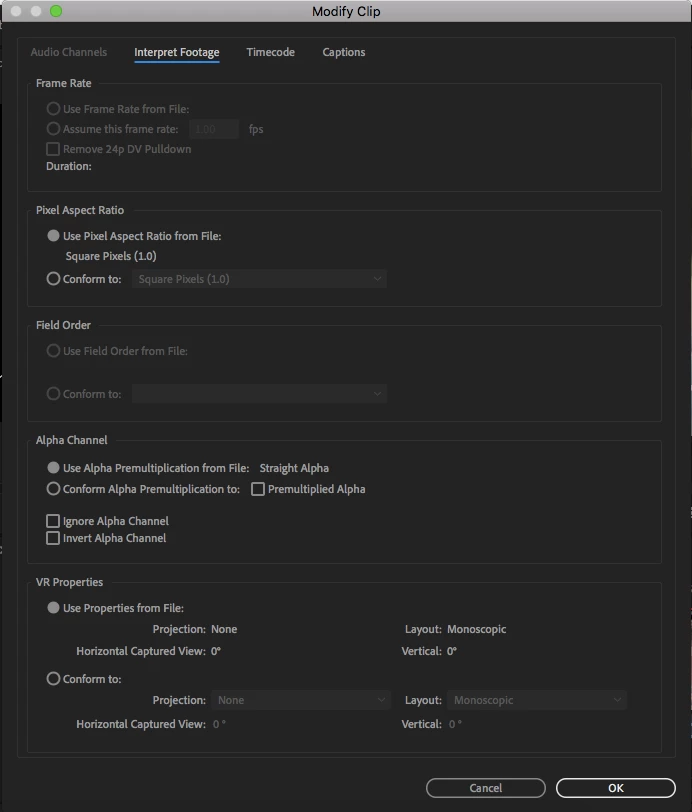
I am attaching what I believe are all relevant screenshots. I would greatly appreciate the help as I plan to use these captions throughout a large project and in the future. If additional info is needed please let me know. Thank you very much!!


I have noticed the font looks a bit more smooth in the export preview screen but when it is exported it looks the same as in the timeline program which is jagged.


I am using Adobe Premiere Pro (version 13.1.5 build 47)

My computer info is as follows:

Hardware: MacBook Air 13 inch, mid 2012

OS: macOS High Sierra

Processor: 2 GHz Intel Core i7

Graphics: Intel HD Graphics 4000 1536 MB

Memory: 8 GB 1600 MHz DDR3
 

This topic has been closed for replies.

2 replies

Enadeem3Author
Participating Frequently
November 13, 2019

Hello Stan thank you for the follow up.


Yes I tried with the titles and by adding text. I have attached the screenshots it is still very jagged. 

I have also tried the "conform to..." for captions but no help.

And I also tried with reducing the sequence to 1920x1080. It seemed to have smoothed the title a bit but it is still not coming out smooth.

This is quite frustrating, if you have any ideas of what may be going on that would be helpful thank you. 

I am using Adobe Premiere Pro (version 13.1.5 build 47), if that is what you mean by dot number.

I think reducing to 1080 helps smooth the title a bit but not really plus I need to have the product in 4K so it is not a good option nor should it be necessary for just simple smooth text. Thanks, any help is much appreciated.


Stan Jones
Community Expert
Community Expert
November 13, 2019

Yes, known issue. I have not tested in the latest release. What specific dot version are you using?


But you say you are getting the same results with "titles," and that should not be. Add some regular text with the Text tool (so Essential Graphics) and compare.


Re captions, did you try setting the alpha to "Conform to ... premultiplied" for the caption stream. The stream is imported from an srt, or what?


Did you try doubling the caption pixel size? Will it go that high? lol. If not, see what it looks like in a 1920x1080 sequence with the captions at 4K.


Will your final use be 4K?


Stan


Enadeem3Author
Participating Frequently
November 13, 2019

Here is the pic in premiere also. It looks very jagged I don't understand what is going on.