Participant
November 8, 2023
Answered

Changing load screen on Premiere 24.0

  • November 8, 2023
  • 9 replies
  • 7509 views

Can I change the art on the landing screen of Premiere 24.0? I find the portrait creepy, like a stalker would stare at someone. Not making me feel creative...

Correct answer Ann Bens

Yes you can, do it all the time. But after an update its back to default.

Look for the pr slash screen png in the PNG folder in the root and change the image.
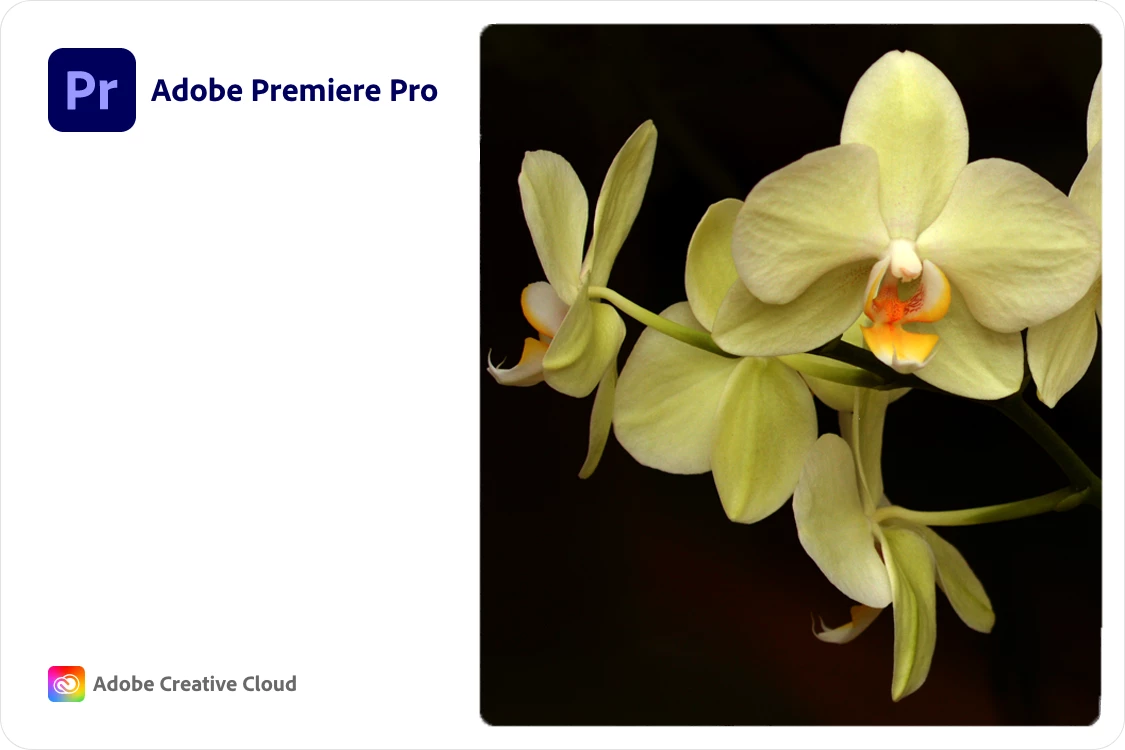
Last few splash screens were awful. Don't like this one of 24.0 either.

9 replies

MyerPj
Community Expert
Community Expert
June 13, 2024

So keep the new files handy, as each update (via Creative Cloud) will replace also the Splash screen, and then you'll copy it back into the folder.

Matthewsheppard
Participating Frequently
April 15, 2024

If you prefer the 2023 splash screen you can simply copy and past into the same 2024 folder, and replace the new with the old. 

Known Participant
November 24, 2023

I  upgraded to V24, took one look at the splash screen and immediately down graded back to V23. I'd truly rather wait until V25 comes out than be greated every morning by a moody glamour shot. It really irks me that much! Human faces on splash screens give me the creeps. It takes me out of the moment. The day I can easily change or disable the splash screen image on a Mac, will be a very happy day.  I feel the same way about Resolve btw.

Known Participant
June 13, 2024

Path 88 Productions
Known Participant
November 16, 2023

There's got to be a way to disable this, right?  


The dude (dudette?) is creeping me out.  I'm sure whoever it is is a nice person and deserves some recognition, and I know in the grand scheme of things this isn't a big deal, but there's something about this image and the eye contact that I find unsettling.  


I don't like clowns.  This is like clowns for me.


Path 88 Productions
Known Participant
November 16, 2023

I see there's multiple posts already addressing this issue and a solution seems doable for Windows, but how about OSX?  Anyone?

MyerPj
Community Expert
Community Expert
November 8, 2023

Here's the full folder for Windows:

C:\Program Files\Adobe\Adobe Premiere Pro 2024\PNG


Or just search your hard-drive for: pr_splash.png


Rag and Bone
Community Expert
Community Expert
November 8, 2023

Thanks...my search for pr_splash.png gives no hits on my drive. I searched the entire drive, and then the program "Contents" folder, in case that isn't indexed, but I couldn't find  the file, or anything like it.


Oh well.

MyerPj
Community Expert
Community Expert
November 8, 2023

Maybe just try pr_splash, ie: without the ".png", perhaps they use a different format on a mac?

MyerPj
Community Expert
Community Expert
November 8, 2023

Thank you, thank you, thank you!


Mike, Peru B and especially Ann for the solution.


I had actually started to write a thread like this a couple weeks ago, and then skipped it. This is the weirdest, creepiest splash screen of all time!! I've actually gotten used to diverting my eyes when this one pops up.


If Ann doesn't know a solution, there probably isn't one. 


Just after my first car wash on a Euro delivery in 2005, and then heading up to Neuschwanstein Castle


AndrewTheGreat
Known Participant
December 21, 2023

Any idea where to find a gallery for every work of art used as splash screens for every version of premiere pro any one?


Ann Bens
Community Expert
Ann BensCommunity ExpertCorrect answer
Community Expert
November 8, 2023

Yes you can, do it all the time. But after an update its back to default.

Look for the pr slash screen png in the PNG folder in the root and change the image.

Last few splash screens were awful. Don't like this one of 24.0 either.

Peru Bob
Community Expert
Community Expert
November 8, 2023

Brilliant, Ann Bens

Peru Bob
Community Expert
Community Expert
November 8, 2023

No, it can't be changed by the user.

Edit: See the reply by .Ann Bens

kglad
Community Expert
Community Expert
November 8, 2023

in the future, to find the best place to post your message, use the list here, https://community.adobe.com/

p.s. i don't think the adobe website, and forums in particular, are easy to navigate, so don't spend a lot of time searching that forum list. do your best and we'll move the post (like this one has already been moved) if it helps you get responses.


<"moved from using the community ideas">
