
Chinese words are missing in titles despite rendering
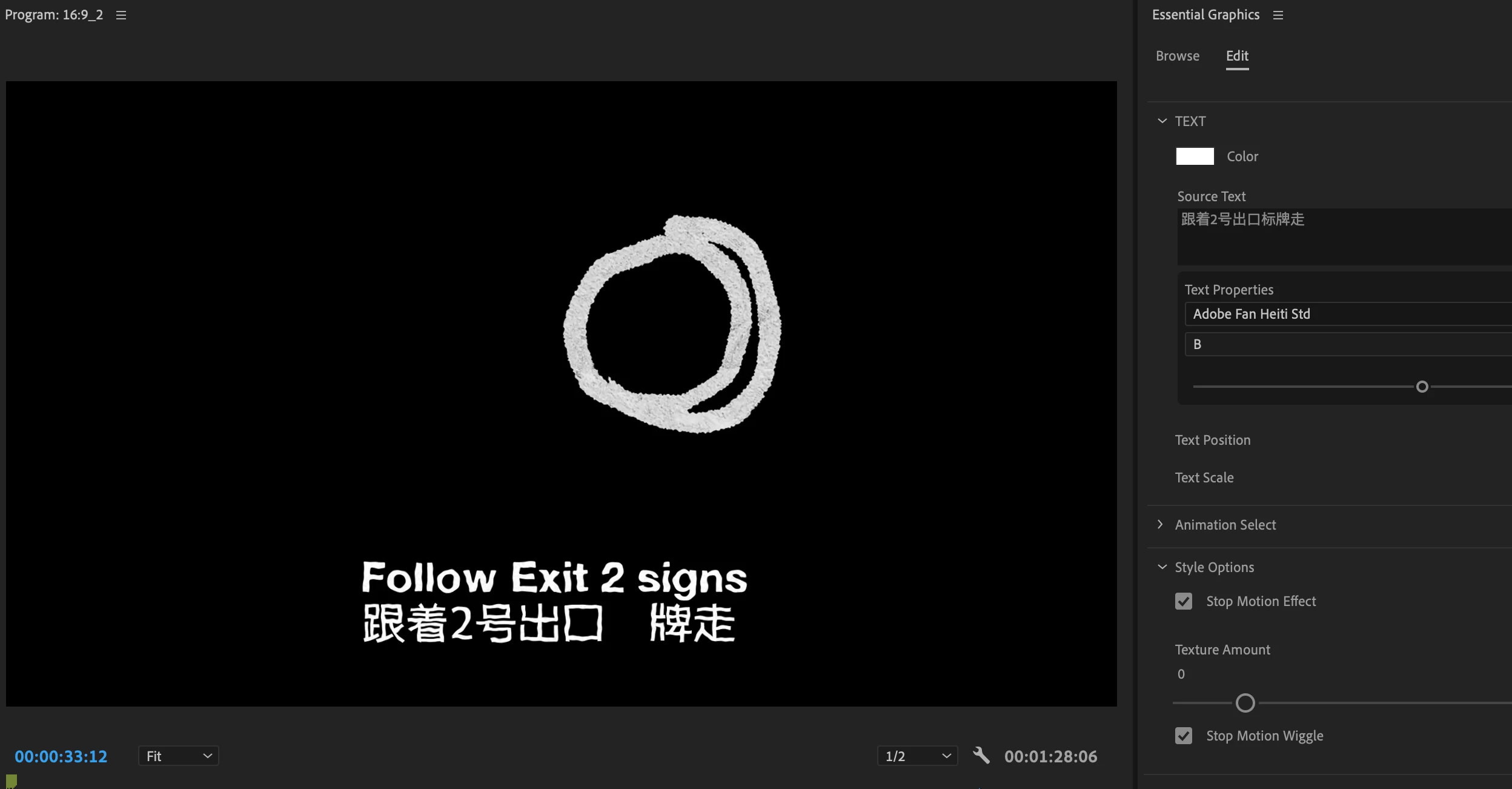
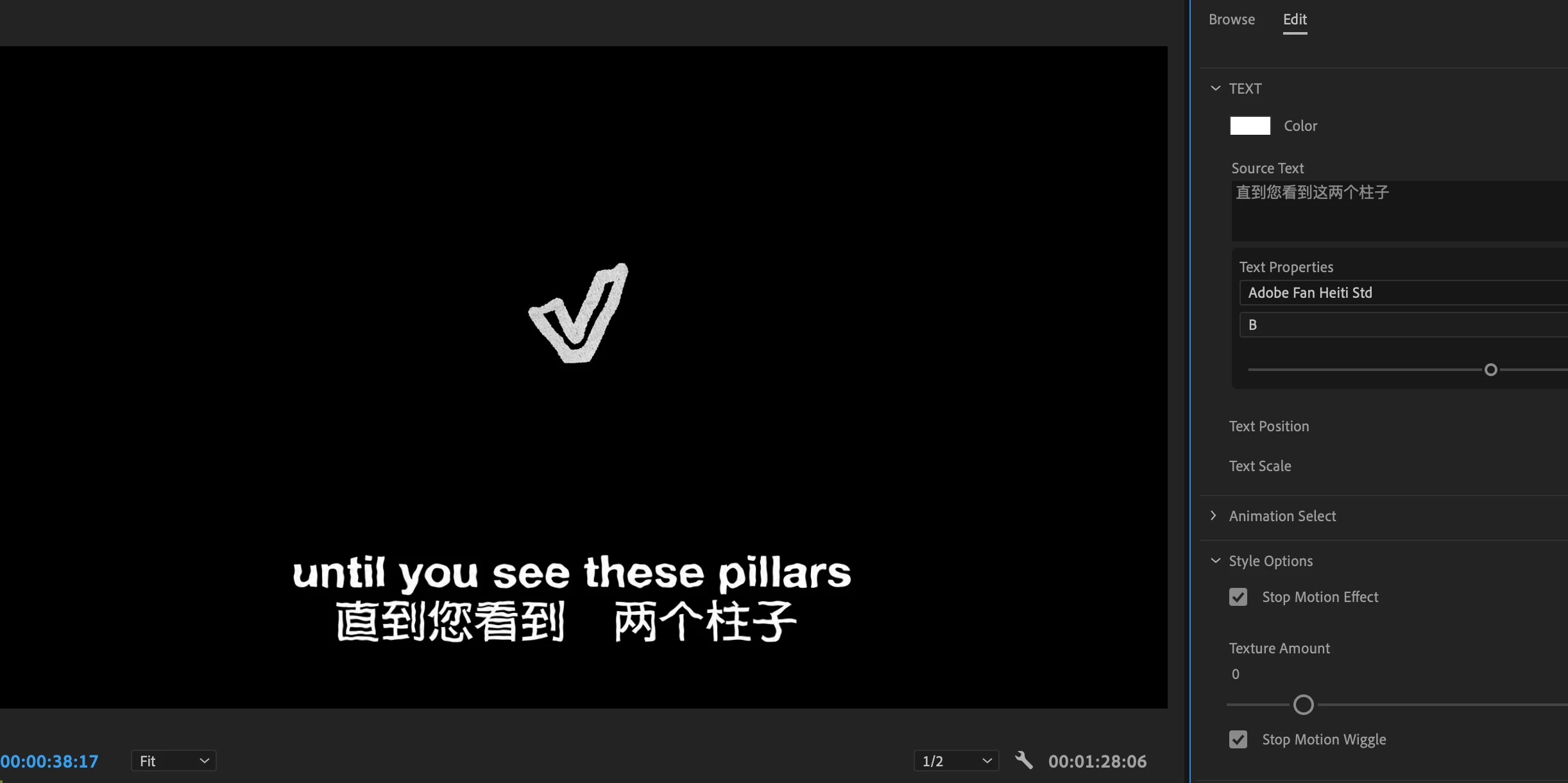
Hello all, was wondering if anyone is facing the same issue as me and if there's any way of solving it. I'm using free mogrt elements in my edit and my project is bilingual. English text comes out fine but when I type Chinese, some words don't appear even though they are keyed in. I've attached a screenshot of how it looks.
Things I've done to try and remedy it:
- Re-keyed in and rendered again
- Changed to a Chinese based font
- Quitting and opening Premiere Pro
- Updating the software
Right now my best guess is that there is something wrong with the mogrt file and it's causing this issues, so I might have to change it to captions so that I don't have the same problem again (even though it doesn't look as nice). Does anyone have an issue with this and solved it? Thank you.
 AdChoices