
Question
Cinema Grade is making the clip disappear
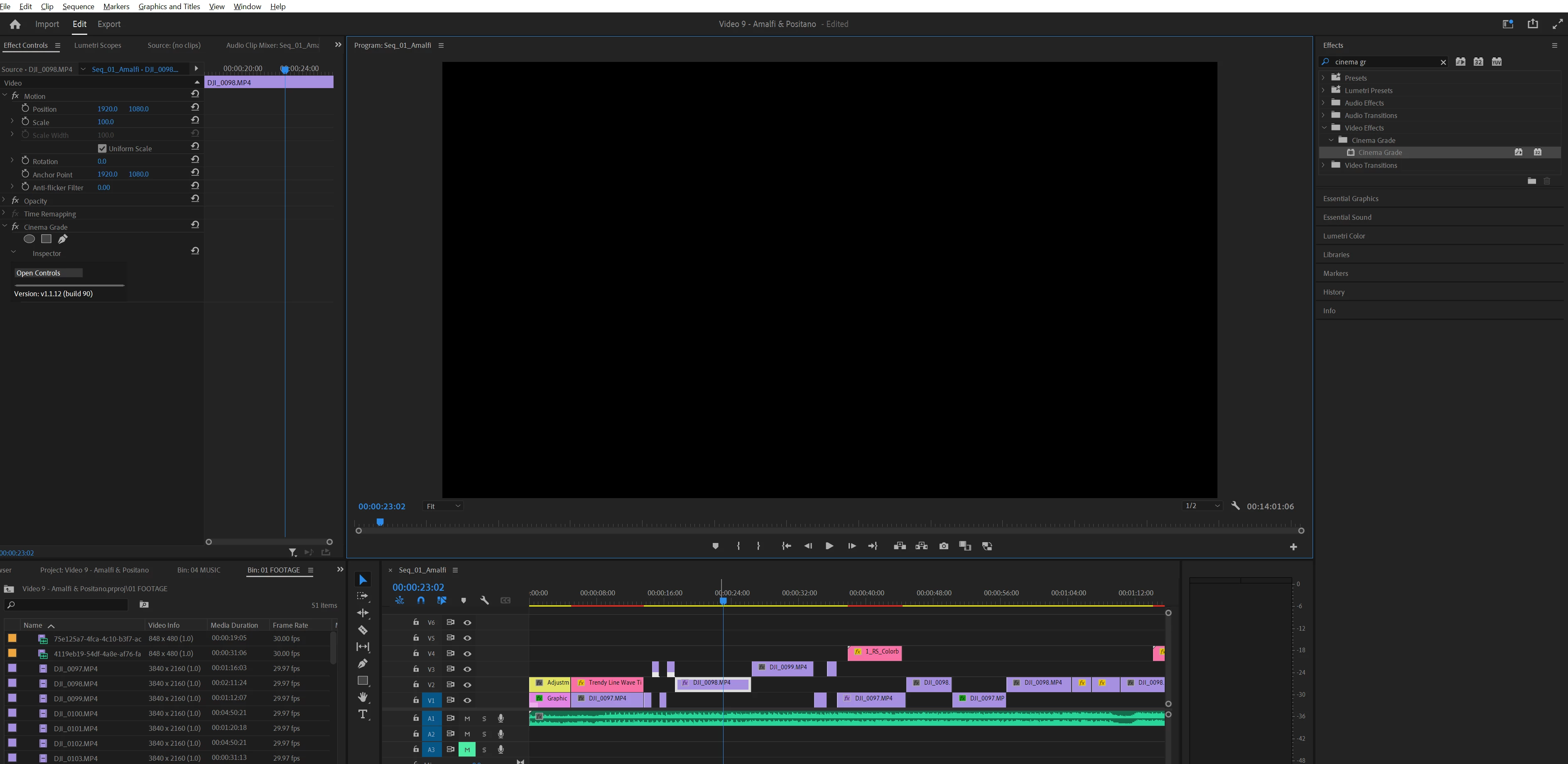
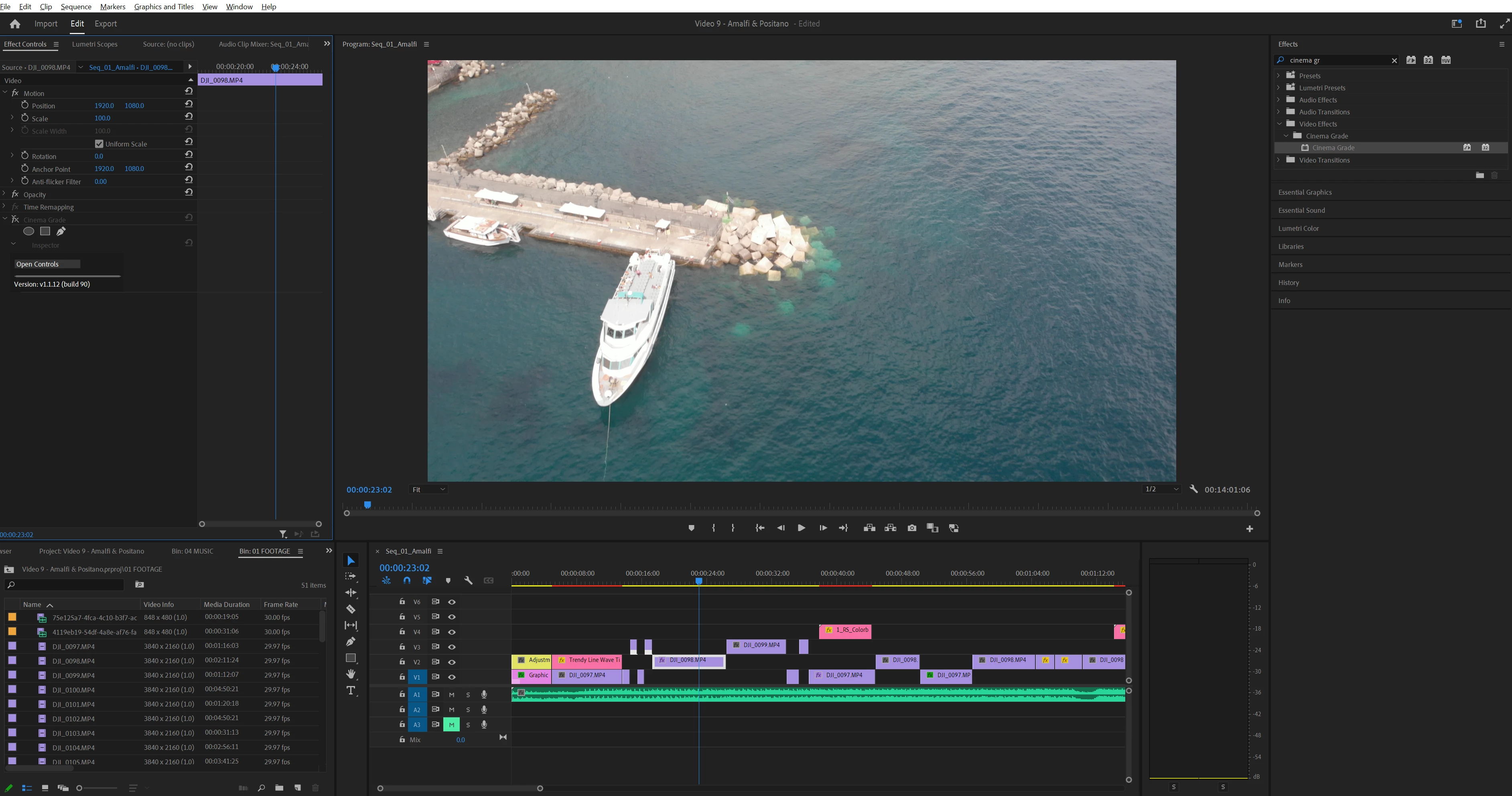
I'm using Adobe Premier Pro on Windows 11. I am using Ciname Grade (CG) for color grading. However, having issues. When I apply CG effect on a video clip in timeline, the clip become blank and is not visible in the display window anymore. I am able to use Effect Controls --> Cinema Grame --> Open Controls to open CG window where I can see the image and can apply the grading, however even following all the steps descibed once I get to the Finsh Grading step and apply changes it still doesn't make the video clip visible in Display window in Premier Pro. Can some one please help?!
CG Enabled:
CG Disabled:
 AdChoices