
Question
Clip with "Linked Audio" not playing (Premier Pro CC 2019)
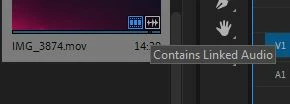
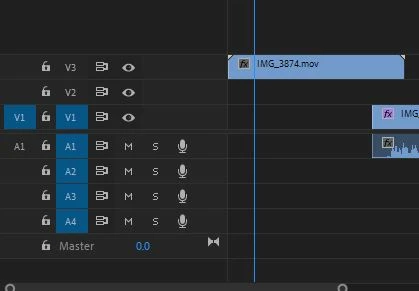
I've created several .mov files with my camera and uploaded them into the timeline just fine, with both the video and audio streams playing. But I downloaded a .mov file from a friend and tried to add it to it. The thumbnail has the "Contains Linked Audio" icon, but when dragging it into the timeline, the audio doesn't come. Please help!!
 AdChoices