
paulagalan00
Participant
October 10, 2019
Question

Closed Captions look weird in Premiere

  • October 10, 2019
  • 3 replies
  • 866 views

I'm trying to add closed captions for YouTube and I'm struggling with Premiere.

It looks fine when I export it, but it looks quite different in Premiere, making it hard to edit them. Any idea how to fix this?
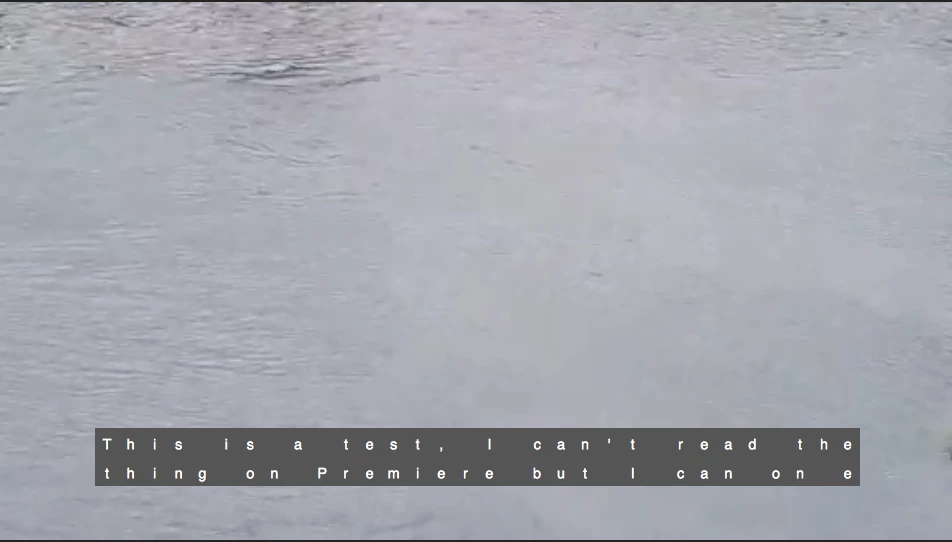
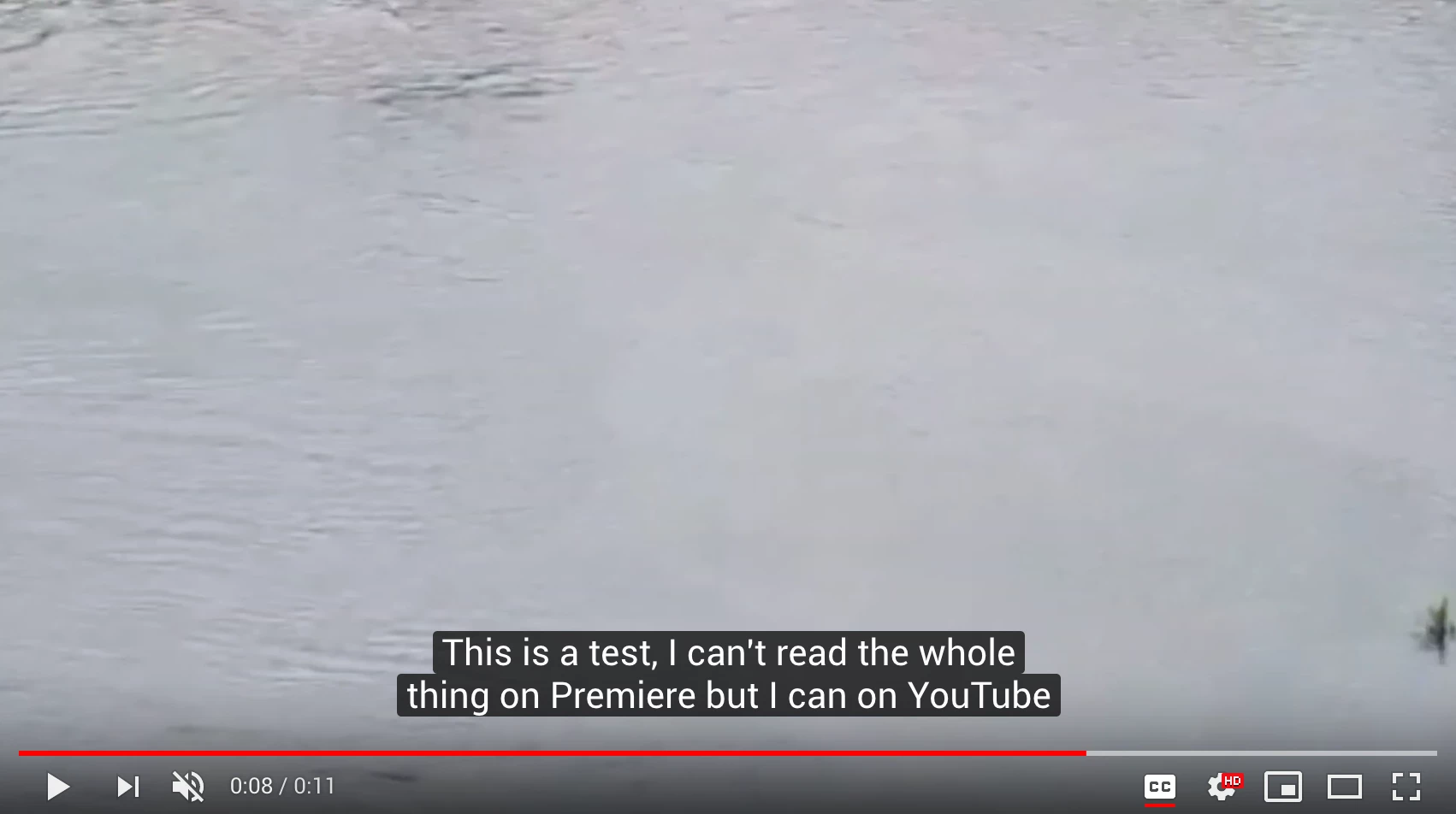
 

These are the Import Settings I used: CEA-708, Service 1, 1080x1920, 23.976 fps, Square Pixels, Text Alignment Center.

These are the Export Settings: 25 fps Timecode, 437 (US), Teletext Level 1, Latin, 09 English.


Thanks!

    This topic has been closed for replies.

    3 replies

    Stan Jones
    Community Expert
    Community Expert
    October 18, 2019

    Generally, yes, you would need closed captions for TV distribution. TV standards around the world are different. But you can convert the file outside PR (e.g. with the free Subtitle Edit), so you may still have options for how you work. 


    Or try importing (using the import settings) as teletext and set as double height. Then at the end, convert to closed. You can convert pretty just anything to other standards (inside PR), just not Open Captions to anything else.


    In any event, test your workflow(s) through the entire chain.

    Stan Jones
    Community Expert
    Community Expert
    October 15, 2019

    Closed cpation 608/708 are special because they are carried with the TV signal. Youtube turns any caption you bring in on and off with its controls. The actual appearance is determined by Youtube and any options they offer.

    paulagalan00
    Participant
    October 18, 2019
    Thanks Stan. My team just told me they're aiming to distribute it on TV potentially. This means I have to make closed captions right?
    Stan Jones
    Community Expert
    Community Expert
    October 10, 2019

    If you are just sending them to Youtube, I don't think you need closed caption formatting. As a test, import as Open Captions (you can change the font type/size). Export as .srt. See what you get in Youtube. Please report back.

    Stan

    paulagalan00
    Participant
    October 14, 2019
    Thanks Stan! Exporting Open Captions as srt worked. I thought Open Captions were meant to be burnt in, while Closed Captions were the ones you could toggle on and off. When would you use Closed Captions then?