Inspiring
July 18, 2019
Answered

Closed Captions Multiline (Premiere Pro 14.9 and earlier)

  • July 18, 2019
  • 1 reply
  • 7770 views

I am trying to force long captions, or large font sizes onto 2 lines using PP2019.


When enlarged:
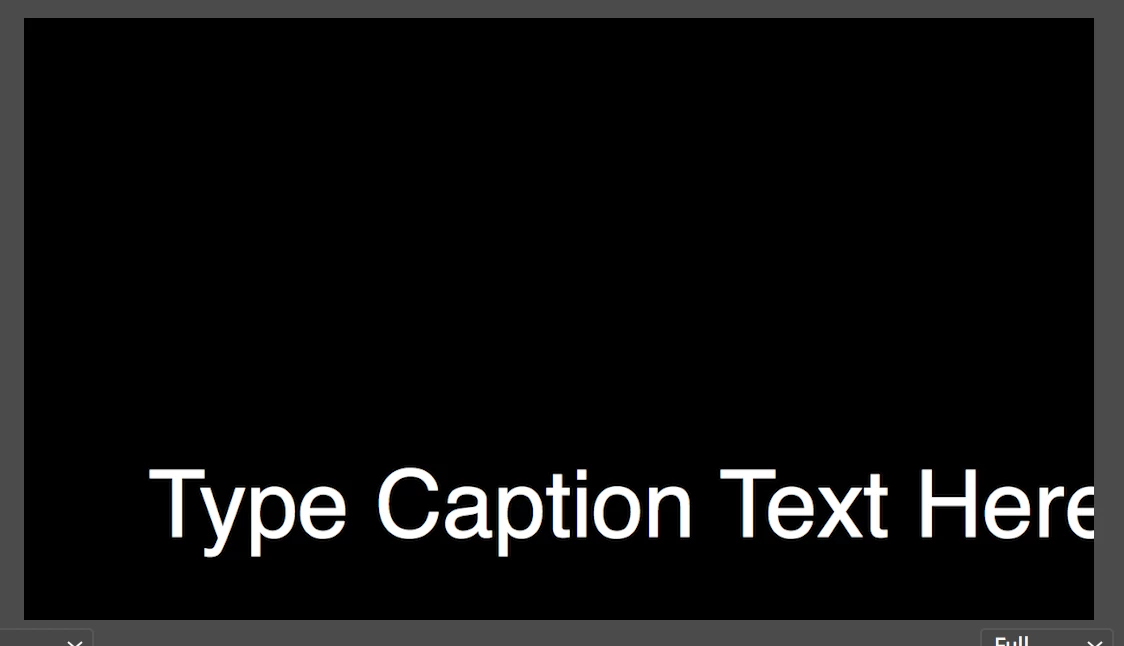


Is this possible?


Thanks

This topic has been closed for replies.
Correct answer Stan Jones

Add a "return" at the end of each line you want.

Here is a previous discussion:

Closed Captions won't go onto two lines?

Keep in mind that closed captions are just that: the playback device and settings will have a lot to do with the appearance, and PR sets some limits so the caption specifications are respected.

The font size is set by playback. Trying to finesse this by using non-caption tool effect controls is usually a problem.

To force a caption into multiple lines, add a return at the end of each line you want. Closed Captions in PR will not respect word wrap. This also appears to be true for PR Open Captions.

In the thread I link above, Adobe staff says the limit is 32 characters. You'll see other comments that this may vary some, but it is not very many. Just keep in mind that what you type in the caption box is not the limit. I would test your workflow through to displaying on the intended type of target device or platform.

You can play around with the settings for "pop-on" " roll up" etc, but they won't change what is one each line; just how they appear. And these are overridden by playback device settings.

1 reply

Stan Jones
Community Expert
Stan JonesCommunity ExpertCorrect answer
Community Expert
July 18, 2019

Add a "return" at the end of each line you want.

Here is a previous discussion:

Closed Captions won't go onto two lines?

Keep in mind that closed captions are just that: the playback device and settings will have a lot to do with the appearance, and PR sets some limits so the caption specifications are respected.

The font size is set by playback. Trying to finesse this by using non-caption tool effect controls is usually a problem.

To force a caption into multiple lines, add a return at the end of each line you want. Closed Captions in PR will not respect word wrap. This also appears to be true for PR Open Captions.

In the thread I link above, Adobe staff says the limit is 32 characters. You'll see other comments that this may vary some, but it is not very many. Just keep in mind that what you type in the caption box is not the limit. I would test your workflow through to displaying on the intended type of target device or platform.

You can play around with the settings for "pop-on" " roll up" etc, but they won't change what is one each line; just how they appear. And these are overridden by playback device settings.

Dave Creamer of IDEAS
Community Expert
Community Expert
July 18, 2019

These are from the USA's ADA requirements (these could vary by your county's laws):

  • Caption frame should hold 1 to 3 lines of text onscreen at a time
  • The caption needs to be onscreen 3 to 7 seconds
  • Each line should not exceed 32 characters.
  • Use a san-serif font

There are no official text size limits, but it needs to be easily read. Some players (using the XML sidecar) can allow the user to adjust the font size.

David Creamer: Community Expert (ACI and ACE 1995-2023)