
Exit
  • Global community
    • Language:
      • Deutsch
      • English
      • Español
      • Français
      • Português
  • 日本語コミュニティ
  • 한국 커뮤니티
0

Closing parts of Editing By Acident

Community Beginner ,
Jan 19, 2022 Jan 19, 2022

Hello, recently I keep by acident closing important parts of premiere which make it easier to edit clips. I by acident closed the menu that plays the video clips in editing so I have to go back to learning to try and see what im editing which is a pain. I also by acident closed the mini effects pannel in the bottom right corner which was helpful too. I added some screenshots of the things I closed and by I acidently clicked. 
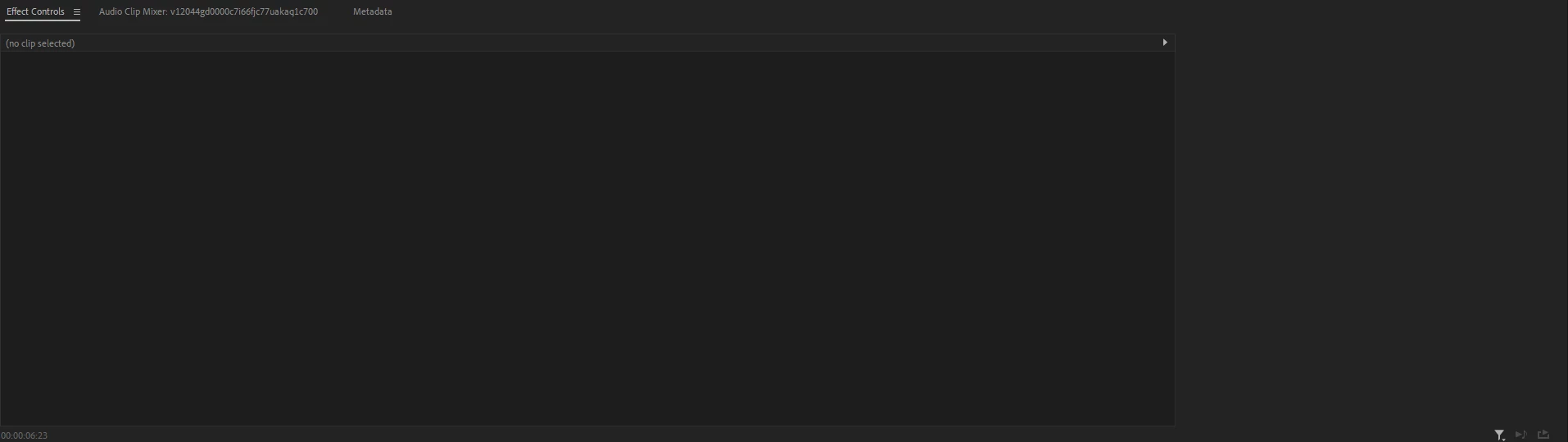
 

60f6ff57156d9eb4093b834dd3d25b8c.png

ce310c8a5a73a8b75dce1f07d3749ddb.png

a5f8adf3b4311b803f26e79cabfa5cdc.png


TOPICS
Editing , User interface or workspaces
119
Translate
Report
Community guidelines
Be kind and respectful, give credit to the original source of content, and search for duplicates before posting. Learn more
community guidelines
LEGEND ,
Jan 19, 2022 Jan 19, 2022
LATEST

You can reset the workspace which will restore things to their previous or 'normal' state ... double-click on the workspace name in the Workspace bar, or use Alt-Shift-0 which is the keyboard shortcut.


Neil

Translate
Report
Community guidelines
Be kind and respectful, give credit to the original source of content, and search for duplicates before posting. Learn more
community guidelines

